

RuneScape: Dragonwilds server hosting
Keep your Ashenfall world online.
A dedicated world for your group that stays up when the host logs off. Console friends join with an invite code.
- DDoS protected
- 24/7 support
- Live the moment you pay
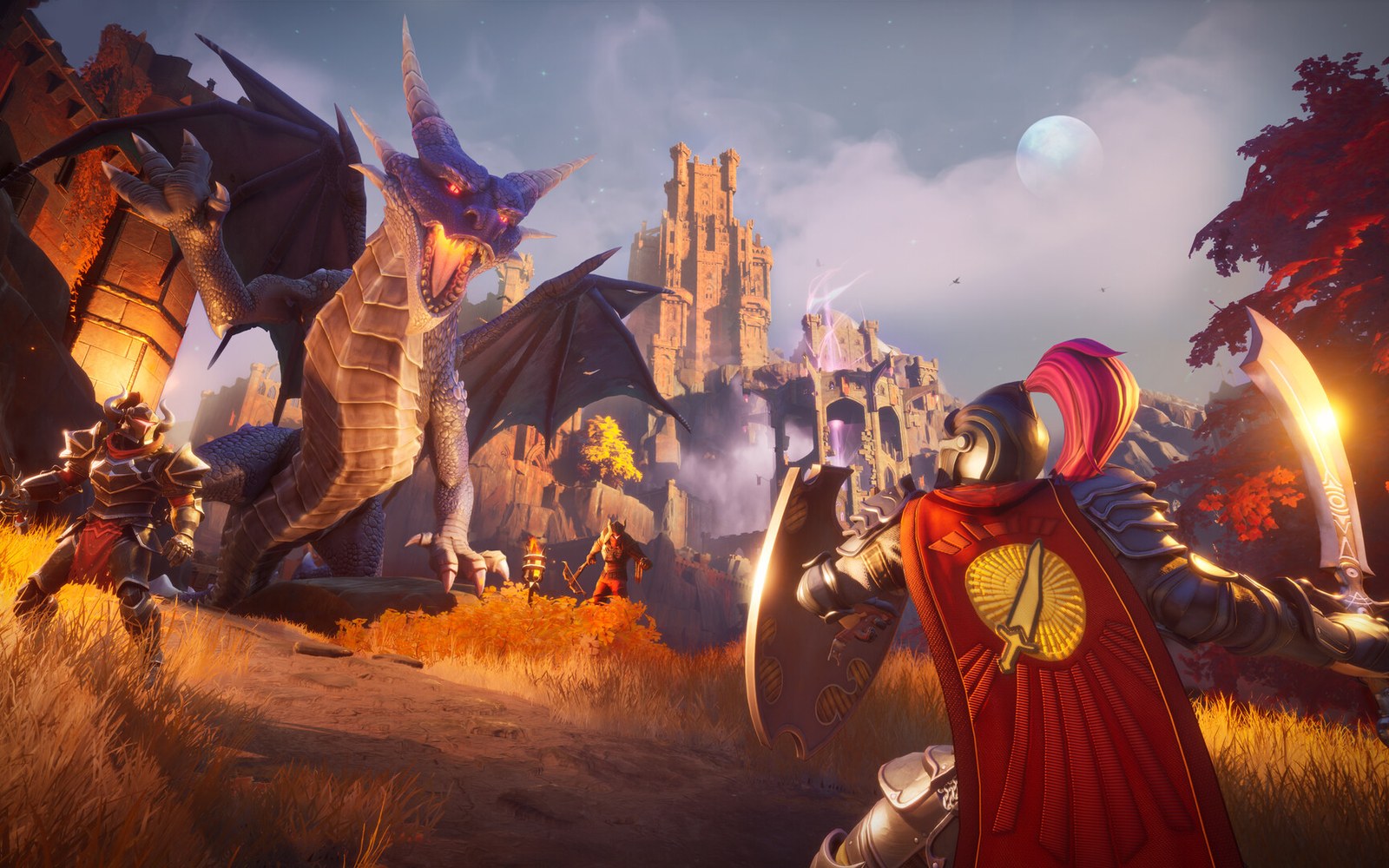
RuneScape: Dragonwilds
From $4.99 first monthPick a size
4 GB
2 players
6 GB
4 players
8 GB
6 players
Standard plan, 6 GB
$7.49first monthSetting up your Dragonwilds server
- Server reserved
- Dragonwilds installed
- Address ready
Nothing for you to do here. Really.
You are live
OnlinePaste this into Dragonwilds and play.
Server address
203.0.113.24:7777
3 friends joined
- DDoS protectionAlways on, every plan
- 24/7 supportReal people, any hour
- Low pingFast game hardware
- Live in 60 secondsNo setup, no waiting
- Cancel any timeNo contracts, ever
Pricing
Pick your Dragonwilds plan
Every plan is live the moment you pay. Upgrade or cancel from your dashboard any time.

Starter
4 GBThen $9.99/mo.
Splitting with 3 friends? $3.52 each/mo
- 4 GB RAM
- 2 vCPU cores
- Up to 2 players
- DDoS protection included
- 24/7 support
Standard
6 GBThen $14.99/mo.
Splitting with 3 friends? $4.77 each/mo
- 6 GB RAM
- 2 vCPU cores
- Up to 4 players
- DDoS protection included
- 24/7 support
Pro
8 GBThen $19.99/mo.
Splitting with 3 friends? $6.02 each/mo
- 8 GB RAM
- 2 vCPU cores
- Up to 6 players
- DDoS protection included
- 24/7 support
Made for Dragonwilds
Everything a great Dragonwilds server needs
Always online
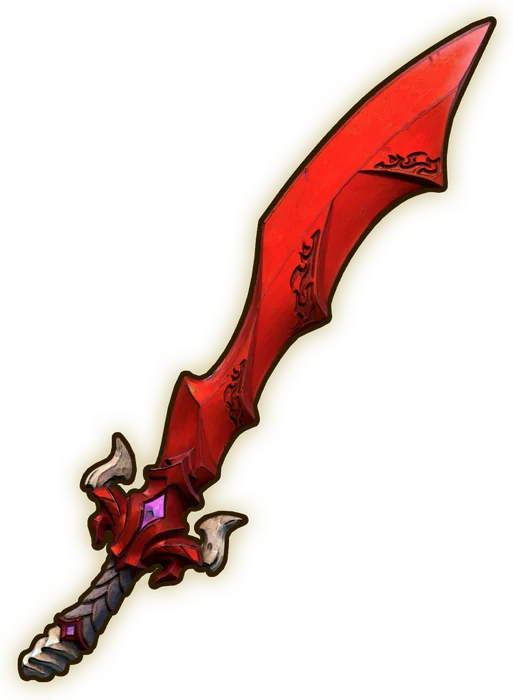
Your world keeps its progress even when nobody is playing.
Crossplay invites
Friends on PC and console join with a code.
World backups
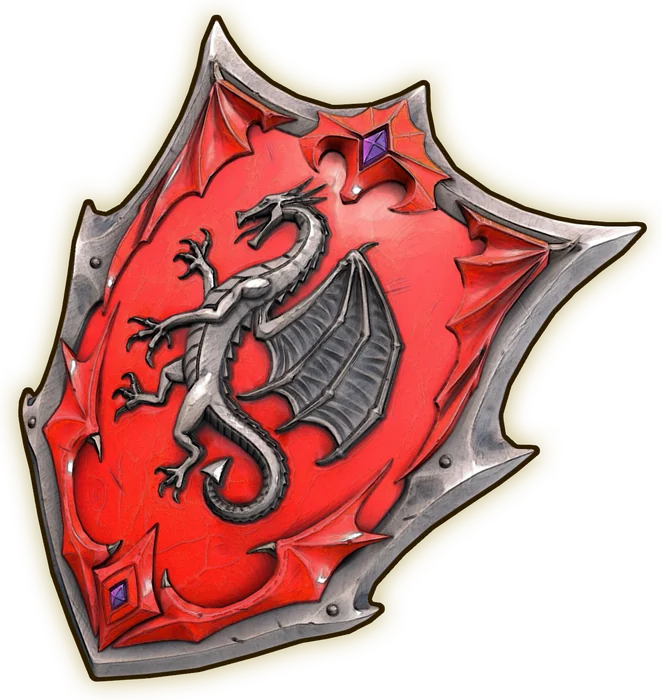
Snapshot before every big fight.
In game
A look inside Dragonwilds
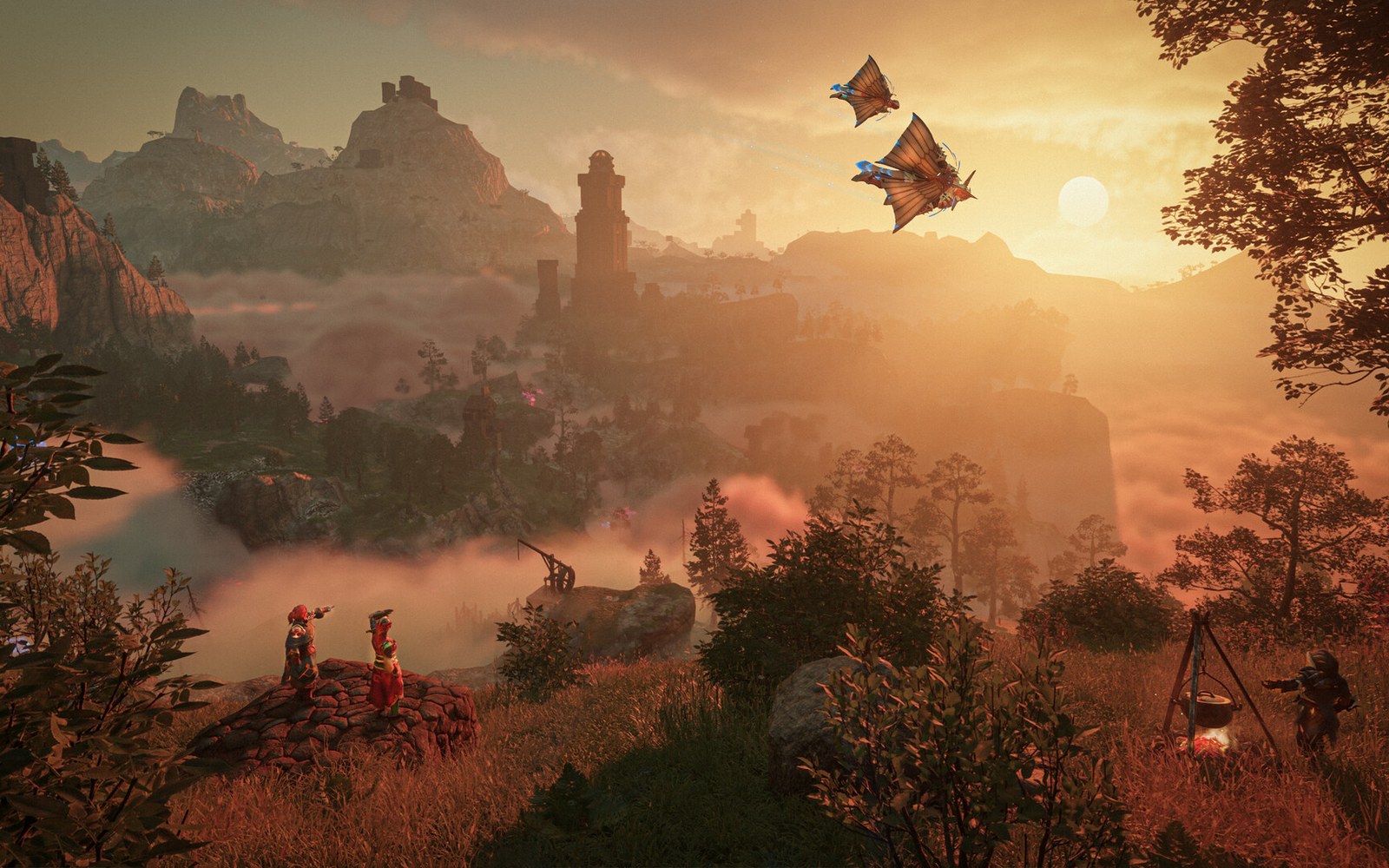
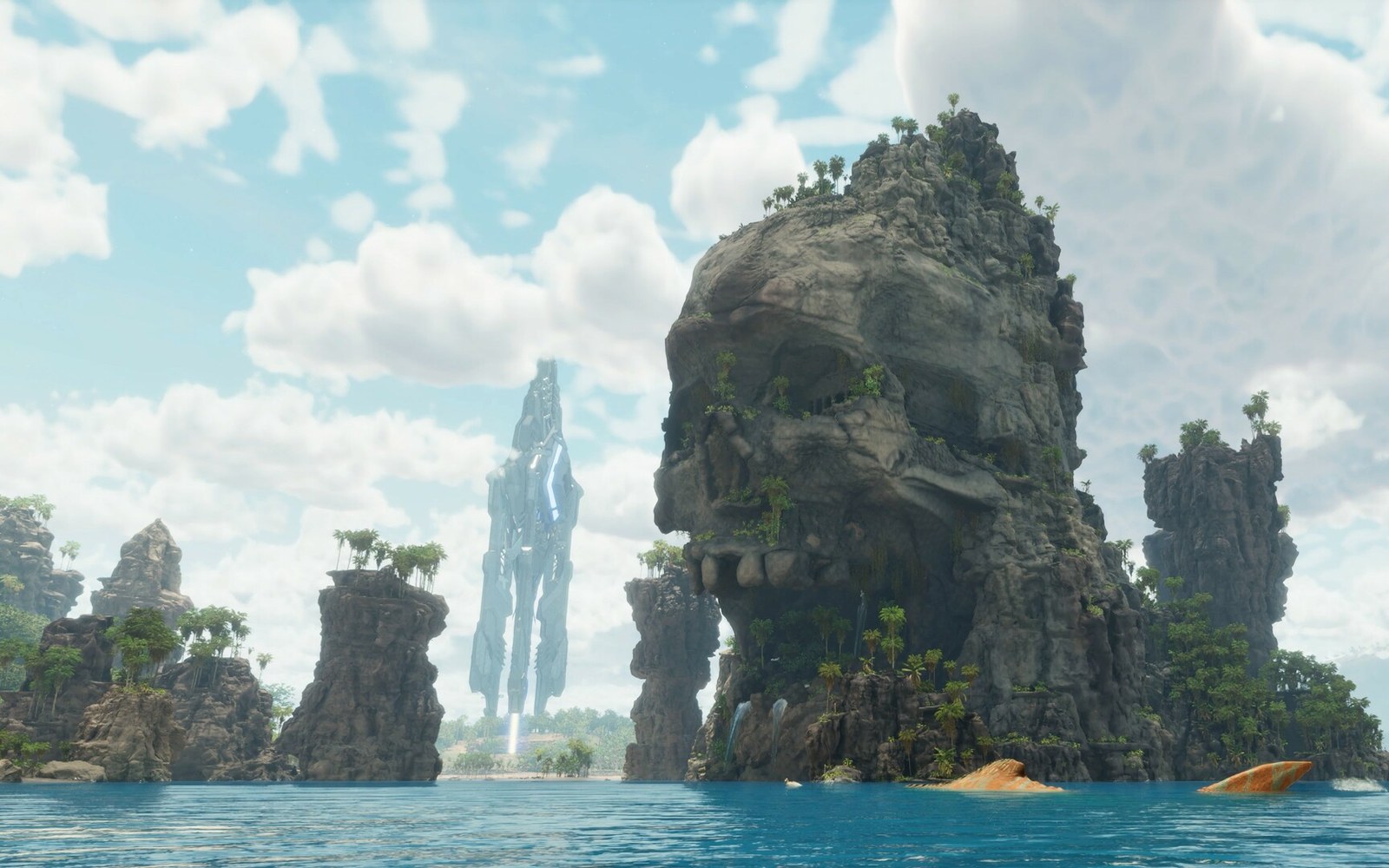
Real screenshots from the game. Click any of them to see it full size.
Requirements
How much RAM does a Dragonwilds server need?
Find the row that sounds like your group and we will point you at the right plan.
| Your server | RAM | Plan |
|---|---|---|
| Duo world, 2 players | 4 GB | Starter$9.99/mo |
| Small group, up to 4 players | 6 GB | Standard$14.99/mo |
| Full world, 6 players | 8 GB | Pro$19.99/mo |
Your control panel
Every button you need. Try it.
This is the Dragonwilds panel you get. Click any button, or type a command.

Dragonwilds Server
203.0.113.24:7777
[12:00:00] Starting RuneScape: Dragonwilds server
[12:00:03] Loading world
[12:00:06] Server started on port 7777
[12:00:09] Ready for players. Try a button.
Power
Connecting
How to join your Dragonwilds server
- 1
Start RuneScape: Dragonwilds on PC, PlayStation 5, Xbox Series X|S or Nintendo Switch 2.
- 2
Open the Worlds screen and search the Public tab for your exact world name. It is case sensitive.
- 3
For crossplay, enter the invite code in the world browser. Anyone already in the world can find it in the pause menu.
- 4
Enter the world password if you set one, pick your character and join.
Common problems
Server not responding
Make sure the server is online. Servers sleep after 90 minutes with nobody playing, and anyone with access can start them again from the dashboard in one click.
Use the server address
Do not use localhost, 127.0.0.1 or your own IP from a home hosting guide. Copy the exact address of the server.
No port forwarding or firewall changes
Opening ports on your router is only for hosting a server at home, so there is nothing to change to join this one. If Windows asks whether to let the game through the firewall, choose Allow.
About
RuneScape: Dragonwilds server hosting, explained
RuneScape: Dragonwilds is built around a persistent world in Ashenfall, and in normal co-op that world only exists while the host is playing. A dedicated server keeps it running on its own, so the group can log in whenever suits them, build the base together and pick up quests without waiting for one person to go online. Jagex ships the server as a free tool for 64 bit Windows and Linux, and it holds up to 6 players, two more than an in game hosted world.
Setting it up yourself means installing the server with SteamCMD, filling in your Owner ID, server name, world name and admin password in DedicatedServer.ini, and forwarding UDP port 7777. Since the 1.0 release on 15 September 2026, dedicated worlds support crossplay through invite codes, which is the only way to give a PlayStation, Xbox or Switch 2 group an always online world, because consoles cannot run the server themselves.
Jagex recommends 2 GB of RAM plus 1 GB per player, which is how our plans are sized: 4 GB for a duo, 6 GB for four players and 8 GB for a full world of six. You can move a world you started in single player or co-op by uploading its save file, and take a backup before every big boss fight so a bad wipe never costs you your progress.
Guides
Dragonwilds server guides
Dragonwilds7 min readHow to Host a RuneScape Dragonwilds Server (2026 Guide)
How to host a RuneScape Dragonwilds server for up to 6 players in about a minute: pick a plan, split the cost, set up crossplay, admins and your world.
ReadDragonwilds4 min readHow to Become Admin on a RuneScape Dragonwilds Server
How to become admin on a Dragonwilds dedicated server: Owner ID, the admin password, the Server Management tab, and who can ban and unban players.
ReadDragonwilds6 min readHow to Make a RuneScape Dragonwilds Server (2026 Guide)
Set up a RuneScape Dragonwilds dedicated server with SteamCMD on Windows or Linux. Config, ports, invite codes, crossplay and the 6 player limit.
ReadDragonwilds4 min readHow to Transfer a RuneScape Dragonwilds World to a Server
Move your Dragonwilds co-op or solo world to a dedicated server: find the .sav file, upload it without renaming, set the world name and keep your progress.
ReadDragonwilds4 min readRuneScape Dragonwilds Crossplay on a Dedicated Server
How Dragonwilds crossplay works on a dedicated server since 1.0: PlatformPolicy, invite codes, console privacy settings and why PS5 or Xbox friends cannot join.
ReadDragonwilds5 min readRuneScape Dragonwilds Server Not Showing Up? How to Fix It
Dragonwilds server not showing up in the Public worlds search? Fix the world name, version mismatch, startup, crossplay and port problems that hide it.
ReadNo surprises
Included on every plan
- Always on DDoS protection
- 24/7 support from real people
- Low ping game hardware
- Live the moment you pay
- Your own address and port
- Live console with full access
- One click game actions
- One click backups
- Upgrade or cancel any time
FAQ
Questions, answered
How many players can join?
Up to 6 players on a dedicated server, compared with 4 when a player hosts the world in game.
Can console players join?
Yes. Since the 1.0 update, dedicated servers support crossplay. Players on PC, PlayStation 5, Xbox Series X|S and Nintendo Switch 2 join with the invite code.
Can I move my existing world to the server?
Yes. Upload the world save file from your PC and set it as the world to load. Back up the original first.
Do my friends need to own the game?
Yes. Everyone needs their own copy of RuneScape: Dragonwilds on their platform. The server itself is free, so there is nothing extra to buy.
How do I get admin controls in game?
Set an admin password in the panel. Enter it in game to open the server management tab, where you can manage players and the world.
Are your servers protected from DDoS attacks?
Yes. Every server on every plan sits behind always on DDoS protection at no extra cost, so attacks and booters do not knock your group offline.
When can I get help?
Any time. Support is 24/7, and the people answering run game servers every day. Email support@gamezservers.com whenever you need us.
Will my server lag?
Our servers run on fast game hardware on low latency networks for smooth, low ping play. If your group grows or adds heavy mods, upgrade in one click and keep your world.
How fast is setup, really?
Your server starts building the moment Stripe confirms payment. Most are online in under a minute, and the address and login appear on your dashboard automatically.
More games
Players who host Dragonwilds also host
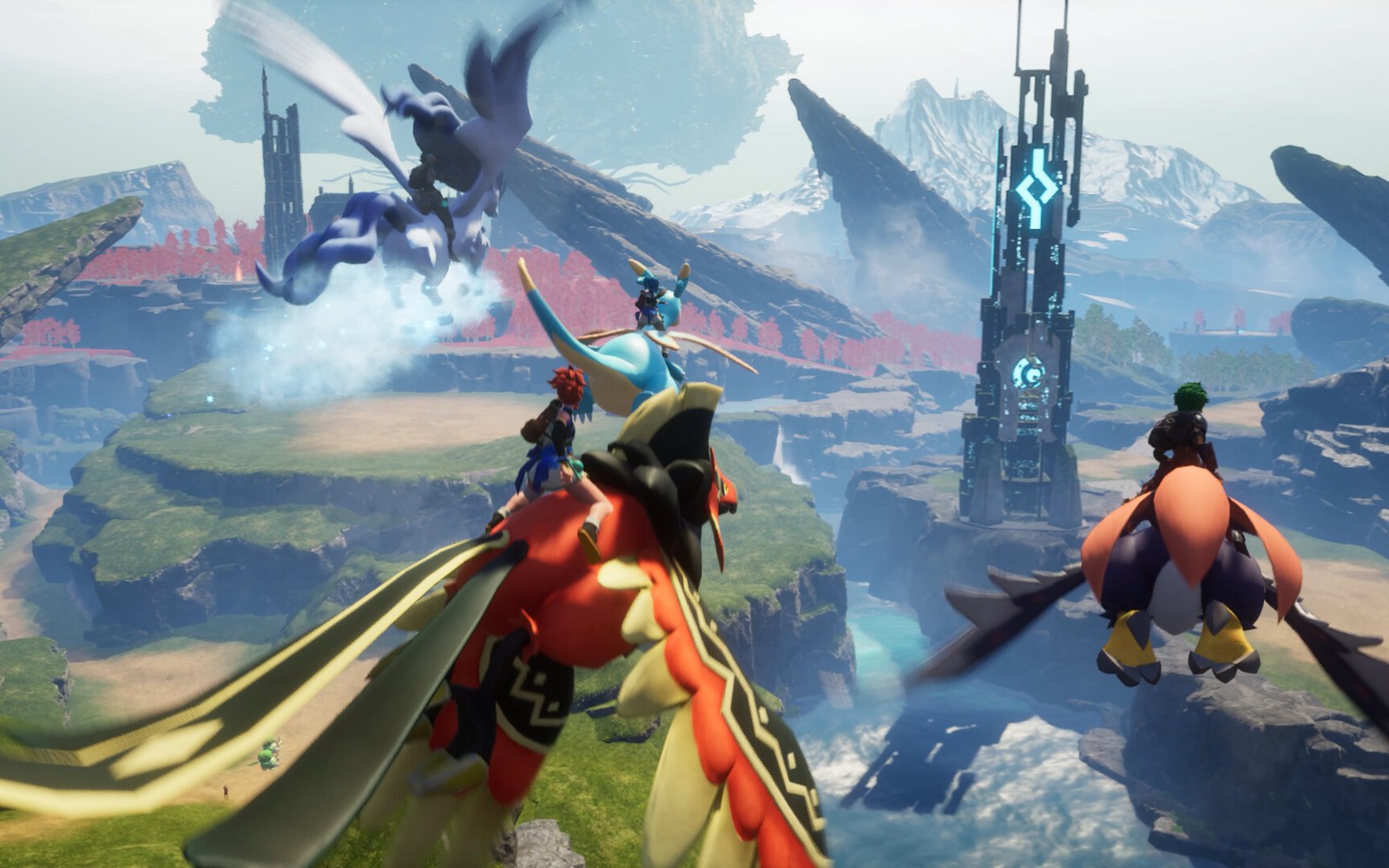

Your Dragonwilds server is a minute away
Keep your Ashenfall world online.
Deploy Dragonwilds nowLive in 60 seconds · Cancel any time
RuneScape and RuneScape: Dragonwilds are trademarks of Jagex Limited. GamezServers is not affiliated with or endorsed by Jagex.
Dragonwilds
From $4.99 first month