


Palworld server hosting
Catch, build and battle with your crew.
A persistent Palpagos for your friends. Tune the world settings, invite your crew and keep your base running while you sleep.
- DDoS protected
- 24/7 support
- Live the moment you pay

Palworld
From $14.99 first monthPick a size
12 GB
8 players
16 GB
16 players
24 GB
32 players
Standard plan, 16 GB
$19.99first monthSetting up your Palworld server
- Server reserved
- Palworld installed
- Address ready
Nothing for you to do here. Really.
You are live
OnlinePaste this into Palworld and play.
Server address
203.0.113.24:8211
3 friends joined
- DDoS protectionAlways on, every plan
- 24/7 supportReal people, any hour
- Low pingFast game hardware
- Live in 60 secondsNo setup, no waiting
- Cancel any timeNo contracts, ever
Pricing
Pick your Palworld plan
Every plan is live the moment you pay. Upgrade or cancel from your dashboard any time.


Starter
12 GBThen $29.99/mo.
Splitting with 3 friends? $8.52 each/mo
- 12 GB RAM
- 3 vCPU cores
- Up to 8 players
- DDoS protection included
- 24/7 support
Standard
16 GBThen $39.99/mo.
Splitting with 3 friends? $11.02 each/mo
- 16 GB RAM
- 4 vCPU cores
- Up to 16 players
- DDoS protection included
- 24/7 support
Pro
24 GBThen $59.99/mo.
Splitting with 3 friends? $16.02 each/mo
- 24 GB RAM
- 6 vCPU cores
- Up to 32 players
- DDoS protection included
- 24/7 support
Made for Palworld
Everything a great Palworld server needs


World settings made easy
Capture rates, XP and day length from simple menus.
Always on
Your base keeps working even when nobody is online.
Safe saves
Back up before updates so a patch never costs you your Pals.
In game
A look inside Palworld
Real screenshots from the game. Click any of them to see it full size.
Requirements
How much RAM does a Palworld server need?
Find the row that sounds like your group and we will point you at the right plan.
| Your server | RAM | Plan |
|---|---|---|
| Small group of friends, up to 8 players | 12 GB | Starter$29.99/mo |
| Recommended for most worlds, up to 16 players | 16 GB | Standard$39.99/mo |
| Full 32 player server or big late game bases | 24 GB | Pro$59.99/mo |
Your control panel
Every button you need. Try it.
This is the Palworld panel you get. Click any button, or type a command.
Palworld Server
203.0.113.24:8211
[12:00:00] Starting Palworld server
[12:00:03] Loading world
[12:00:06] Server started on port 8211
[12:00:09] Ready for players. Try a button.
Power
Palworld actions
Connecting
How to join your Palworld server
- 1
Launch Palworld and choose Join Multiplayer Game from the title screen.
- 2
Type the server address, for example 203.0.113.10:8211, into the box at the bottom of the server list.
- 3
Click Connect and enter the server password if you set one.
- 4
Console players cannot type an address, so turn on the community server listing and they can find your server by name.
Common problems
Include the port
Type the whole address, including the colon and the number after it.
Server not responding
Make sure the server is online. Servers sleep after 90 minutes with nobody playing, and anyone with access can start them again from the dashboard in one click.
Use the server address
Do not use localhost, 127.0.0.1 or your own IP from a home hosting guide. Copy the exact address of the server.
No port forwarding or firewall changes
Opening ports on your router is only for hosting a server at home, so there is nothing to change to join this one. If Windows asks whether to let the game through the firewall, choose Allow.
Mods and plugins
Modding your Palworld server
Palworld servers can run community tools that load alongside the game. Mods break easily after big patches, so check each one supports the current version before you update, and remove old ones rather than just disabling them.
About
Palworld server hosting, explained
A Palworld dedicated server is PalServer, a free program from Pocketpair installed through SteamCMD. In a normal co-op game the world only exists while the host is playing, and only a handful of friends can join. A dedicated server keeps Palpagos online around the clock, supports up to 32 players and keeps your base Pals working while everyone is offline.
Every world setting lives in PalWorldSettings.ini, which you create by copying DefaultPalWorldSettings.ini into the server config folder. That is where you set the server name and passwords, the player cap, XP and capture rates, day and night speed, death penalty and the crossplay platforms. Since the 1.0 release, Steam, Xbox, PlayStation 5 and Mac players can share one server, with console players finding it through the community server list.
Pocketpair recommends 16 GB of memory for a dedicated server. Palworld can boot on less, but memory use grows as bases fill up with Pals and structures, and running out causes crashes and rollbacks. Fast SSD storage matters too, because slow disks can damage saves. Our plans start at 12 GB for small groups and go up to 24 GB for full servers, with backups a click away before every patch.
Guides
Palworld server guides
How to Host a Palworld Server (Quick Start Guide)
How to host a Palworld server in minutes. Pick a plan, share your address, set capture rates and passwords in PalWorldSettings.ini and move your world over.
ReadHow to Make a Palworld Server (2026 Guide)
Set up a Palworld 1.0 dedicated server with SteamCMD. PalWorldSettings.ini, launch options, port 8211, crossplay and how friends join.
ReadHow to Transfer a Palworld Co-op Save to a Dedicated Server
Move your Palworld co-op or single player world to a dedicated server. Save paths, DedicatedServerName, WorldOption.sav and fixing the host character.
ReadPalworld Admin Commands for Dedicated Servers (Full List)
Every Palworld admin command for dedicated servers: how to become admin, kick and ban players, teleport, save, broadcast and shut down the server safely.
ReadPalworld Server Connection Timed Out? How to Fix It (2026)
Getting "connection timed out" joining a Palworld dedicated server? Fix the address, port 8211, firewall, version mismatch and crossplay settings step by step.
ReadPalworld Server Settings Not Working? Fix PalWorldSettings.ini
Palworld server settings not working? Why PalWorldSettings.ini changes are ignored (WorldOption.sav, wrong file, running server) and how to fix it.
ReadNo surprises
Included on every plan
- Always on DDoS protection
- 24/7 support from real people
- Low ping game hardware
- Live the moment you pay
- Your own address and port
- Live console with full access
- One click game actions
- One click backups
- Upgrade or cancel any time
FAQ
Questions, answered


How many players can join?
Up to 32. Pocketpair recommends 16 GB, and big late game bases feel best on 24 GB.
Can I move my co-op world over?
Yes. Upload your save and it becomes your dedicated world.
Does Palworld crossplay work on a dedicated server?
Yes. Since 1.0, Steam, Xbox, PS5 and Mac players can join the same server. Console players cannot enter an IP, so the server needs to be listed in the community server list for them.
Can I change capture rates and XP?
Yes. Rates, day length, death penalty and more come from PalWorldSettings.ini, and the common ones are editable from the panel.
Why did my friends get a version mismatch error?
The server and every player must be on the same game version. After a patch, update the server with a restart and have everyone update through their store.
Can I password protect my server?
Yes. Set a server password so only people you share it with can join, and a separate admin password for commands.
Are your servers protected from DDoS attacks?
Yes. Every server on every plan sits behind always on DDoS protection at no extra cost, so attacks and booters do not knock your group offline.
When can I get help?
Any time. Support is 24/7, and the people answering run game servers every day. Email support@gamezservers.com whenever you need us.
Will my server lag?
Our servers run on fast game hardware on low latency networks for smooth, low ping play. If your group grows or adds heavy mods, upgrade in one click and keep your world.
How fast is setup, really?
Your server starts building the moment Stripe confirms payment. Most are online in under a minute, and the address and login appear on your dashboard automatically.
More games
Players who host Palworld also host




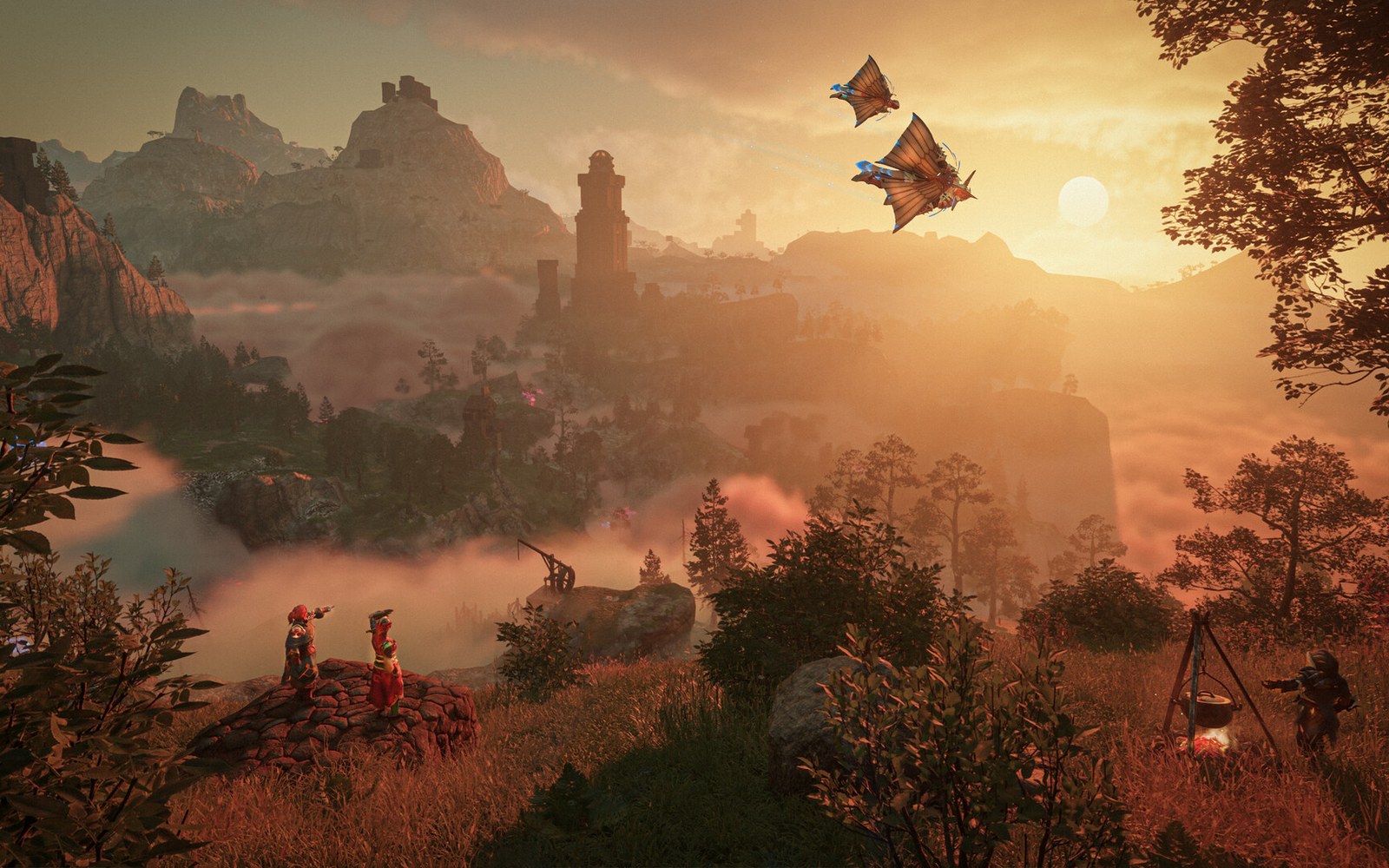



Your Palworld server is a minute away
Catch, build and battle with your crew.
Deploy Palworld nowLive in 60 seconds · Cancel any time
Palworld is a trademark of Pocketpair, Inc. GamezServers is not affiliated with or endorsed by Pocketpair.
Palworld
From $14.99 first month