
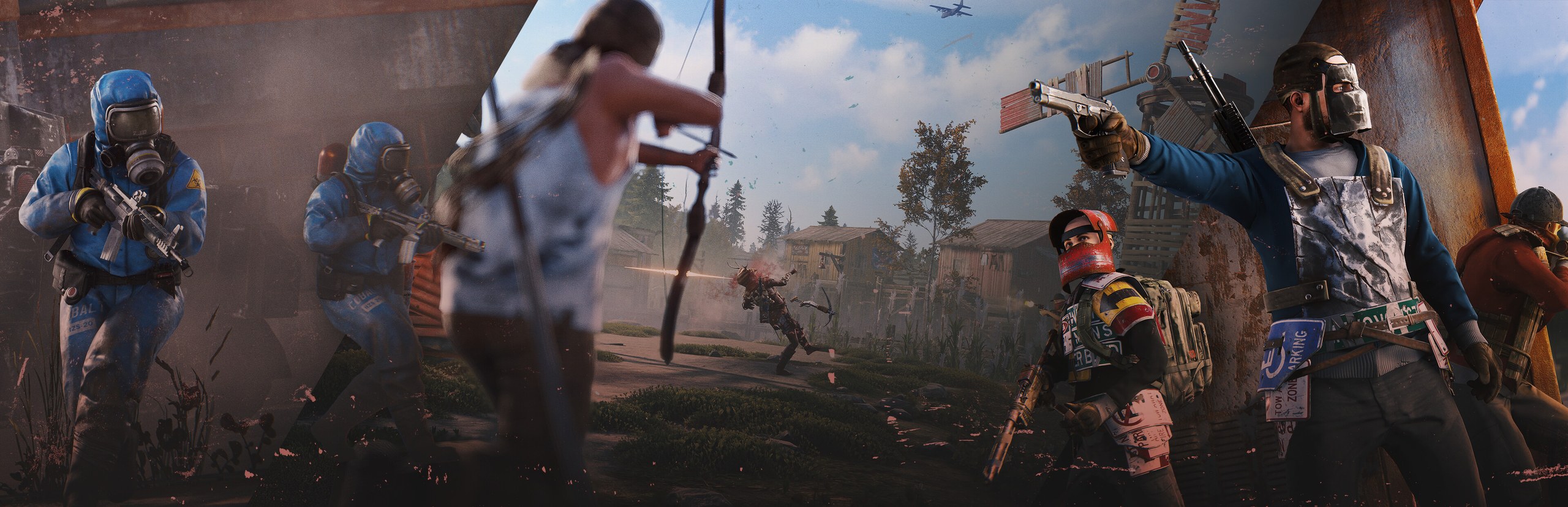

Rust server hosting
Run the wipe your way.
Your map, your rates, your rules. Oxide plugins ready, wipes in a click, and a live console for when things get loud.
- DDoS protected
- 24/7 support
- Live the moment you pay

Rust
From $9.99 first monthPick a size
8 GB
50 players
12 GB
100 players
16 GB
200 players
Standard plan, 12 GB
$14.99first monthSetting up your Rust server
- Server reserved
- Rust installed
- Address ready
Nothing for you to do here. Really.
You are live
OnlinePaste this into Rust and play.
Server address
203.0.113.24:28015
3 friends joined
- DDoS protectionAlways on, every plan
- 24/7 supportReal people, any hour
- Low pingFast game hardware
- Live in 60 secondsNo setup, no waiting
- Cancel any timeNo contracts, ever
Pricing
Pick your Rust plan
Every plan is live the moment you pay. Upgrade or cancel from your dashboard any time.
Starter
8 GBThen $19.99/mo.
Splitting with 3 friends? $6.02 each/mo
- 8 GB RAM
- 2 vCPU cores
- Up to 50 players
- DDoS protection included
- 24/7 support
Standard
12 GBThen $29.99/mo.
Splitting with 3 friends? $8.52 each/mo
- 12 GB RAM
- 3 vCPU cores
- Up to 100 players
- DDoS protection included
- 24/7 support
Pro
16 GBThen $39.99/mo.
Splitting with 3 friends? $11.02 each/mo
- 16 GB RAM
- 4 vCPU cores
- Up to 200 players
- DDoS protection included
- 24/7 support
Made for Rust
Everything a great Rust server needs
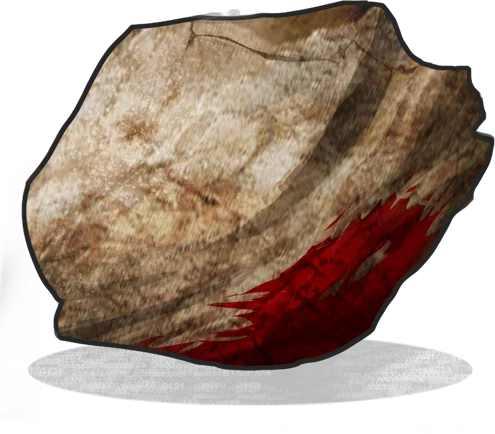
Wipe in one click
Map wipes and full wipes without logging into anything.
Oxide ready
Drop in uMod plugins and reload them from the panel.
Built for full pop
Plans sized for busy servers, not just you and a friend.
In game
A look inside Rust
Real screenshots from the game. Click any of them to see it full size.
Requirements
How much RAM does a Rust server need?
Find the row that sounds like your group and we will point you at the right plan.
| Your server | RAM | Plan |
|---|---|---|
| Small map around 3000, up to 50 players | 8 GB | Starter$19.99/mo |
| Standard 4000 map with light plugins, up to 100 players | 12 GB | Standard$29.99/mo |
| Large map, custom maps or heavy plugin packs, 100 to 200 players | 16 GB | Pro$39.99/mo |
Your control panel
Every button you need. Try it.
This is the Rust panel you get. Click any button, or type a command.
Rust Server
203.0.113.24:28015
[12:00:00] Starting Rust server
[12:00:03] Loading world
[12:00:06] Server started on port 28015
[12:00:09] Ready for players. Try a button.
Power
Rust actions
Connecting
How to join your Rust server
- 1
Launch Rust and wait for the main menu to load.
- 2
Press F1 to open the console.
- 3
Type client.connect followed by the server address, for example client.connect 203.0.113.10:28015, and press Enter.
- 4
Once your server shows up in the Community or Modded tab, you and your friends can also find it by name and add it to Favorites.
Common problems
Not in the server list yet
New servers can take a while to show up in the Community tab. Pasting the connect command into the F1 console always works.
Cannot connect after a Rust update
Rust updates on the first Thursday of every month. The owner restarts the server so it updates too, then everyone can join again.
Making someone an admin
The owner types ownerid followed by the player's Steam ID in the dashboard console, then that player reconnects.
Server not responding
Make sure the server is online. Servers sleep after 90 minutes with nobody playing, and anyone with access can start them again from the dashboard in one click.
Use the server address
Do not use localhost, 127.0.0.1 or your own IP from a home hosting guide. Copy the exact address of the server.
No port forwarding or firewall changes
Opening ports on your router is only for hosting a server at home, so there is nothing to change to join this one. If Windows asks whether to let the game through the firewall, choose Allow.
Mods and plugins
Modding your Rust server
Rust servers are modded with server side plugins, so players never download anything. Install a framework, drop .cs plugin files into its plugins folder and they compile and load on the fly. Servers running plugins are listed in the Modded tab of the server browser.
About
Rust server hosting, explained
A Rust dedicated server is the RustDedicated program from Facepunch, installed through SteamCMD and started with a line of launch options that set the map, seed, world size, player cap and RCON details. Rust has no co-op or listen server mode, so every multiplayer world, from a three person group to a 200 player monthly, runs on a dedicated server like this one.
Rust revolves around wipes. Facepunch ships a big update on the first Thursday of each month and every server has to wipe its map when it does, while many communities also wipe weekly or biweekly to keep things fresh. The world size and seed decide the map: a 3000 size map suits a small group, 4000 to 4500 is the classic community size, and anything bigger needs more memory and fuller servers to feel alive.
Memory is the resource that runs out first. RAM use climbs as players build bases and the entity count grows through a wipe, and every plugin adds a little more on top. Plan for 8 GB on small maps, 12 GB for a standard server and 16 GB for big maps or heavy plugin packs. Hosting with us gives you one click wipes, an Oxide ready install and a live console, without renting and tuning a whole machine.
Guides
Rust server guides
How to Host a Rust Server (Step by Step, 2026)
How to host a Rust server with GamezServers: pick a plan, split the cost with friends, go live in about 60 seconds, then set up plugins, admin and wipes.
ReadHow to Install Rust Plugins (Oxide and Carbon, 2026)
How to install Rust plugins with Oxide (uMod) or Carbon: install the framework, add .cs plugins, edit configs, grant permissions and fix plugins after updates.
ReadHow to Make a Rust Server (2026 Guide)
Set up your own Rust dedicated server with SteamCMD. Launch options, server.cfg, ports, admin, Oxide plugins, wipes and how friends connect.
ReadHow to Make Yourself Admin on a Rust Server (ownerid)
How to make yourself admin on your Rust server with ownerid and moderatorid, save it with server.writecfg, and use admin commands and Oxide admin groups.
ReadHow to Wipe a Rust Server (Map, Blueprint and Full Wipe)
How to wipe a Rust server: exactly which files to delete for a map wipe, blueprint wipe or full wipe, plus force wipe day, new seeds and plugin data.
ReadRust Server Not Showing in Server Browser? How to Fix It
Rust server not showing in the Community or Modded tab? Fix the query port, browser filters, wrong tab and version issues, and join by F1 connect meanwhile.
ReadNo surprises
Included on every plan
- Always on DDoS protection
- 24/7 support from real people
- Low ping game hardware
- Live the moment you pay
- Your own address and port
- Live console with full access
- One click game actions
- One click backups
- Upgrade or cancel any time
FAQ
Questions, answered
How much RAM does Rust need?
Standard maps with up to 100 players run well on 12 GB. Go bigger for large maps or heavy plugins.
Can I use custom maps?
Yes. Point the server at your map URL and it loads on the next wipe.
Do I have to wipe every month?
The map has to wipe when Facepunch releases the monthly update on the first Thursday of the month, because old maps do not load on the new version. Blueprint wipes are up to you.
Can I install Oxide or Carbon plugins?
Yes. Pick your framework, upload plugins to the plugins folder and reload them from the panel without a restart.
How do I make myself an admin?
Run ownerid followed by your SteamID64 in the console, then reconnect. Moderators use moderatorid instead.
Will my server show in the community list?
Yes. Servers appear in the Community tab, or the Modded tab when plugins are installed, usually a few minutes after starting.
Are your servers protected from DDoS attacks?
Yes. Every server on every plan sits behind always on DDoS protection at no extra cost, so attacks and booters do not knock your group offline.
When can I get help?
Any time. Support is 24/7, and the people answering run game servers every day. Email support@gamezservers.com whenever you need us.
Will my server lag?
Our servers run on fast game hardware on low latency networks for smooth, low ping play. If your group grows or adds heavy mods, upgrade in one click and keep your world.
How fast is setup, really?
Your server starts building the moment Stripe confirms payment. Most are online in under a minute, and the address and login appear on your dashboard automatically.
More games
Players who host Rust also host


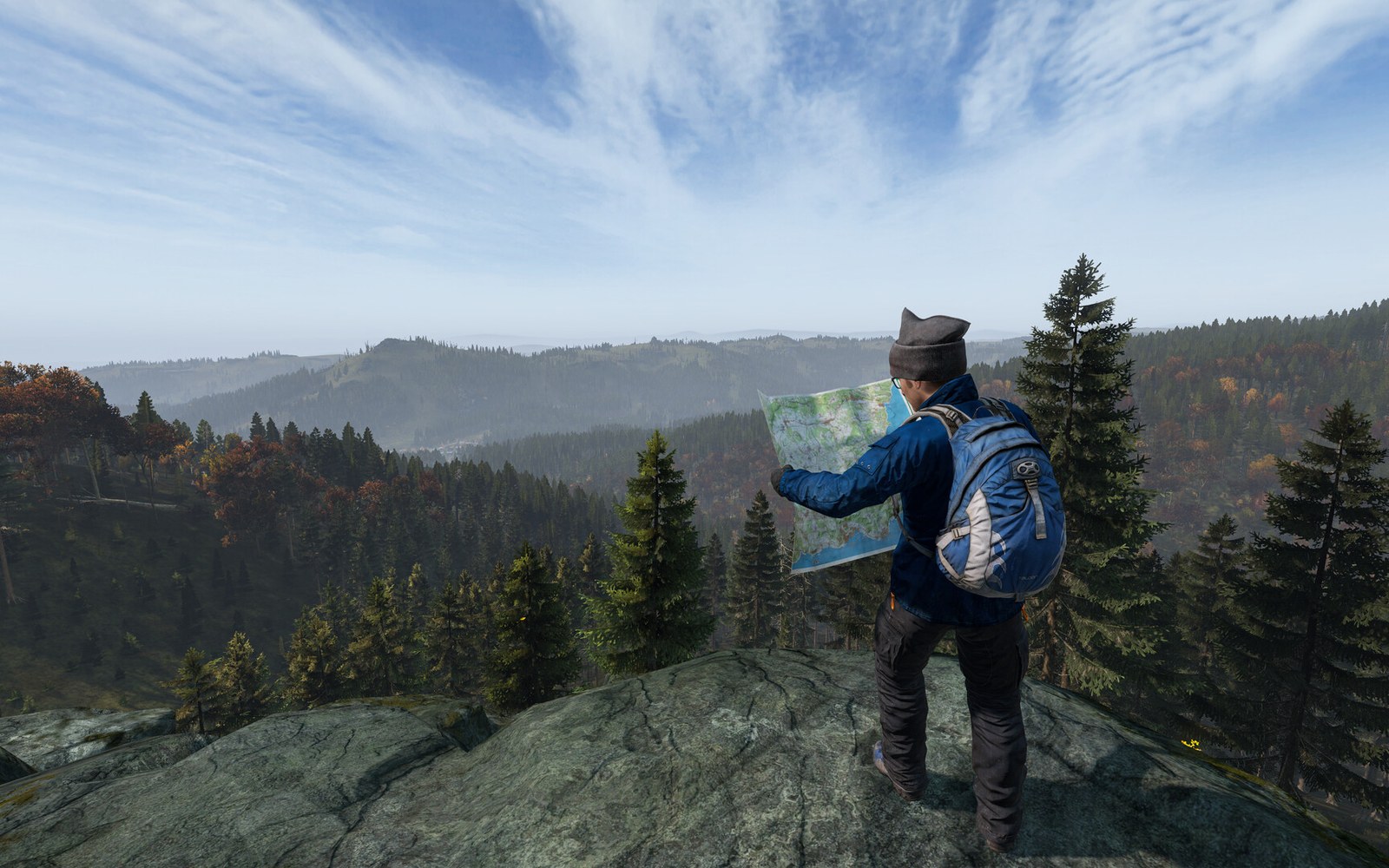




Your Rust server is a minute away
Run the wipe your way.
Deploy Rust nowLive in 60 seconds · Cancel any time
Rust is a trademark of Facepunch Studios Limited. GamezServers is not affiliated with or endorsed by Facepunch Studios, and our servers are unofficial.
Rust
From $9.99 first month