
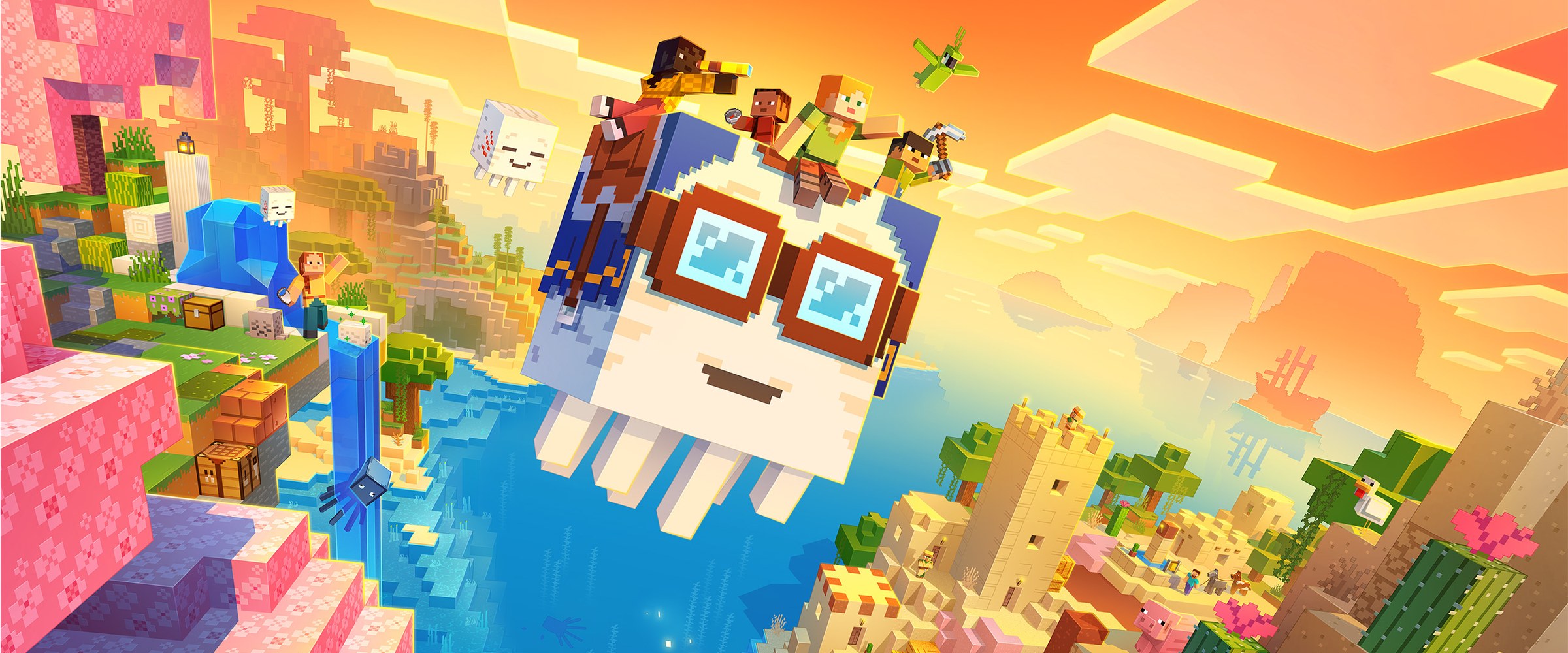
Minecraft: Bedrock Edition server hosting
One world for phones, PCs and consoles.
The official Bedrock Dedicated Server, online in about a minute. Friends on Windows, iPhone, Android, Xbox, PlayStation and Switch play in the same world.
- DDoS protected
- 24/7 support
- Live the moment you pay
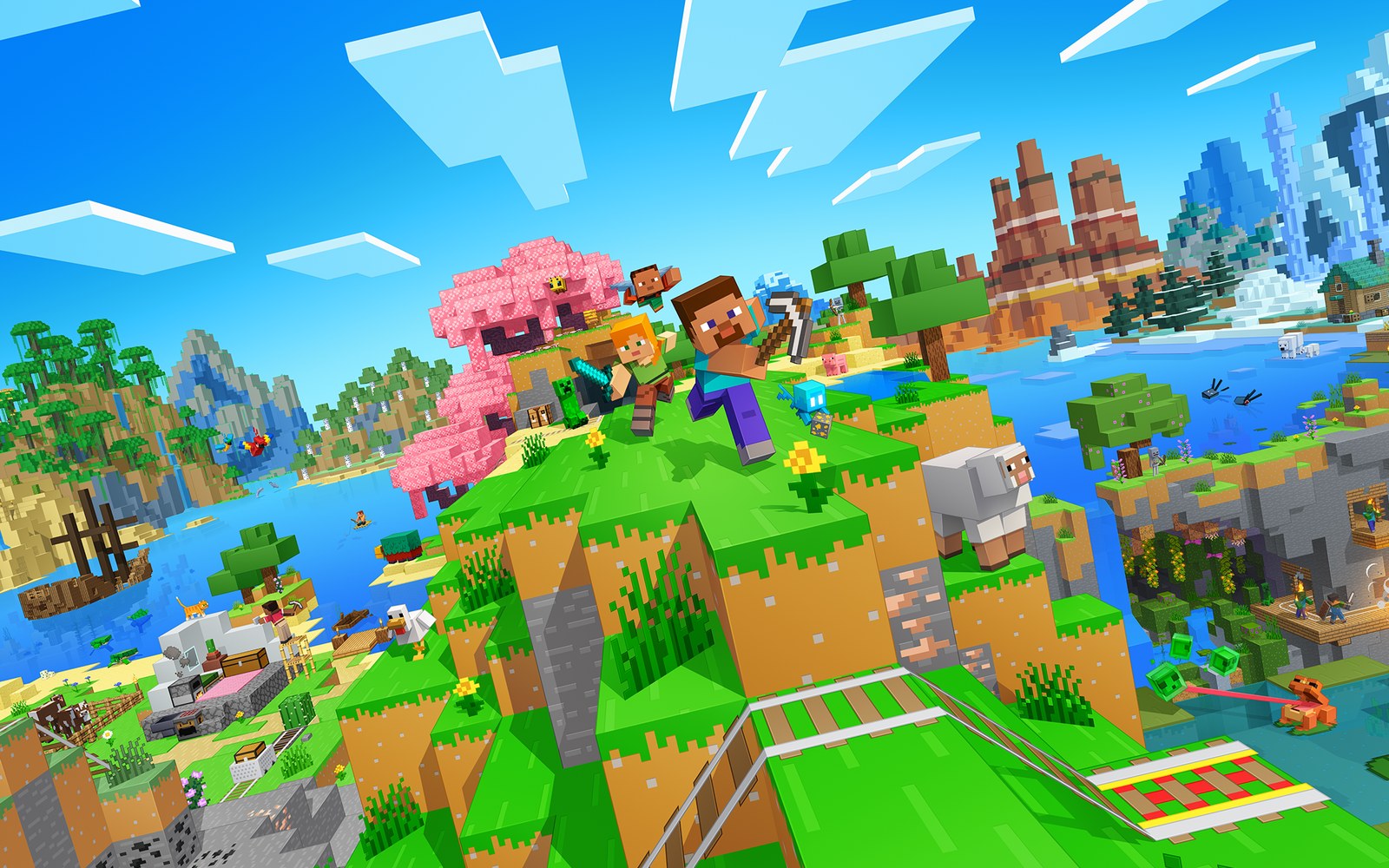
Minecraft: Bedrock Edition
From $2.49 first monthPick a size
2 GB
10 players
4 GB
25 players
6 GB
50 players
Standard plan, 4 GB
$4.99first monthSetting up your Minecraft Bedrock server
- Server reserved
- Minecraft Bedrock installed
- Address ready
Nothing for you to do here. Really.
You are live
OnlinePaste this into Minecraft Bedrock and play.
Server address
203.0.113.24:19132
3 friends joined
- DDoS protectionAlways on, every plan
- 24/7 supportReal people, any hour
- Low pingFast game hardware
- Live in 60 secondsNo setup, no waiting
- Cancel any timeNo contracts, ever
Pricing
Pick your Minecraft Bedrock plan
Every plan is live the moment you pay. Upgrade or cancel from your dashboard any time.
Starter
2 GBThen $4.99/mo.
Splitting with 3 friends? $2.27 each/mo
- 2 GB RAM
- 2 vCPU cores
- Up to 10 players
- DDoS protection included
- 24/7 support
Standard
4 GBThen $9.99/mo.
Splitting with 3 friends? $3.52 each/mo
- 4 GB RAM
- 2 vCPU cores
- Up to 25 players
- DDoS protection included
- 24/7 support
Pro
6 GBThen $14.99/mo.
Splitting with 3 friends? $4.77 each/mo
- 6 GB RAM
- 2 vCPU cores
- Up to 50 players
- DDoS protection included
- 24/7 support
Made for Minecraft Bedrock
Everything a great Minecraft Bedrock server needs
Crossplay on every device
Windows, iPhone, iPad, Android, Xbox, PlayStation and Switch players share one world.
Allowlist in one click
Add friends by Gamertag and op them straight from the panel.
Never lose a build
One click backups before every update or big change.
In game
A look inside Minecraft Bedrock
Real screenshots from the game. Click any of them to see it full size.
Requirements
How much RAM does a Minecraft Bedrock server need?
Find the row that sounds like your group and we will point you at the right plan.
| Your server | RAM | Plan |
|---|---|---|
| Survival with up to 10 friends | 2 GB | Starter$4.99/mo |
| Busy survival world or a few add-ons, 10 to 25 players | 4 GB | Standard$9.99/mo |
| Large explored world, heavy add-ons or 25 to 50 players | 6 GB | Pro$14.99/mo |
Your control panel
Every button you need. Try it.
This is the Minecraft Bedrock panel you get. Click any button, or type a command.
Minecraft Bedrock Server
203.0.113.24:19132
[12:00:00] Starting Minecraft: Bedrock Edition server
[12:00:03] Loading world
[12:00:06] Server started on port 19132
[12:00:09] Ready for players. Try a button.
Power
Minecraft Bedrock actions
Connecting
How to join your Minecraft Bedrock server
- 1
Update Minecraft to the newest version. Bedrock only joins servers on the same version.
- 2
On Windows, iPhone, iPad or Android, click Play, open the Servers tab and choose Add Server.
- 3
Type any name, then enter the server IP (the part of the address before the colon) and the port (the number after it).
- 4
Click Save, then pick the server in the list to join. Xbox, PlayStation and Switch cannot add servers this way, see the tips below.
Common problems
IP and port go in separate boxes
Bedrock asks for the Server Address and the Port separately. Put only the numbers before the colon in Server Address, and the number after the colon in Port. Leaving the port at 19132 is the most common reason a server will not connect.
"Outdated server" or "Outdated client"
Bedrock only connects when your game and the server run the same version. Update Minecraft from your app store, or ask the owner to click Update game in the dashboard after a new Minecraft release.
Playing on Xbox, PlayStation or Switch?
Consoles only show the featured servers and have no Add Server button. The usual workaround is the free BedrockConnect DNS method, which adds a screen where you type the address. Apps like BedrockTogether (phone) or Phantom (PC on the same Wi-Fi) can also make the server show up under Friends or LAN games.
"You are not invited to this server"
The allowlist is on and your Gamertag is not on it. Ask the owner to add you with Allowlist player, typing your Gamertag exactly.
On Java Edition?
Java Edition players cannot join a Bedrock server. For Java and Bedrock players together, run a Java server with Geyser instead.
Server not responding
Make sure the server is online. Servers sleep after 90 minutes with nobody playing, and anyone with access can start them again from the dashboard in one click.
Use the server address
Do not use localhost, 127.0.0.1 or your own IP from a home hosting guide. Copy the exact address of the server.
No port forwarding or firewall changes
Opening ports on your router is only for hosting a server at home, so there is nothing to change to join this one. If Windows asks whether to let the game through the firewall, choose Allow.
Mods and plugins
Modding your Minecraft Bedrock server
Bedrock uses add-ons: behavior packs change how the game works and resource packs change how it looks. Upload them in the Files tab or bring a world that already has them applied. Players download the resource packs automatically when they join. Java mods, plugins, Paper and Fabric do not work on Bedrock.
About
Minecraft: Bedrock Edition server hosting, explained
Minecraft: Bedrock Edition is the version of Minecraft on Windows, iPhone, iPad, Android, Xbox, PlayStation and Nintendo Switch. A Bedrock server keeps one world running for all of them, so friends on a phone, a console and a PC can build together without anyone hosting from their own device. Realms can do something similar, but a dedicated server gives you the files, the console, add-ons, more players and a world you can download whenever you like.
We run Mojang's own Bedrock Dedicated Server, the same software Mojang publishes for server owners. It is written in native code, so it needs far less memory than a Java server: 2 GB comfortably holds a group of friends, and RAM only becomes the limit with big explored worlds, heavy add-ons or crowds of 25 players or more.
The catch with Bedrock is versions. Phones and consoles update Minecraft automatically, and a player on a newer version cannot join an older server. When a new Minecraft update lands, click Update game in the dashboard: it backs up your world, installs the newest server and keeps your world, allowlist and settings.
Guides
Minecraft Bedrock server guides
Minecraft Bedrock7 min readHow to Host a Minecraft Bedrock Server (Step by Step, 2026)
Host a Minecraft Bedrock server for friends on phone, PC and console: pick a plan, add the IP and port, set up the allowlist, add-ons and updates.
ReadMinecraft Bedrock5 min readHow to Add Add-ons to a Minecraft Bedrock Server (Behavior Packs, 2026)
Install Bedrock add-ons, behavior packs and resource packs on a dedicated server: the upload a world method, manual pack install and experimental features.
ReadMinecraft Bedrock5 min readHow to Join a Minecraft Bedrock Server on Xbox, PS5 and Switch (2026)
Consoles have no Add Server button in Minecraft. How to join any Bedrock server on Xbox, PS4, PS5 and Switch with BedrockConnect DNS or a LAN app.
ReadMinecraft Bedrock4 min readMinecraft Bedrock "Outdated Server" and "Outdated Client" Fix
Bedrock says "Could not connect: Outdated server!" or "Outdated client!"? Why it happens after every update and how to match the game and server versions.
ReadNo surprises
Included on every plan
- Always on DDoS protection
- 24/7 support from real people
- Low ping game hardware
- Live the moment you pay
- Your own address and port
- Live console with full access
- One click game actions
- One click backups
- Upgrade or cancel any time
FAQ
Questions, answered
Can PlayStation, Xbox and Switch players join?
Yes, they play on the server like anyone else. Consoles just have no Add Server button, so console players use the free BedrockConnect DNS method to type in the address, or an app like BedrockTogether or Phantom that lists the server under Friends or LAN games.
Can Java Edition players join?
No. Bedrock Dedicated Server only accepts Bedrock players. If your group mixes Java and Bedrock, pick our Minecraft: Java Edition server and add Geyser, which lets Bedrock players join a Java world.
Why does it say "Outdated server"?
Minecraft updated on your device and the server is still on the older version. Click Update game in the dashboard. Your world is backed up first and kept.
Can I use add-ons and behavior packs?
Yes. Upload behavior and resource packs in the Files tab and list them in your world's pack files, or upload a world that already has them applied. Add-ons that need experimental features must have them turned on in the world before you upload it.
Can I upload my own world?
Yes. Export the world from Minecraft as a .mcworld file, unzip it, upload the folder into worlds and set the world name to that folder's name.
Is this better than a Realm?
A Realm is simpler, but only you and 10 friends can be online at once and there is no file access. A dedicated server lets you manage the files, run console commands, choose the player limit and download backups.
Do my friends need Xbox accounts?
Yes. Every Bedrock player signs in with a free Microsoft account, and the allowlist uses those Gamertags.
Are your servers protected from DDoS attacks?
Yes. Every server on every plan sits behind always on DDoS protection at no extra cost, so attacks and booters do not knock your group offline.
When can I get help?
Any time. Support is 24/7, and the people answering run game servers every day. Email support@gamezservers.com whenever you need us.
Will my server lag?
Our servers run on fast game hardware on low latency networks for smooth, low ping play. If your group grows or adds heavy mods, upgrade in one click and keep your world.
How fast is setup, really?
Your server starts building the moment Stripe confirms payment. Most are online in under a minute, and the address and login appear on your dashboard automatically.
More games
Players who host Minecraft Bedrock also host
Your Minecraft Bedrock server is a minute away
One world for phones, PCs and consoles.
Deploy Minecraft Bedrock nowLive in 60 seconds · Cancel any time
NOT AN OFFICIAL MINECRAFT SERVICE. NOT APPROVED BY OR ASSOCIATED WITH MOJANG OR MICROSOFT. GamezServers is solely responsible for this service. Contact support@gamezservers.com.
Minecraft Bedrock
From $2.49 first month