


DayZ server hosting
Your rules, your map, your survivors.
Run a community server on Chernarus, Livonia, Sakhal or the new Badlands map. Mods, custom loot and restarts without touching a config file.
- DDoS protected
- 24/7 support
- Live the moment you pay
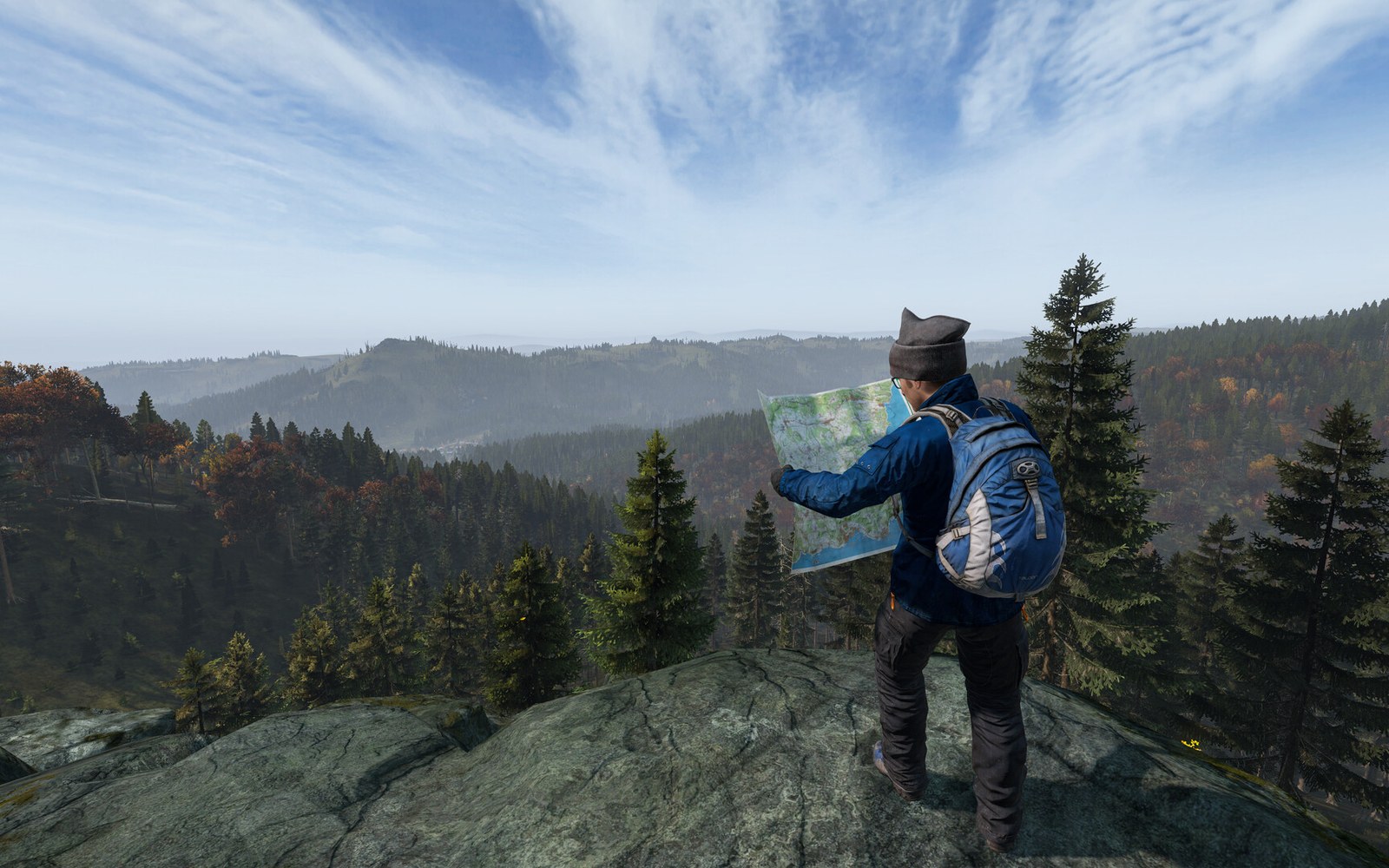
DayZ
From $9.99 first monthPick a size
8 GB
20 players
12 GB
40 players
16 GB
60 players
Standard plan, 12 GB
$14.99first monthSetting up your DayZ server
- Server reserved
- DayZ installed
- Address ready
Nothing for you to do here. Really.
You are live
OnlinePaste this into DayZ and play.
Server address
203.0.113.24:2302
3 friends joined
- DDoS protectionAlways on, every plan
- 24/7 supportReal people, any hour
- Low pingFast game hardware
- Live in 60 secondsNo setup, no waiting
- Cancel any timeNo contracts, ever
Pricing
Pick your DayZ plan
Every plan is live the moment you pay. Upgrade or cancel from your dashboard any time.


Starter
8 GBThen $19.99/mo.
Splitting with 3 friends? $6.02 each/mo
- 8 GB RAM
- 2 vCPU cores
- Up to 20 players
- DDoS protection included
- 24/7 support
Standard
12 GBThen $29.99/mo.
Splitting with 3 friends? $8.52 each/mo
- 12 GB RAM
- 3 vCPU cores
- Up to 40 players
- DDoS protection included
- 24/7 support
Pro
16 GBThen $39.99/mo.
Splitting with 3 friends? $11.02 each/mo
- 16 GB RAM
- 4 vCPU cores
- Up to 60 players
- DDoS protection included
- 24/7 support
Made for DayZ
Everything a great DayZ server needs
Badlands ready
Run the new Nasdara map from the day the expansion lands.
Workshop mods
Add mods and keys from the panel and restart.
Scheduled restarts
Keep the server fresh with automatic restarts and warnings.
In game
A look inside DayZ
Real screenshots from the game. Click any of them to see it full size.
Requirements
How much RAM does a DayZ server need?
Find the row that sounds like your group and we will point you at the right plan.
| Your server | RAM | Plan |
|---|---|---|
| Vanilla Chernarus or Livonia, up to 20 players | 8 GB | Starter$19.99/mo |
| Modded with Expansion or traders, up to 40 players | 12 GB | Standard$29.99/mo |
| Heavy mod list, Nasdara or a full 60 player server | 16 GB | Pro$39.99/mo |
Your control panel
Every button you need. Try it.
This is the DayZ panel you get. Click any button, or type a command.
DayZ Server
203.0.113.24:2302
[12:00:00] Starting DayZ server
[12:00:03] Loading world
[12:00:06] Server started on port 2302
[12:00:09] Ready for players. Try a button.
Power
DayZ actions
Connecting
How to join your DayZ server
- 1
Open the DayZ Launcher from Steam and go to the Servers tab.
- 2
Search for your server name, or use Direct Connect and paste the server ip:port.
- 3
If the server runs mods, let the launcher subscribe to and download them.
- 4
Click Play. Friends can use the same address or add the server to their favourites.
Common problems
Missing mods
Join through the DayZ Launcher, not the in game browser, so it can download the server's mods for you.
Server not responding
Make sure the server is online. Servers sleep after 90 minutes with nobody playing, and anyone with access can start them again from the dashboard in one click.
Use the server address
Do not use localhost, 127.0.0.1 or your own IP from a home hosting guide. Copy the exact address of the server.
No port forwarding or firewall changes
Opening ports on your router is only for hosting a server at home, so there is nothing to change to join this one. If Windows asks whether to let the game through the firewall, choose Allow.
Mods and plugins
Modding your DayZ server
DayZ mods come from the Steam Workshop. Add a mod in the panel and we download it, load it with the right -mod parameter and copy its .bikey into the keys folder so signature checks pass. Players join through the DayZ Launcher, which downloads the same mods for them.
About
DayZ server hosting, explained
A DayZ community server is where the game really opens up. Official servers all play the same way, but your own server lets you pick the map, tune loot and weather, set how fast day and night pass, and decide whether it is hardcore first person survival or a relaxed PvE base building world. Most of that lives in serverDZ.cfg and the mission files, such as types.xml for loot and cfggameplay.json for gameplay rules.
Self hosting DayZ takes more work than most games. The server files download through SteamCMD with a Steam account that owns DayZ, the game port 2302 and the Steam query port both need to be forwarded over UDP, every Workshop mod needs its key copied into the keys folder, and the server wants regular restarts to stay healthy. We handle the downloads, keys, ports and restart schedule, so you spend your time on the rules of your world instead of the plumbing.
DayZ is heavy on memory, especially with mods and large maps. Vanilla Chernarus runs well on 8 GB, popular mod stacks built on Community Framework and DayZ Expansion want 12 GB, and 60 player servers or big mod lists are safest on 16 GB. The Badlands expansion adds Nasdara, the largest official DayZ map at 267 square kilometres, from 15 October 2026, so plan for extra headroom if you want to run it.
Guides
DayZ server guides
How to Host a DayZ Server (Step by Step, 2026)
How to host a DayZ server with GamezServers: pick a plan, get your address in about 60 seconds, then set up serverDZ.cfg, Workshop mods, keys and loot.
ReadDayZ "Signature Check Timed Out" Kick? How to Fix It
Fix DayZ "Signature check timed out" and "Modified data" kicks on your server: missing .bikey files, mod version mismatches, load order and client side mods.
ReadDayZ Server Not Showing in Launcher? How to Fix It
DayZ server not showing in the launcher or server browser? Fix the query port, filters, version mismatch and DLC maps, and join by Direct Connect meanwhile.
ReadHow to Edit Loot on a DayZ Server (types.xml Explained)
How to edit loot on a DayZ server with types.xml: what nominal, min, lifetime and restock do, how to increase loot, and why changes seem to do nothing.
ReadHow to Install Mods on a DayZ Server (Workshop, Keys, Load Order)
How to install mods on a DayZ server: download Workshop mods, copy keys, set -mod and -serverMod, get load order right, add mod loot and update safely.
ReadHow to Make a DayZ Server (PC, 2026 Guide)
Set up a DayZ dedicated server with SteamCMD. serverDZ.cfg, mission files, ports, Workshop mods and keys, Linux, plus Badlands notes.
ReadNo surprises
Included on every plan
- Always on DDoS protection
- 24/7 support from real people
- Low ping game hardware
- Live the moment you pay
- Your own address and port
- Live console with full access
- One click game actions
- One click backups
- Upgrade or cancel any time
FAQ
Questions, answered
Do players need the Badlands expansion?
Only to play on the Nasdara map. Chernarus and the other maps work for everyone.
How many players can join?
Up to 60 on the larger plans. Heavily modded servers want 12 GB or more.
Can I run mods like DayZ Expansion?
Yes. Add Workshop mods from the panel. We load them and install their keys, and players get them through the DayZ Launcher when they join.
Which maps can I run?
Chernarus, Livonia, Sakhal and Nasdara from the Badlands expansion, plus community maps from the Workshop. Players need to own the matching DLC to join a DLC map.
Can console players join?
No. Our DayZ servers are PC servers. Xbox and PlayStation players use separate console servers.
Can I change loot and spawn rates?
Yes. Edit types.xml and the other mission files in the file manager, then restart. Back them up first, a broken XML file can stop the server from starting.
Why do players get kicked for signatures?
A mod is missing its key in the keys folder, or the player has a different mod version. Updating the mods and restarting usually fixes it.
Are your servers protected from DDoS attacks?
Yes. Every server on every plan sits behind always on DDoS protection at no extra cost, so attacks and booters do not knock your group offline.
When can I get help?
Any time. Support is 24/7, and the people answering run game servers every day. Email support@gamezservers.com whenever you need us.
Will my server lag?
Our servers run on fast game hardware on low latency networks for smooth, low ping play. If your group grows or adds heavy mods, upgrade in one click and keep your world.
How fast is setup, really?
Your server starts building the moment Stripe confirms payment. Most are online in under a minute, and the address and login appear on your dashboard automatically.
More games
Players who host DayZ also host



Your DayZ server is a minute away
Your rules, your map, your survivors.
Deploy DayZ nowLive in 60 seconds · Cancel any time
This website is not affiliated or authorized by Bohemia Interactive a.s. Bohemia Interactive, ARMA, DAYZ and all associated logos and designs are trademarks or registered trademarks of Bohemia Interactive a.s.
DayZ
From $9.99 first month