

Best Games to Host for a Classroom or School Club Server
Games teachers and club leaders host on their own server: free titles for school computers, games that teach systems thinking and esports club picks.
Updated Oct 7, 2026 · 6 min read
On this page
The best games to host for a classroom or school club are Luanti (Minetest), ClassiCube, Eco, OpenTTD, Factorio, Kerbal Space Program with Dark MultiPlayer, The Battle for Wesnoth and, for esports clubs, Trackmania and SuperTuxKart. Several are free, which matters when thirty students need a copy, and most run on 1 to 4 GB of RAM. A private server keeps the class in one shared world with a password, with no strangers and no student PC acting as host.
Teachers and club leaders tend to hit the same three problems: the school cannot buy a license per student, the school computers are old or locked down, and peer to peer hosting breaks the moment the host student's laptop sleeps. The picks below are sorted with those limits in mind.
Picks by what you are teaching
| Game | Good for | Free for students | RAM | Monthly price |
|---|---|---|---|---|
| Minetest (Luanti) | Building, collaboration, coding with Lua mods | Yes | 2 GB | 4.99 USD |
| ClassiCube | Building on any device, even in a browser | Yes | 1 GB | 2.99 USD |
| Eco | Ecology, economics, law and government | No | 4 GB | 9.99 USD |
| OpenTTD | Logistics, budgeting, planning | Yes | 2 GB | 4.99 USD |
| Factorio | Engineering, ratios, debugging | No | 2 GB | 4.99 USD |
| Kerbal Space Program (DMP) | Orbital mechanics, physics | No | 1 GB | 2.99 USD |
| The Battle for Wesnoth | Strategy, probability | Yes | 1 GB | 2.99 USD |
| Trackmania (2020) | Esports club, time trials | Free to play | 2 GB | 4.99 USD |
| SuperTuxKart | Casual club nights | Yes | 1 GB | 2.99 USD |
1. Minetest (Luanti)
Luanti, called Minetest until October 2024, is the go to for schools that want block building without buying licenses. It is free and open source, runs on Windows, Mac, Linux and Android, and copes with old hardware. Install VoxeLibre or Mineclonia for a Minecraft like experience, or keep Minetest Game for simple building projects. Mods are written in Lua, so an older class can move from building to scripting on the same server. The privilege system lets you hand out building, flying or teleport rights one student at a time.
- Class size: the Max Players setting starts at 15 and goes much higher.
- RAM: 2 GB for a small class, 4 GB for VoxeLibre with mods and a growing map, 8 GB for 30 or more students on a big mod pack.
2. ClassiCube
ClassiCube is compatible with Minecraft Classic and runs in a web browser, which makes it the easiest choice when students are on Chromebooks or locked down school PCs. Each student needs only a free classicube.net account. Freebuild worlds suit younger classes, and MCGalaxy, the server software we run, has ranks so you can keep a few students as builders and the rest as visitors.
- RAM: 1 GB covers a class with several worlds.
3. Eco
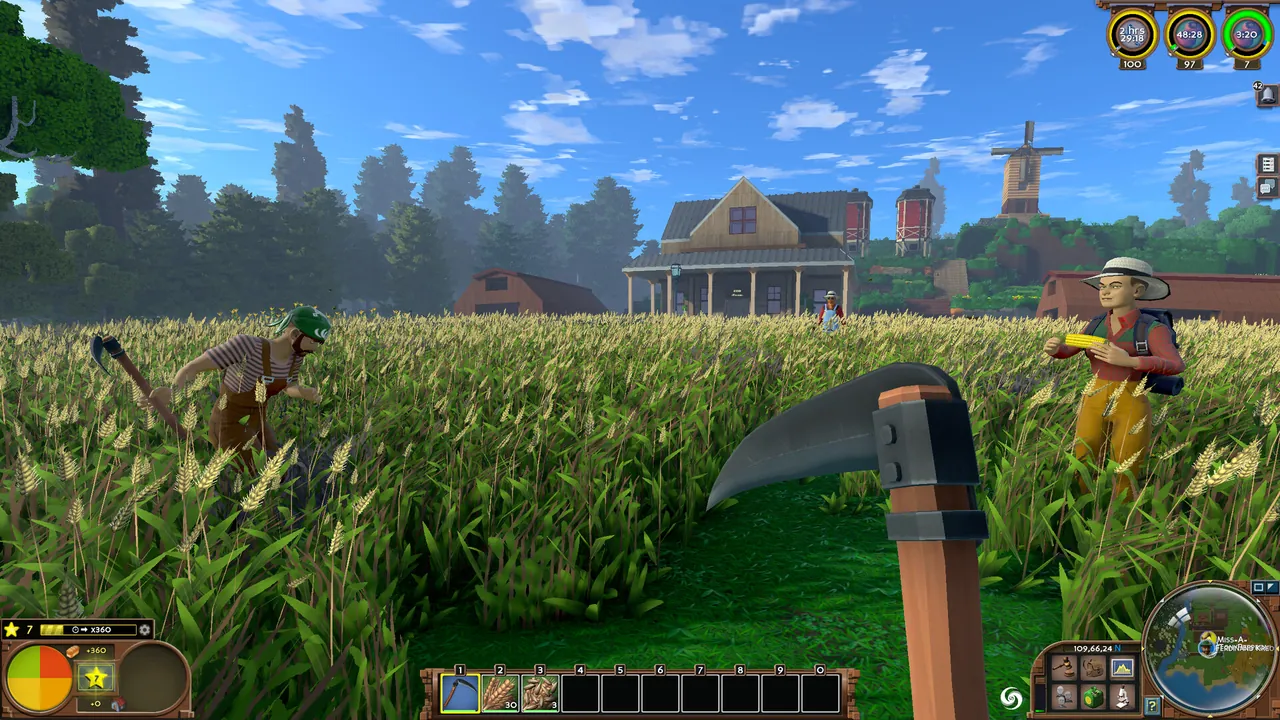
Eco was made for this kind of group. Players share one planet with a real ecosystem, specialise in professions, trade with their own currencies, pass laws and elect leaders, all while racing a meteor. Overhunt or pollute and the world suffers for it. Nobody can do everything alone, which turns cooperation into the lesson. The meteor timer counts real days from when the server first starts, 30 by default, so it fits a unit of work neatly.
- Class size: a default world suits about ten players. Larger classes need a bigger world.
- RAM: 4 GB for about ten, 8 GB as the world matures, 16 GB for dozens online.
4. OpenTTD
OpenTTD, the free remake of Transport Tycoon Deluxe, teaches budgets, loans, routing and cause and effect better than most textbooks. A server holds up to 15 companies, several students can share one company, and the rest can spectate. That makes team projects easy: five teams of three, each running a transport company on the same map.
- RAM: 2 GB for a classroom map, 4 GB for a full 15 company game.
5. Factorio
Factorio is an engineering club favorite. Students design production lines, calculate ratios and debug bottlenecks, and the game is fully deterministic, so a mistake is always reproducible. The headless server is light, and the factory keeps running between club meetings.
- RAM: 2 GB for a small group, 4 GB for Space Age or up to 16 players.
6. Kerbal Space Program with Dark MultiPlayer
Dark MultiPlayer is a free, open source mod that puts a group in one KSP universe. Students build rockets in their own hangar and meet in orbit to dock. Subspace warping lets each player time warp on their own clock. Physics runs on each player's PC, so the server stays very light. Every student needs KSP 1.12 and the DMP client mod.
- RAM: 1 GB for sandbox or science mode, 2 GB for a career universe.
7. The Battle for Wesnoth
A free, turn based strategy game on hex maps where every attack shows its odds, which makes it a quiet way into probability. Your own server is a private lobby with your welcome message and your moderation, and many games can run at once.
- RAM: 1 GB for a club lobby.
8. Trackmania (2020) and SuperTuxKart for clubs
For esports and gaming clubs, Trackmania is free to play and built for time trials, so everyone can compete without contact or toxicity. A dedicated server gives your club a room with its own track pack and passwords. SuperTuxKart is the casual option: free, open source and running on almost anything, with race, battle and soccer modes in one lobby.
- RAM: 2 GB for a Trackmania club room for up to 32, 1 GB for a SuperTuxKart lobby.
Before you set up a school server
- Ask IT about the network. School firewalls often block outgoing traffic on game ports. Give IT the server address and port from your panel so they can allow it.
- Use a whitelist or password. Every game here supports one. How to set a password on a game server covers each.
- Keep the admin password to yourself. Students get building rights, not admin.
- Back up before each lesson. If a student wrecks a shared build, roll back in a minute. How to restore a backup on a game server shows how.
Running the server on a school PC rarely works, because school networks do not allow port forwarding. A hosted server sidesteps that.
A class server without a school IT project
A GamezServers server is reachable from anywhere, so students can join from school or home with the same address. Nothing runs on school hardware, settings sit in a control panel, backups are one click, and you can change plans as the club grows. The cost can even be split: up to 10 people can each pay their share, which suits a club that collects dues. Start with Luanti or see all our games.
FAQ
What is the best free game for a classroom server?
Luanti (Minetest) for building and ClassiCube for browser play. Both are free and open source, so you only pay for the server.
Can students join a school game server from home?
Yes. A hosted server has a public address, so students can join from anywhere with the password. Check your school's rules on out of hours play first.
How much RAM does a server for a class of 30 need?
For Luanti with a modest mod list, 4 to 8 GB. For ClassiCube, 1 to 2 GB. For Eco with 30 active players, plan 12 GB or more.
Do school firewalls block game servers?
Often, yes. Ask IT to allow the server's address and port. A hosted server only needs outgoing connections from the school, which are easier to approve than port forwarding.
Want a server without the setup?
From75¢
Pick a game, pay, play. Live the moment checkout finishes.
 Minecraft