

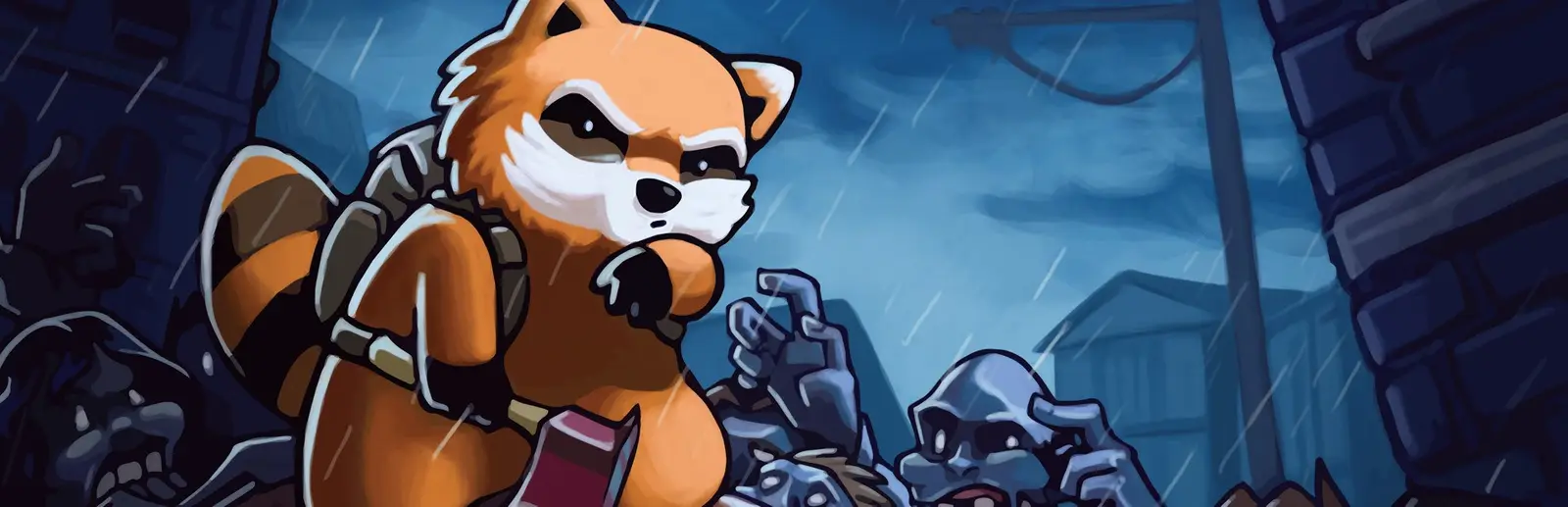
Your own Knox County, just for your group
Scavenge, farm and die together, on your own schedule.
The Starter plan gives a small group its own Build 42 world: 6 GB of RAM and 8 slots for $14.99 a month. Set a join password, send the address, and the apocalypse carries on whenever any of you logs in.
Staying longer? Subscribe and get 50% off your first month
- DDoS protected
- 24/7 support
- Live the moment you pay
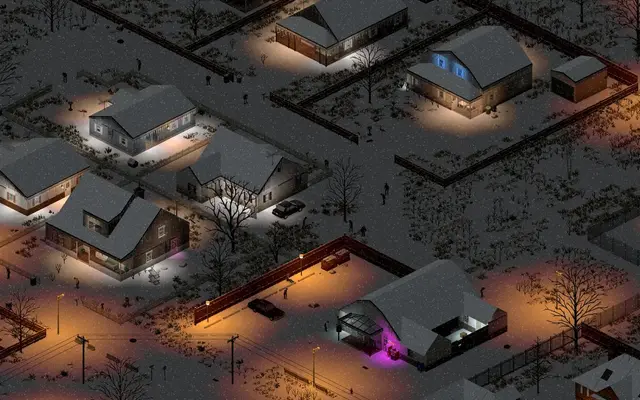

- Split the billUp to 10 friends, own cards
- Custom plansAny RAM up to 32 GB
- Prepaid or monthly3 days to 1 year
- Live in 60 secondsNo setup, no waiting
- Cancel any timeNo contracts, ever
Built for a few friends, not a public server
A world that does not wait for the host
Project Zomboid is at its best as a run that lasts for weeks: the safehouse slowly becomes a fortress, the crops come in and the generator gets its fuel. Hosting from someone's game means that run only exists while they are online.
On a dedicated server, the friend on night shift can log in at 3am, loot the warehouse and log off, and everyone else finds the haul in the morning. Started the world on a friend's PC? Upload the multiplayer save, as long as it was made on the same build.
Friends only, with no ini files
Set a Join password in the panel and only people you send it to get in. Turn off Show in the public server list so strangers never see the server, and switch on Whitelist only when you want accounts made by you alone.
With the whitelist on, press Add whitelisted account in the console, type a friend's username and password, and send them both. Each player's account is the username and password they use to join, so remind everyone to type the same ones every time, or they start over as a new character.
Co-op settings worth changing
A few settings make a friends server feel right. PvP is on by default in the game, so most co-op groups switch it off. PauseEmpty freezes time when nobody is online, so food does not rot and the power shutoff clock does not tick while you are all at work. Safehouses with respawn make deaths sting a little less.
These live in the .ini file in .cache/Server, named after your save name. Press Save world, stop the server, edit it in the file manager and start again.
Six friends on the Starter plan
Build 42 is hungrier than the old build, and 6 GB is the right size for a vanilla group of up to 6. Starter costs $14.99 a month, and new customers pay half for the first month.
Split it four ways and each friend pays about $4.75 a month from their own payment link, $1 payment fee included. You pay your share and the server starts straight away. When the group grows or you add mods, move to Standard with 8 GB and 16 slots and keep the same world.
Pick your Zomboid plan
Every plan is live the moment you pay. Upgrade or cancel from your dashboard any time.
Starter
6 GBThen $14.99/mo. $0.50 a day.
Splitting with 3 friends? $4.77 each/mo
- 6 GB RAM
- 2 vCPU cores
- Up to 4 players
- DDoS protection included
- 24/7 support
Standard
8 GBThen $19.99/mo. $0.67 a day.
Splitting with 3 friends? $6.02 each/mo
- 8 GB RAM
- 2 vCPU cores
- Up to 8 players
- DDoS protection included
- 24/7 support
Pro
12 GBThen $29.99/mo. $1.00 a day.
Splitting with 3 friends? $8.52 each/mo
- 12 GB RAM
- 3 vCPU cores
- Up to 16 players
- DDoS protection included
- 24/7 support
What comes set up on a Zomboid server
Password and whitelist
A join password and a real whitelist from panel settings, no ini editing.
Add accounts in one click
The Add whitelisted account button creates a friend's login for you.
Plays on your schedule
The world stays online for friends in any time zone, or pauses when everyone is offline.
Everyone pays their share
Each friend pays from their own link, and nobody fronts the whole bill.
Save world button
Save and back up the world before a risky night or a settings change.
A look inside Zomboid
Real screenshots from the game. Click any of them to see it full size.
This is the panel. Click around.
This is the Zomboid panel you get. Click any button, or type a command.

Zomboid Server
play.gamezservers.com:16261
[12:00:00] Starting Project Zomboid server
[12:00:03] Loading world
[12:00:06] Server started on port 16261
[12:00:09] Ready for players. Try a button.
Power
Zomboid actions
How to join your Zomboid server
- 1
Launch Project Zomboid on the same build as your server (Build 42 unless the server runs Build 41).
- 2
Click Join on the main menu.
- 3
Enter
203.0.113.24as the IP and16261as the port, the join password if there is one, and a username and password for your account on this server. - 4
Click Save, select the server in your list and click Join. Workshop mods download automatically.
Common problems
IP and port go in separate boxes
Type the part of the address before the colon as the IP, and the number after it as the port.
Your account is made on first join
The username and password you type the first time you join become your account on this server. Use the same ones every time, or you start over as a new character.
Same build as the server
A Build 41 game cannot join a Build 42 server. In Steam, open Project Zomboid, Properties, Game Versions and Betas, and pick the same branch as the server.
Server not responding
Make sure the server is online. Servers sleep after 4 days with nobody playing, and anyone with access can start them again from the dashboard in one click.
Use the server address
Do not use localhost, 127.0.0.1 or your own IP from a home hosting guide. Copy the exact address of the server.
No port forwarding or firewall changes
Opening ports on your router is only for hosting a server at home, so there is nothing to change to join this one. If Windows asks whether to let the game through the firewall, choose Allow.
Common questions
How many friends can play on the 6 GB plan?
Starter has 8 slots and suits a vanilla Build 42 group of up to 6. For up to 12 players or a few mods, Standard has 8 GB and 16 slots.
How do I make the server private?
Set a Join password, turn off Show in the public server list, and switch on Whitelist only. Then create each friend's account with the Add whitelisted account button.
Do my friends need to own the game?
Yes. Every player needs their own copy of Project Zomboid on Steam, on the same build as the server.
Why did my friend lose their character?
They joined with a different username or password. The account is made on the first join, so they need to use the same ones every time.
Can we bring our existing co-op save?
Yes, if it was made on the same build. With the server stopped, upload the Saves/Multiplayer world folder and its files from Server into the .cache folder, set Save name to the same name and start it.
Can I make myself admin?
Yes. The server creates an admin account on first start, with its login in your server settings. Or use the Make admin button to give your own account admin rights.
How many mods can I run?
As many as your plan handles. Big mod lists and map mods run best on 8 GB or more.
How do I add Workshop mods?
Put the Workshop IDs in the Workshop IDs setting and the Mod IDs in Mod IDs, separated by semicolons or commas, then restart. Both are listed at the bottom of each mod's Workshop page. Map mods also need their map folder in the Map setting.
Does the server run Build 42?
Yes. Build 42 has been the stable branch since 29 July 2026 and is the default. Pick the Build 41 server type if your group wants to keep playing Build 41.
Can my friends and I split the cost?
Yes. At checkout choose "Me and my friends" and up to 10 people each pay their own share with their own card, on any plan length, from 3 days to a year. It is not a payment plan: nobody pays in parts over time, each friend simply pays their own share. You pay yours, send each friend their link, and the server starts straight away. Each share includes a $1 payment fee.
Can I build a custom plan?
Yes. Every game has a Build your own page: pick any amount of RAM up to 32 GB, any length from 3 days to 1 year, prepaid or a subscription, plus your server type and settings. A custom size costs 15% more per GB than the standard plans next to it.
Can I pay once instead of a subscription?
Yes. Pick Prepaid and pay once for 3 days, 30 days, 6 months or a year. Nothing renews: when the time is up the server pauses and keeps its world for 14 days. Add time or switch to a subscription from your panel any time. Short rentals cost more per day, since every server is set up from scratch.
How fast is setup, really?
Your server starts building the moment Stripe confirms payment. Most are online in under a minute, and the address and login appear on your dashboard automatically.
Zomboid servers for every crew
Free servers
A free Project Zomboid server that keeps the apocalypse going
A real dedicated Zomboid server, with your share link covering the bill.
Modded servers
Modded Project Zomboid, no ini editing
Your Workshop collection, running for the whole group.
Build 42 servers
Build 42 multiplayer, ready for your group
The new Knox County, running around the clock.
Multiplayer server
A Project Zomboid multiplayer server that never logs off
Your group plays Knox County together, whoever is online.
Server rental
Rent a Project Zomboid server
Pay for a weekend, a month or a year. Live the moment you pay.
Zomboid server guides
Zomboid7 min readHow to Host a Project Zomboid Server (Build 42, 2026)
How to host a Project Zomboid server with GamezServers: choose a plan, split the bill, join in minutes, then set servertest.ini, sandbox and mods.
ReadZomboid5 min readHow to Reset a Player's Character on a Project Zomboid Server
Delete or reset one player's character on a Project Zomboid server without wiping the world, by editing players.db or changing their username.
ReadZomboid5 min readProject Zomboid Server Hosting Cost in 2026 (Build 42 and Mods)
What a Project Zomboid server costs per month for Build 42, how Workshop mods and map mods push the price up, per player costs, and the free hosting options.
ReadZomboid5 min readProject Zomboid Server World Reset After Restart? How to Fix It
Your Project Zomboid server came back as day one with default settings? Why a restart starts a new world, and how to get the old save back.
ReadZomboid6 min readHow to Add a Custom Spawn to a Project Zomboid Server
Add custom spawn points to a Project Zomboid server with spawnregions.lua and a spawnpoints file, per profession and for map mods, and the SpawnPoint trap.
ReadZomboid6 min readHow to Add a Workshop Collection to a Project Zomboid Server
Turn a Steam Workshop collection into Project Zomboid server mods: get every Workshop ID and Mod ID, the Build 42 Mods format, and the sub mods to leave out.
Read
Your Zomboid server is a minute away
Scavenge, farm and die together, on your own schedule.
Deploy Zomboid nowLive in 60 seconds · Cancel any time