

7 Days to Die vs Project Zomboid: Which Server Should You Host?
7 Days to Die vs Project Zomboid for a dedicated server: player caps, RAM and cost, crossplay, mods and play style, compared so your group picks the right one.
Updated Oct 7, 2026 · 5 min read
On this page
Host 7 Days to Die if your group wants action: first person combat, base building against a horde every seventh night, and console friends through crossplay. Host Project Zomboid if your group wants a slow, realistic survival sim where one bite can end a character and a world lasts for months. Project Zomboid is a little cheaper to host, starting at 6 GB for up to 6 players, while 7 Days to Die starts at 8 GB for up to 8. Both are better on a dedicated server, because both are built around a persistent world.
Both games are zombie survival with crafting, looting and bases, so groups often compare them. They play very differently, though, and the server choices that follow, crossplay, mods and how the world progresses, are different too.
Side by side
| 7 Days to Die | Project Zomboid | |
|---|---|---|
| View | First person | Isometric |
| Pace | Action, a horde every 7 days | Slow, realistic, permanent danger |
| Server RAM for up to 8 players | 8 GB | 8 GB (6 GB for up to 6) |
| Server RAM for 16 players | 12 GB | 12 GB with mods, 8 GB vanilla up to 12 |
| Monthly price for a group of 6 | 19.99 USD (8 GB) | 14.99 USD (6 GB) |
| Crossplay | Yes: Steam, PS5 and Xbox Series X and S | No, PC only |
| Mods | Overhaul mods, PC only, not on crossplay servers | Huge Steam Workshop scene |
| World | Navezgane or a random generated world | Knox County, fixed map plus map mods |
| Current version | V3.x | Build 42 stable since 29 July 2026 |
Prices are GamezServers monthly plans priced by RAM.
Play style
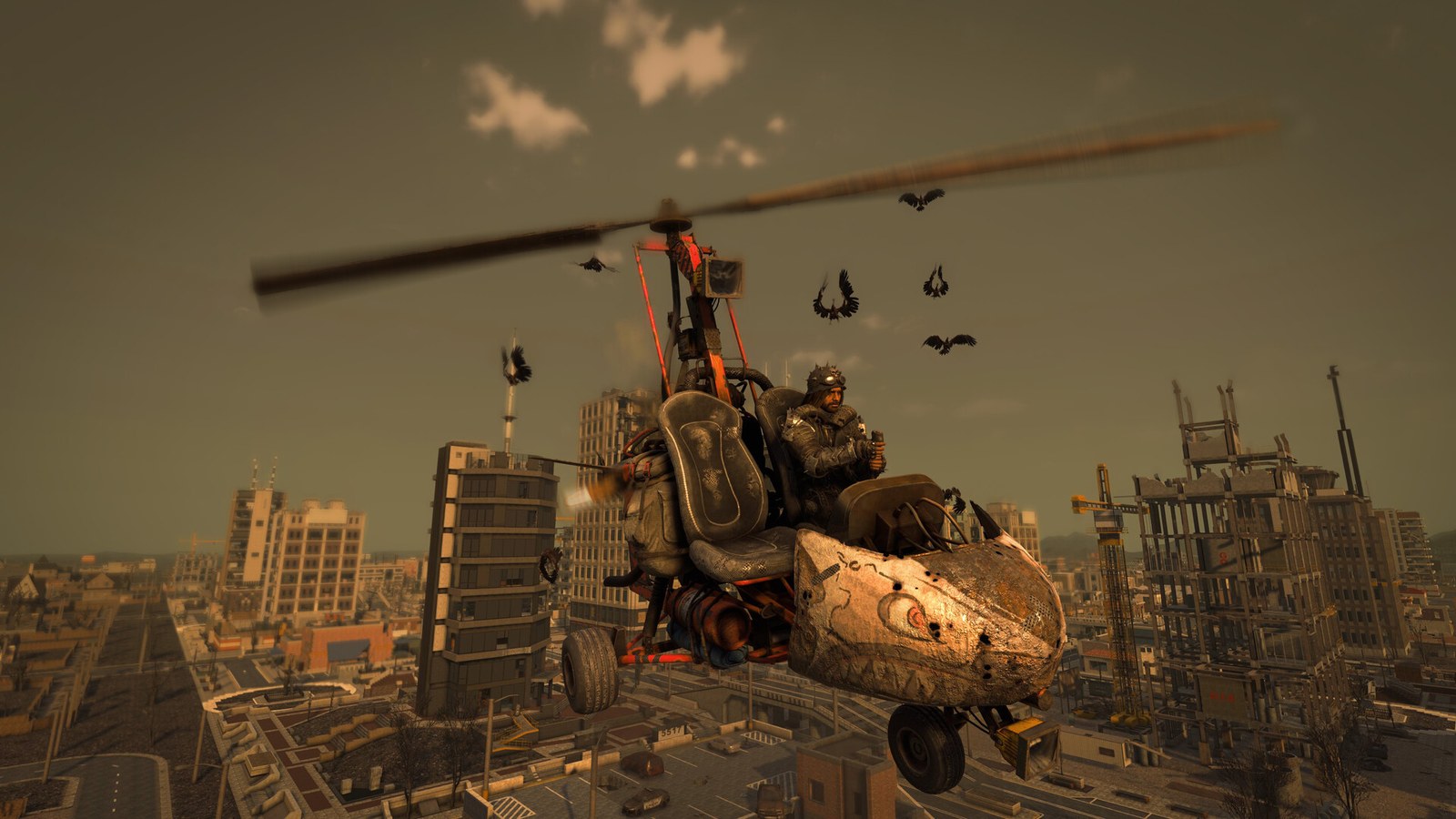
7 Days to Die is a first person survival shooter with crafting. You loot by day, build and fortify, and every seventh night a blood moon horde comes for your base. It is loud, social and readable: a group can learn it in an evening. Since V3, most game rules, difficulty, XP, loot and horde size, live in a single SandboxCode made in the game's Sandbox Options screen.
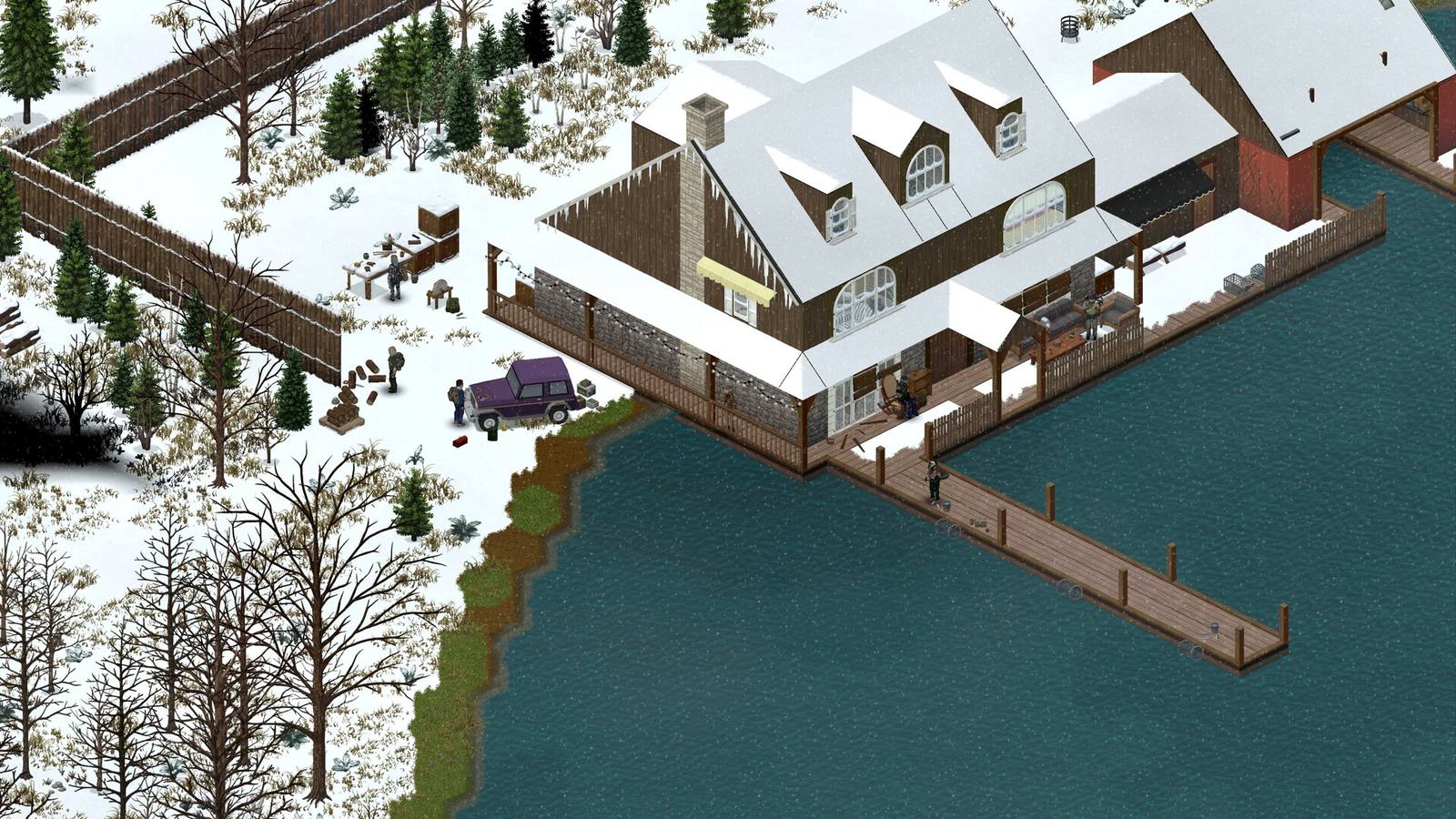
Project Zomboid is a survival simulation. You manage hunger, injuries, boredom and fatigue, learn skills from books, and know from the start that this is how you died. Zombies are slow by default but there are thousands of them, and a careless run into a crowd ends a character for good. Worlds last weeks or months, which is why a server matters so much: Knox County keeps going for friends in other time zones.
Server cost and size
Both games want more memory than most co-op titles, and both scale with players and mods:
- 7 Days to Die: 8 GB for vanilla up to 8 players, 12 GB for light mods or 8 to 16, 16 GB for overhaul mods or big random worlds. Blood moons also hit the CPU hard. 7 Days to Die server requirements.
- Project Zomboid: 6 GB for vanilla Build 42 up to 6, 8 GB for up to 12, 12 GB for big mod lists or extra maps up to 32. Project Zomboid server requirements.
Crossplay
This one is simple. 7 Days to Die supports crossplay between Steam, PS5 and Xbox Series X|S, as long as the server meets The Fun Pimps' requirements: crossplay on, EAC on, 8 players or fewer and no mods. Project Zomboid is PC only. If anyone in your group plays on console, the decision is made. See 7 Days to Die crossplay server.
Mods
Both have big modding scenes, but they work differently. Project Zomboid's Steam Workshop has thousands of maps, vehicles, weapons and quality of life mods that you list in the server ini, and players download them on join. Build 42 changed many mods, so check versions. 7 Days to Die has large overhaul mods that change the whole game, but mods mean PC only, and a crossplay server must stay vanilla.
What the server does for each
| Server feature | 7 Days to Die | Project Zomboid |
|---|---|---|
| World keeps its day count | Yes | Yes, paused when empty by default |
| Settings file | serverconfig.xml plus the SandboxCode | Server .ini plus _SandboxVars.lua |
| Branch choice | Stable and experimental builds | Build 42 or Build 41 (legacy) |
| Panel server types on GamezServers | PC and Crossplay | Build 42 and Build 41 (legacy) |
Which to host
- Console players in the group: 7 Days to Die on the crossplay server type.
- Want action and a weekly event: 7 Days to Die. Blood moon night is a natural group date.
- Want realism and long worlds: Project Zomboid.
- Want heavy mods: Project Zomboid, or 7 Days to Die overhaul mods if everyone is on PC.
- Tight budget for a group of 6: Project Zomboid on 6 GB.
Want more options in the same genre: best zombie survival games with dedicated servers.
Run either one, switch if you want
On GamezServers you can switch the game on your server from the panel, so trying both costs nothing extra beyond the plan. Each server is live within minutes, with the game's settings in the panel, one click backups before a blood moon or a risky mod, and the bill split between up to 10 friends. Start with 7 Days to Die or Project Zomboid.
FAQ
Is Project Zomboid harder than 7 Days to Die?
Most players find it harder, because one bite can kill a character permanently and survival needs constant attention. 7 Days to Die is more forgiving outside of blood moons.
Which is cheaper to host, 7 Days to Die or Project Zomboid?
Project Zomboid, slightly. It starts at 6 GB for up to 6 players. 7 Days to Die starts at 8 GB.
Does Project Zomboid have crossplay?
No. Project Zomboid is a PC game, so every player on the server is on PC.
Can I run mods on a 7 Days to Die crossplay server?
No. Crossplay servers must be unmodded. Use the PC server type for mods.
Want a server without the setup?
From75¢
Pick a game, pay, play. Live the moment checkout finishes.
 Minecraft