

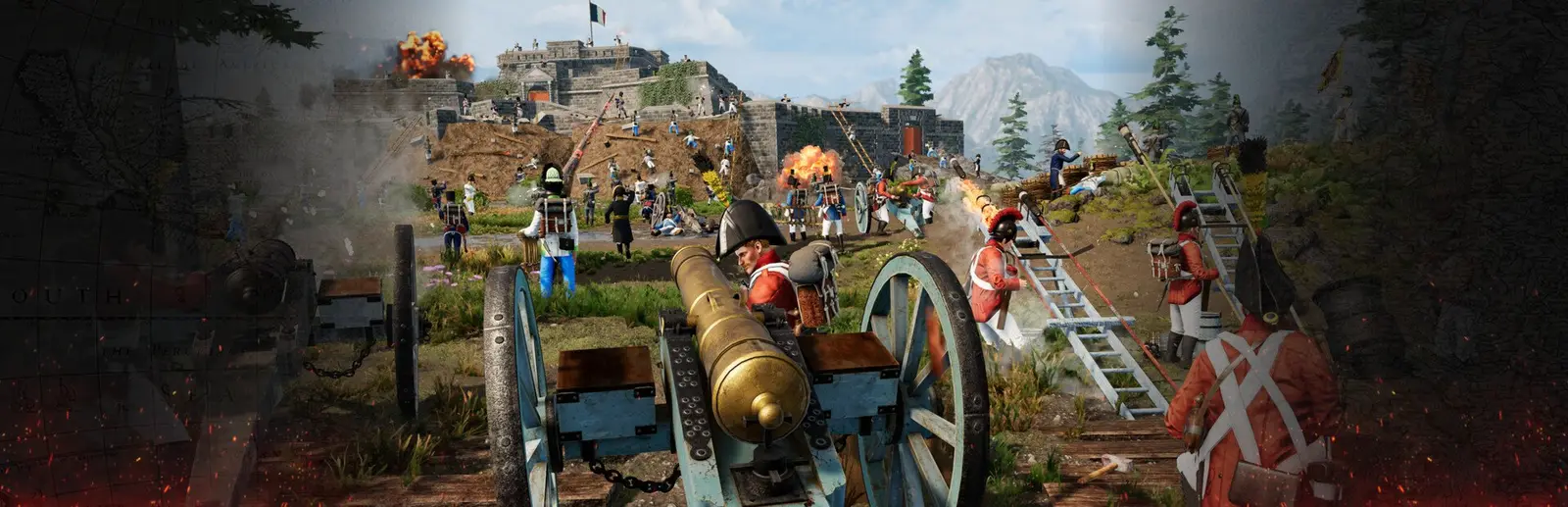
A Holdfast server for your regiment's line battles
Drill on Tuesday, fight the event on Saturday, same server.
A regiment server for Holdfast: Nations At War runs drills, inter regiment events and line battles of up to 150 players on your own config files. Full 150 player line battles with horses and cannons want 8 GB, which is our Pro plan at $19.99 a month.
Staying longer? Subscribe and get 50% off your first month
- DDoS protected
- 24/7 support
- Live the moment you pay

- Split the billUp to 10 friends, own cards
- Custom plansAny RAM up to 32 GB
- Rent once or subscribe3 days to 1 year
- Live in 60 secondsNo setup, no waiting
- Cancel any timeNo contracts, ever
Made for regiments, not just public play
Why does a regiment need its own server?
Nearly every drill night, line battle and inter regiment event runs on a server someone in the regiment controls. Your own server means your own rotation, a password for private trainings, admins who know your rules, and a server that is there at 8 pm on event night without depending on another group.
Separate configs for drills, events and public play
Holdfast servers run from plain text config files. Each one sets the server name, welcome message, region, passwords, maximum_players and a map rotation. Keep several side by side in the configs folder, such as a drill map, an event setup and a public rotation, then pick which one loads with the Config Name setting in the panel and restart. The name must end in .txt and match a file in the configs folder exactly.
The panel has fields for name, region and passwords too, but they are only partly written into the config file. Treat each config file as the source of truth and set every value you care about there, in the file manager or over SFTP. Changes apply after a restart, so edit between events, not during one.
How do you set up a line battle rotation?
Each map is a block between !map_rotation start and !map_rotation end, with a map_name, a game_mode such as ArmyBattlefield, ArmyConquest, ArmySiege or CoastalSiege, and its own rules like round_time_minutes or faction_attacking. The server plays the blocks in order, then loops.
For a private training, remove the # in front of server_password and set it. Admins open the console with F1 and type rc login followed by the server_admin_password from your config, then kick, slay, ban, broadcast and switch maps without leaving the field. Admin actions are written to log files you can read in the file manager when a dispute comes up after an event.
Mods, crossplay and which plan to pick
Uniform, flag, map and script mods load from the Steam Workshop with mods_installed lines in the config, and mods_installed_server_only for mods players do not download. Since update 3.0, PS5 and Xbox Series players can join PC servers, but they cannot load map or script mods. Regiments that want crossplay keep custom maps on a Steam only config, set with server_platform.
A drill or training server runs well on 4 GB. A public server with around 100 players wants 6 GB. Line battles at the full 150 cap want 8 GB, and back to back event nights with big mod sets are where 12 GB is worth it. The regiment can split the bill, each member paying their own share from a link.
Pick your Holdfast: Nations At War plan
Every plan is live the moment you pay. Upgrade or cancel from your dashboard any time.

Mods or plugins
Vanilla, as the game ships.
Try It Out
3 daysAbout $1.67 a day. Nothing renews.
Like it? Switch to a subscription from your panel and keep your world.
- Unlimited RAMThere is no RAM to pick. We size your server's memory to how many play and the mods you run, and adjust it when you raise your player count.
Holdfast: Nations At War Phase
30 daysThen $19.99/mo. Cancel any time.
- Unlimited RAMThere is no RAM to pick. We size your server's memory to how many play and the mods you run, and adjust it when you raise your player count.
The Legend
1 yearBilled $79.96 for your first year, then $159.92 a year.
You save $149.92 over a year of monthly payments
- Unlimited RAMThere is no RAM to pick. We size your server's memory to how many play and the mods you run, and adjust it when you raise your player count.
- Every plan:
- Always on DDoS protection
- 24/7 support from real people
- Low ping game hardware
- Live the moment you pay
Holdfast: Nations At War server hosting at a glance
| Price | From $2.50 for 3 days with no subscription. Monthly plans from $9.99, cancel any time, 50% off your first month for new customers |
|---|---|
| Plans | 4 GB, 6 GB, 8 GB, 12 GB |
| Platform | PC |
| Mods | Holdfast SDK mod tools, Regiment uniform and flag mods, Custom ModMaps, Script mods, Server only mods |
| Paying together | Split the bill with up to 10 friends, everyone pays their own share |
What comes set up on a Holdfast: Nations At War server
150 player line battles
Set maximum_players up to 150 for infantry lines, cavalry and artillery.
Drill and event configs
Keep each setup as its own config and pick which one loads in the panel.
Passworded trainings
Turn on server_password for private drills and events.
Admin login and logs
rc login from the F1 console, with admin actions written to logs.
Split across the regiment
Each member pays their own share, plus a $1 fee per share.
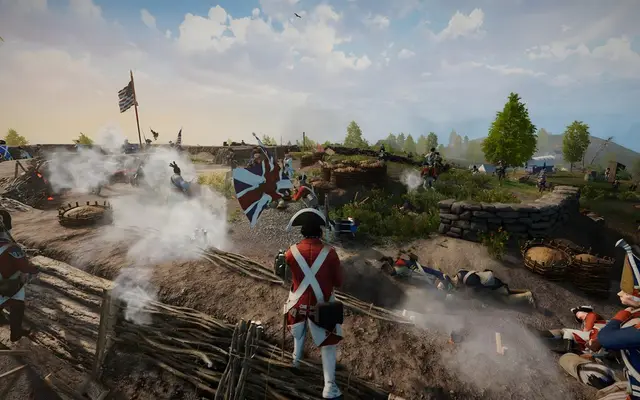
A look inside Holdfast: Nations At War
Real screenshots from the game. Click any of them to see it full size.
This is the panel. Click around.
This is the Holdfast: Nations At War panel you get. Click any button, or type a command.

Holdfast: Nations At War Server
play.gamezservers.com:7777
[12:00:00] Starting Holdfast: Nations At War server
[12:00:03] Loading world
[12:00:06] Server started on port 7777
[12:00:09] Ready for players. Try a button.
Power
How to join your Holdfast: Nations At War server
- 1
Launch Holdfast: Nations At War and open the server browser from the main menu.
- 2
Search for your server's name, or filter by region to find it faster.
- 3
Click Join and accept any mod downloads the server asks for.
- 4
Enter the server password if the config sets one.
Common problems
Server not responding
Make sure the server is online. Servers sleep after 4 days with nobody playing, and anyone with access can start them again from the dashboard in one click.
Use the server address
Do not use localhost, 127.0.0.1 or your own IP from a home hosting guide. Copy the exact address of the server.
No port forwarding or firewall changes
Opening ports on your router is only for hosting a server at home, so there is nothing to change to join this one. If Windows asks whether to let the game through the firewall, choose Allow.
Common questions
How much does a Holdfast: Nations At War server cost?
Holdfast: Nations At War servers start at $2.50 for 3 days, with no subscription. Monthly plans are 4 GB at $9.99, 6 GB at $14.99, 8 GB at $19.99 and 12 GB at $29.99. Pay monthly or prepaid, split the bill with friends, and cancel any time.
How many players can a Holdfast server hold?
Up to 150. Set maximum_players in your config file and restart.
Can I keep separate configs for drills and events?
Yes. Save each setup as its own .txt file in the configs folder, then pick which one loads with the Config Name setting in the panel and restart.
How do I password the server for a private event?
Remove the # in front of server_password in your config, set the password and restart. Players are asked for it when they join.
How do I log in as admin?
Open the console in game with F1 and type rc login followed by the server_admin_password from your config.
Can console players join our line battles?
Yes, since version 3.0 PS5 and Xbox Series players can join PC servers, as long as the server does not load map or script mods.
Which plan does a regiment need?
4 GB for drills and training, 6 GB for public play around 100 players, and 8 GB for full 150 player line battles. Big event nights with many mods suit 12 GB.
Is this an official Holdfast: Nations At War server?
It is a dedicated Holdfast: Nations At War server that you rent and control. GamezServers is not affiliated with the game's developer or publisher.
How much RAM do I need?
Start with 8 GB for most games. Choose 4 GB for small or older games, and 12 to 16 GB for big worlds, many players or heavy mods. You can change plans any time.
How do my friends join?
Share the server address from your panel. Most games join through a direct connect or server list screen, and the Invite friends button gives you a join page to send.
Can my friends and I split the cost?
Yes. At checkout choose "Me and my friends" and up to 10 people each pay their own share with their own card, on any plan length, from 3 days to a year. It is not a payment plan: nobody pays in parts over time, each friend simply pays their own share. You pay yours, send each friend their link, and the server starts straight away. Each share includes a $1 payment fee.
Can I build a custom plan?
Yes. Every game has a Build your own page: pick any amount of RAM up to 32 GB, any length from 3 days to 1 year, prepaid or a subscription, plus your server type and settings. A custom size costs 15% more per GB than the standard plans next to it.
Can I pay once instead of a subscription?
Yes. Pick Prepaid and pay once for 3 days, 30 days, 6 months or a year. Nothing renews: when the time is up the server pauses and keeps its world for 14 days. Add time or switch to a subscription from your panel any time. Short rentals cost more per day, since every server is set up from scratch.
How fast is setup, really?
Your server starts building the moment Stripe confirms payment. Most are online in under a minute, and the address and login appear on your dashboard automatically.
Holdfast: Nations At War server guides
Holdfast: Nations At War5 min readHoldfast Admin Commands: rc login, Kick, Ban, Slay and Map Changes
How to log in as admin on a Holdfast: Nations At War server with rc login, then kick, ban, slay, broadcast and change maps from the F1 console.
ReadHoldfast: Nations At War5 min readHoldfast Server Config and Map Rotation Explained
How a Holdfast: Nations At War server config file works: global settings, !map_rotation blocks, per map keys like round_time_minutes, and mods_installed lines.
ReadHoldfast: Nations At War4 min readHow to Host a Holdfast: Nations At War Server (Regiment Guide)
Host a Holdfast: Nations At War server: SteamCMD app 1424230, ports 20100, 8700 and 27000, your own config file, admin login and crossplay.
Read
Your Holdfast: Nations At War server is a minute away
Drill on Tuesday, fight the event on Saturday, same server.
Deploy Holdfast: Nations At War nowLive in 60 seconds · Cancel any time