

 Swords 'n Magic and Stuff
Swords 'n Magic and Stuff Dedicated Server vs Lobby: Which to Use
Should your group play Swords 'n Magic and Stuff in a hosted lobby, on official servers or on your own dedicated server? What each option gives you and costs.
Updated Oct 7, 2026 · 5 min read
On this page
For two or three friends who always play at the same time, a normal in game lobby is all you need. Once your group plays at different hours, wants a password protected world nobody else wanders into, or has more people than a host's PC handles comfortably, a dedicated server is worth it: the world stays up without anyone hosting, it holds 16 players by default, and you control the reset schedule. Official servers sit in between, always on but shared with strangers and with rules you do not set.
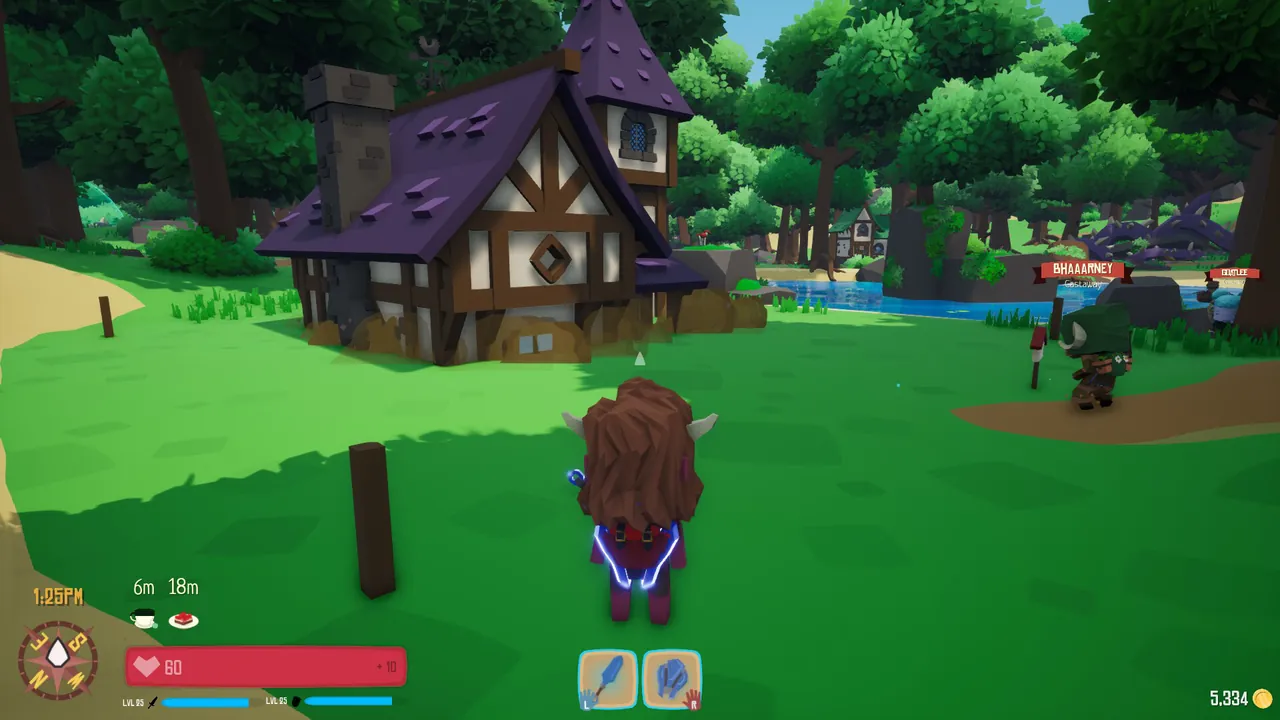
The three ways to play together
Swords 'n Magic and Stuff gives you three options for multiplayer:
- A lobby hosted from someone's game. Friends join through the game, and the session exists while the host plays.
- Official servers run by Kindred Games, visible in the multiplayer list. Always on, open to everyone.
- A dedicated server you run or rent. Always on, your settings, your password.
The thing that makes switching easy is that characters live on each player's own PC. Your level, classes and gear go with you into a lobby, onto an official server or onto your own server. You never lose a character by choosing one over another.
Side by side
| Lobby | Official server | Your dedicated server | |
|---|---|---|---|
| Cost | Free | Free | Free to run at home, or a monthly fee hosted |
| Online when the host logs off | No | Yes | Yes |
| Who can join | Who the host lets in | Anyone | Who you choose, with a password |
| Player slots | Limited by the host | Set by Kindred | 16 by default |
| Reset schedule | Not applicable | Set by Kindred | You choose days and time |
| Admin rights | The host | Kindred | You, through your Steam ID |
| Effort | None | None | Some setup, or none if hosted |
| Host PC load | Host plays and hosts at once | None | None |
When a lobby is enough
- Your group is two to four people who play together, at the same time, every time.
- Nobody minds that the session ends when the host stops.
- The host has a decent PC and connection.
That covers a lot of casual play. There is no reason to pay for anything if this describes your group.
When official servers make sense
- You want to meet other players and do not mind sharing the world.
- You are happy with Kindred's rules and reset schedule.
- You play solo some days and want company without organising it.
The trade off is control. You cannot password an official server, decide when it resets or give your friend admin rights.
When a dedicated server is worth it
These are the situations where groups end up wanting their own server:
- Different schedules. One friend plays after school, another late at night. With a lobby, someone always waits for the host. A dedicated server is just there.
- A private world. A password keeps the server to your group, and the lock icon in the list tells everyone else it is private.
- A bigger group. 16 players by default is room for a whole guild running dungeons, trading loot and turning a row of plots into a small town.
- Your own reset schedule. The dedicated server resets its world on a timer: by default every day at midnight. You can stretch it to several days, or move it to a quiet hour so it never resets in the middle of a play session.
- Admin rights. Your 17 digit SteamID64 goes in as the server owner, and that account gets admin rights on the server.
What a dedicated server costs you
Running it yourself is free in money but not in effort. The dedicated server (Steam app 2058450) is a Windows 64 bit program, so you need a Windows PC left on, ports 7777 and 27015 forwarded on your router, and the server updated after each game patch. The server name has to be built from the game's approved word list, which confuses almost everyone the first time. Our guide on how to host a Swords 'n Magic and Stuff server walks through it, and the server name word list fix covers the naming rule.
Renting one costs a monthly fee and removes the PC, the router and the updates. Because the server ships only as a Windows build, it runs under Wine on Linux hosts and uses a bit more memory than a native server: around 4 GB for a few friends, 6 GB for a full 16 player server.
A middle path for families and friend groups
Many groups do both. The regulars meet on their own dedicated server most days, and when someone wants to show a new friend the game, they hop into a lobby or an official server with the same character. Nothing is lost either way.
If you are weighing whether a server is worth it for a group in general, our guide on whether you need a dedicated server to play with friends goes through the same question across many games.
If you decide on a server
A GamezServers Swords 'n Magic and Stuff server is live within minutes with its own address, so nobody forwards ports or keeps a Windows PC on. The control panel has the server name, password, your Steam ID as owner, the reset days and reset time, and Auto update keeps it on the current build. If the group only plays in the evenings, Sleep when empty pauses it after a few quiet days and wakes with one click, and up to 10 friends can split the monthly bill.
FAQ
Do I need a dedicated server to play Swords 'n Magic and Stuff with friends?
No. Lobbies work fine when everyone plays at the same time. A dedicated server is for groups who want the world up when the host is offline.
Will my character work on a dedicated server?
Yes. Characters are saved on your own PC and can join lobbies, official servers and dedicated servers.
How many players can a Swords 'n Magic and Stuff server hold?
A dedicated server has 16 slots by default.
Can I password protect an official server?
No. Only servers you run or rent can have your own password.
Skip the setup. Your own Swords 'n Magic and Stuff server.
Then $9.99/mo. Just trying it? $2.50 for 3 days
 Minecraft