

How to Host a Swords 'n Magic and Stuff Dedicated Server
Run a Swords 'n Magic and Stuff dedicated server: SteamCMD app 2058450, Windows server, ports 7777 and 27015, the word list server name, owner Steam ID and resets.
Updated Oct 7, 2026 · 5 min read
On this page
To host a Swords 'n Magic and Stuff dedicated server, download the free Swords 'n Magic and Stuff Dedicated Server (SteamCMD app 2058450), configure it with the README and sample Game.ini that ship inside it, set your 17 digit Steam ID as the owner, pick a server name made of 2 to 5 words from the game's allowed word list, and start SNMASServer-Win64-Shipping.exe with -port and -QueryPort. Open UDP 7777 and 27015. Friends find the server under Multiplayer in the game's server list.
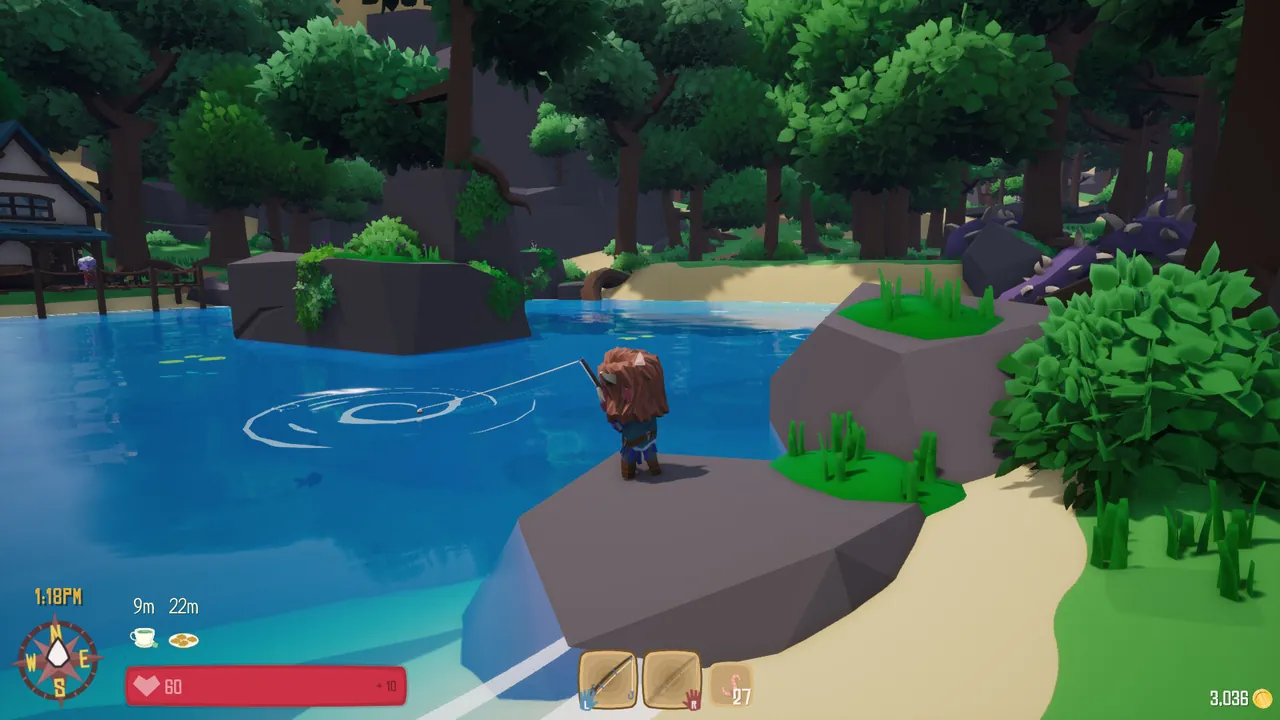
Does Swords 'n Magic and Stuff have dedicated servers?
Yes. Kindred Games added dedicated server support in October 2022, alongside the normal in game lobbies. A lobby only exists while its host is playing, so a dedicated server is how a group that plays at different times keeps one world going. Kindred also runs a couple of official public servers, which you will see in the list.
Characters are saved on each player's own PC, not on the server. That makes servers low stakes: the same character can visit your server, a friend's lobby and an official server.
What you need
| Setup | RAM |
|---|---|
| A few friends questing together | 4 GB |
| Full 16 player server | 6 GB |
| Busy public server with lots of building | 8 GB |
The dedicated server is Windows 64 bit only. On Linux it can run under Wine, which is how many hosts run it, but expect it to use more memory than a native server would. The server does not need a copy of the game; each player does.
Step 1: Install with SteamCMD
steamcmd +force_install_dir C:\snm-server +login anonymous +app_update 2058450 validate +quit
Inside the install you will find the server executable at:
SNM2020\Binaries\Win64\SNMASServer-Win64-Shipping.exe
and Kindred's documentation in the package: a README, plus a sample config at SNM2020\Content\Docs\Dedicated-Server-Game.ini. Copy that sample to SNM2020\Saved\Config\WindowsServer\Game.ini to use it as your config. Kindred updates these docs with the server, so read the README for your build rather than trusting a years old forum post.
Step 2: Settings that matter
These are the settings a new server owner needs to decide on. The README names the exact keys for your build, and the same settings can be given to the server as environment variables, which is how hosting panels set them.
| Setting | Environment variable | What it does |
|---|---|---|
| Server name | SNM_NAME |
2 to 5 unique words from the allowed word list |
| Password | SNM_PASSWORD |
Optional. Shows a lock icon in the list |
| Max players | SNM_MAX_PLAYERS |
Player slots, 16 by default |
| Owner Steam ID | SNM_OWNER_STEAM_ID |
Your SteamID64. That account gets admin rights |
| Days until reset | SNM_DAYS_UNTIL_RESET |
How many days between world resets |
| Reset time of day | SNM_RESET_TIME_OF_DAY |
24 hour HH:MM, for example 04:30 |
Two of these trip almost everyone up.
The server name uses a word list. You cannot type any name you like. It must be 2 to 5 different words, all taken from the game's approved list, case insensitive. After the server has run once, the list is at SNM2020\Saved\Logs\Allowed-Words.txt. Scarecrow Chicken is a valid example. A name with words outside the list does not work. Full details: Swords 'n Magic and Stuff server name not working.
The owner Steam ID must be the 17 digit SteamID64, such as 76561198000000000, not your profile name or custom URL. Paste your Steam profile link into a Steam ID lookup site to get it.
Step 3: Start the server
SNM2020\Binaries\Win64\SNMASServer-Win64-Shipping.exe -port=7777 -QueryPort=27015 -log
-log opens a console window with the server log, which you want while setting up. When it reports a Steam session was created, the server is up.
Step 4: Open the ports
| Port | Protocol | Purpose |
|---|---|---|
| 7777 | UDP | Game traffic |
| 27015 | UDP | Steam queries for the server list |
Forward both on your router and allow the server through Windows Firewall. Our port forwarding guide shows how. If you run a second server on the same PC, give it different ports.
Step 5: Join
- Launch Swords 'n Magic and Stuff and choose Multiplayer.
- Find your server's name in the list. A lock icon means a password.
- Click it and enter the password.
- Bring any character. They live on your PC and come with you.
World resets, explained simply
The dedicated server resets its world on a schedule you set: every 1 day at midnight out of the box. Because characters are stored on players' machines, levels and gear survive a reset. If your group is building something together in the world and wants it to last longer, raise the days until reset. If you want a fresh world every morning for a public server, a daily reset at a quiet hour works well.
Keeping it updated
When the game updates, players on the new version cannot join an old server. Run the SteamCMD line again and restart. On a home server, add it to a script that runs before the server starts so you never forget.
The easy option
Running a Windows only server means a Windows PC left on or a Wine setup on Linux. A GamezServers Swords 'n Magic and Stuff server handles that for you with its own address. The control panel has the server name, password, your Steam ID as owner, the days between resets and the reset time, and Auto update keeps the server on the newest build. Sleep when empty is there if your group only plays evenings, and the guild can split the bill.
FAQ
Is the Swords 'n Magic and Stuff dedicated server free?
Yes. App 2058450 installs anonymously with SteamCMD.
How many players can join a Swords 'n Magic and Stuff server?
16 by default, which suits a guild running dungeons together.
Do characters carry over to a dedicated server?
Yes. Characters are stored on each player's PC and can join any server or lobby.
Can I run the server on Linux?
Only through Wine. The official server is a Windows 64 bit build.
How do I become admin on my server?
Put your 17 digit SteamID64 in the owner Steam ID setting and restart. That account gets admin rights.
 Skip the setup. Your own Swords 'n Magic and Stuff server.
Then $9.99/mo. Just trying it? $2.50 for 3 days
 Minecraft