

 RimWorld: Open World
How to Host a RimWorld Open World Server (and Why It Needs 1.4)
Set up a server for the abandoned Open World multiplayer mod: RimWorld 1.4 branch, Config.json, enforced mods, whitelist, port 25555 and console commands.
Updated Oct 7, 2026 · 6 min read
On this page
To host a RimWorld Open World server, download the Open World server release (last version 1.0.4, May 2023), run it once so it creates its files, set your options in Config.json, open TCP port 25555 and have every player run RimWorld 1.4 with Harmony and the matching Open World client. Be clear about one thing before you start: Open World is abandoned. It has not been updated since 2023 and only works on RimWorld 1.4, so your whole group must roll the game back through Steam's Betas tab. If you want a shared planet on the current RimWorld, run RimWorld Together instead, which is the active project.
Should you still run Open World?
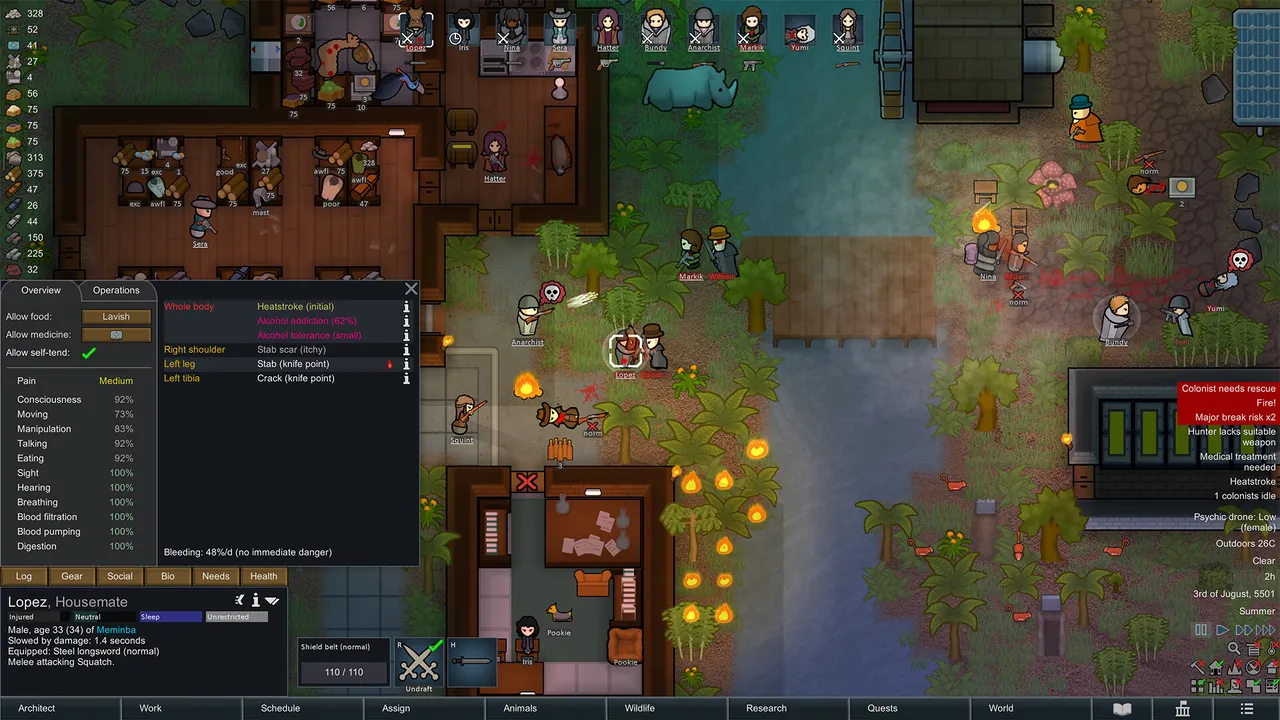
Open World turned RimWorld into a shared planet. Each player runs their own colony on their own PC, at their own speed, but the colonies sit on one world map where players can see each other's settlements, trade, send gifts, barter and chat. The server stores the planet and every player's save.
Its developers stopped work in 2023, marked the Workshop release abandoned and open sourced it. RimWorld Together, a separate and newer mod, does the same job on current versions of RimWorld and still ships updates.
Open World still makes sense for a narrow group:
- You already have an Open World planet and want to keep it alive.
- Your group plays a 1.4 era mod list that never got updated for 1.5 or 1.6, and you are staying on 1.4 anyway.
For everyone else, set up RimWorld Together with our RimWorld Together server guide, or read Open World vs RimWorld Together for the full comparison.
What every player needs
| Requirement | Detail |
|---|---|
| RimWorld | Version 1.4, from the Betas tab in Steam |
| Harmony | Enabled at the top of the mod list |
| Open World client | The version the server accepts (Player Version) |
| Server mods | Every enforced mod, in the same order |
| Account | A username and password, created on first join |
To switch to 1.4 in Steam: right click RimWorld in your library, choose Properties, open Betas, and pick the 1.4 branch from the list. Steam downloads the old version, and it stays there until you switch back. Back up your 1.5 or 1.6 saves first, since a newer save does not load on 1.4.
DLC is optional for players, but the mod's release notes ask the server owner to create the world without DLC, ideally with only Open World loaded, so every player can load it.
Step 1: Download and start the server
- Get the server files from the Open World GitHub releases. Version 1.0.4 has builds for
win-x64,linux-x64,linux-armandlinux-arm64. - The server targets .NET Core 3.1, so install that runtime if your build needs it.
- Unzip into its own folder and run
OpenWorldServer(or the.exeon Windows). - Let it start once. It creates its data folder,
Config.json, the mod folders and the whitelist file. - Stop it with the
shutdowncommand, not by closing the window. The 1.0.2 release addedshutdownso the server saves before it exits.
Step 2: Set Config.json
The settings that matter live in Data/Config.json:
| Key | What it does |
|---|---|
ServerPort |
Port players connect to, 25555 by default |
MaxPlayers |
Players allowed online at once |
PlayerVersion |
The Open World client version the server accepts |
EnforceMods |
Players must load exactly the mods in the enforced folder |
UseModBlacklist |
Blocks mods in the blacklist folder |
UseWhitelist |
Only usernames in the whitelist file can join |
UseCustomDifficulty |
Forces one difficulty file on every player |
AllowCustomScenarios |
Lets players pick custom scenarios when they create their colony |
PlayerVersion must match the client your group installed. Get it wrong and the server turns everyone away, which looks like a broken server but is just a number. Version 1.0.4 also added an optional server password and a backup interval (6 hours by default).
UseCustomDifficulty comes with a warning from the mod's own setup: fill in every value in the difficulty file, because anything left blank counts as 0 percent.
Step 3: Decide your mod policy
Mismatched mods are how Open World servers break. You have two approaches:
- Enforced list (recommended). Put the required mods in the enforced mods folder, turn on
EnforceMods, and give players the same list in the same order. Everyone runs an identical setup. - Open list with a blacklist. Leave enforcement off, put known troublemakers in the blacklist folder and turn on
UseModBlacklist. More freedom, more desyncs.
Mods that change world generation, factions or biomes belong in the list before the planet is made, since they are baked into the world.
Step 4: Open the port and create the world
Forward TCP 25555 (or your ServerPort) to the server machine and allow it through the firewall. Our port forwarding guide covers routers. The README notes that Hamachi and Radmin style virtual LANs also work for small groups.
Then join first yourself. The first login walks you through creating the server's world, so do it with the final mod list and no DLC.
Step 5: Join from the game
- Start RimWorld 1.4 with Harmony, Open World and the server's mods enabled.
- Restart the game after changing mods.
- Click the Open World button on the main menu.
- Enter the server address and the port.
- Register a username and password on first join, and use them every time after.
Console commands worth knowing
Type help in the server console for the full list in your build. The release notes for 1.0.3 and 1.0.4 mention these:
| Command | Use |
|---|---|
op / deop |
Give or remove admin rights, also for offline players |
ban |
Ban a player, also offline |
kick |
Remove a player (the server saves their game first) |
save |
Force a player's save |
transfer |
Swap saves between two players |
say |
Broadcast a message |
wipe |
Wipe the server without deleting files by hand |
clear |
Clear the console |
shutdown |
Save and stop the server |
Be careful with wipe. Take a backup of the whole server folder before using it.
Hosting it without the hassle
If your group is set on keeping a 1.4 Open World planet, an Open World server from GamezServers puts Max Players, Enforce Mods, Use Mod Blacklist, Use Whitelist, Use Custom Difficulty, Allow Custom Scenarios and Player Version in the control panel, with the mod folders and whitelist one click away in the file manager. It gets its own address, so nobody forwards a port, and the 1 GB plan covers the default 10 players. Switching to RimWorld Together later is done from the same panel.
FAQ
Does Open World work on RimWorld 1.5 or 1.6?
No. It was built for 1.4 and never updated. Players must use the 1.4 branch from the Betas tab in Steam.
What port does an Open World server use?
TCP 25555 by default, set as ServerPort in Config.json.
Why does my Open World server reject everyone?
Usually PlayerVersion does not match the client version players installed, or players are on a newer RimWorld. See our Open World connection and mod mismatch fixes.
Is there a newer mod that does the same thing?
Yes. RimWorld Together uses the same idea of colonies on a shared planet, runs on current RimWorld versions and is still updated.
Can I move my Open World planet to RimWorld Together?
No. The two mods use different save formats, so moving means starting a new planet.
Skip the setup. Your own RimWorld: Open World server.
Then $2.99/mo. Just trying it? $0.75 for 3 days
 Minecraft