

 RimWorld Together
How to Host a RimWorld Together Server (2026 Guide)
Host a RimWorld Together server: download the GameServer release, TCP port 25555, ServerConfig.json and ModConfig.json, op commands and matching mods.
Updated Oct 3, 2026 · 7 min read
On this page
- What is a RimWorld Together server?
- What do you need to run a RimWorld Together server?
- How do I set up a RimWorld Together server?
- What goes in ServerConfig.json?
- How do I enforce one mod list?
- What port does a RimWorld Together server use?
- How do players join?
- Which console commands should admins know?
- The easy option: host it with GamezServers
- FAQ
To host a RimWorld Together server, download the server zip for your system from the mod's GitHub releases, unzip it and run GameServer. It listens on TCP port 25555 by default, set in Configs/ServerConfig.json. Forward that port as TCP, then connect first yourself, with your final mod list, because the first player to join generates the shared planet. Make yourself admin with op <username> in the server console. Every player needs the same RimWorld Together version as the server.
What is a RimWorld Together server?
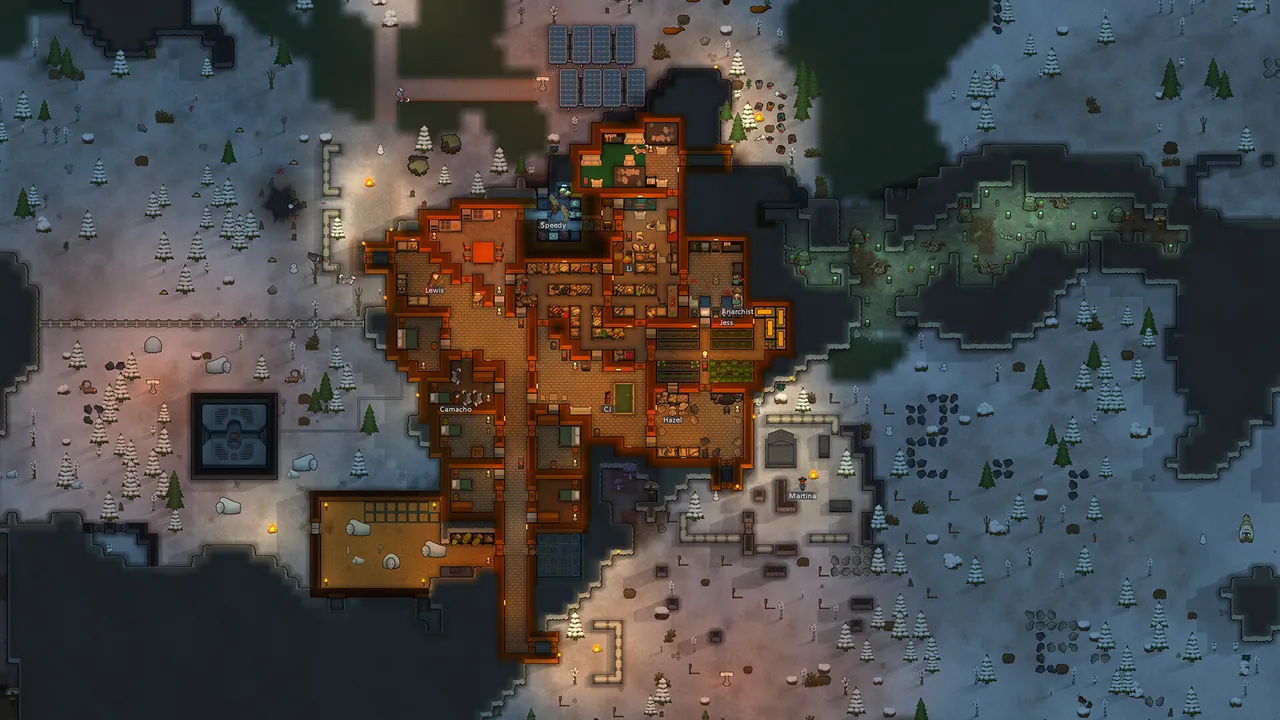
RimWorld Together is a fan made multiplayer mod, not a Ludeon Studios release. Every player still runs their own colony on their own PC, pause included, but all the colonies sit on one shared planet. The server stores that planet: settlements, sites, saved colonies, roads and the market, so neighbours, trades, caravans and raids between real players work even when the other player is offline.
That is why the server has to stay online. If it lives on one player's PC, the planet disappears for everyone when that PC goes to sleep.
What do you need to run a RimWorld Together server?
Colonies are simulated on each player's own PC, so the server mostly stores and relays world data. It is light.
| Community | RAM | Notes |
|---|---|---|
| Friend group with a light mod list | 2 GB | A handful of colonies |
| Community of 10 to 30 colonies | 4 GB | Regular raids and trading |
| Public server with dozens of colonies and big saves | 8 GB | Lots of saved settlement data and backups |
Releases come for Windows and Linux, including x86 and ARM builds, so an old laptop or a small ARM board can run it.
How do I set up a RimWorld Together server?
- Download the newest server zip from the GitHub releases page, for example
Server-win-x64.ziporServer-linux-x64.zip. As of October 2026 the latest release is26.8.31.1, from 31 August 2026. - Unzip it into its own folder. It creates several subfolders on first start.
- On Linux, make it executable with
chmod +x GameServer. - Run
GameServer(orGameServer.exe) and leave the console open. - Stop it, edit the files in
Configs, and start it again. - In RimWorld, enable Harmony and RimWorld Together, plus every mod your server will use, and connect to your own server first.
Step 6 matters more than it looks. The first player to connect is the one who creates the planet, and the RimWorld Together wiki recommends creating it with all the mods you plan to use. Mods that change world generation, factions or biomes are baked into the planet when it is made, so adding them later causes trouble.
What goes in ServerConfig.json?
Configs/ServerConfig.json holds the server's own settings:
{
  "Name": "Rimworld Together Friends",
  "Description": "Slow paced co-op planet, no griefing",
  "DiscordURL": "",
  "SteamWorkshopURL": "https://steamcommunity.com/sharedfiles/filedetails/?id=0000000000",
  "IP": "0.0.0.0",
  "Port": 25555,
  "MaxPlayers": 100,
  "Verbosity": 0,
  "DisplayChatInConsole": false,
  "UseUPnP": false,
  "UseClientSave": true,
  "EnableServerBrowser": true,
  "EnableServerTelemetry": true
}
| Key | What it does | Good value |
|---|---|---|
Name / Description |
Shown to players and in the server browser | Your community name and rules |
SteamWorkshopURL |
Link to your Workshop collection of the server's mods | Set it, so players can grab the list |
IP |
Network interface to bind | 0.0.0.0 |
Port |
TCP port players connect to | 25555 |
MaxPlayers |
Players connected at once | 100 is the default |
Verbosity |
How much the console logs | 0, raise it when reporting bugs |
UseUPnP |
Ask your router to open the port | false on a host |
EnableServerBrowser |
List the server in the in game browser | false for a private group |
The release notes for 26.8.31.1 ask community servers to fill in the Workshop link, since automatic mod download is being rolled out during that release.
The other files in Configs cover the rest: PasswordConfig.json (a join password), ModConfig.json (mod rules), DifficultyConfig.json, StorytellerConfig.json, ScenarioConfig.json, BackupConfig.json (automatic backups) and ChatConfig.json. The Configs/Actions folder turns individual features such as raids, aid, trading, caravans and sites on or off.
How do I enforce one mod list?
ModConfig.json decides who gets in:
AllowAllMods: when true, nobody is checked. Leave it false.EnforceSettings: also checks players' mod settings, not just the list.ModConfigs: each mod with aTypeofRequiredorOptional. Players must have every Required mod, and any mod a player runs that is not on the list (neither Required nor Optional) gets them turned away.
The easiest way to build the list is from the in game admin tools once you are op, which sends your mod list to the server and saves it. DLCs such as Biotech or Odyssey count as mods, so list them as Required if everyone should have them. In the console, modlist shows the current rules and togglemodbypass switches the check off for emergencies.
What port does a RimWorld Together server use?
| Port | Protocol | Purpose |
|---|---|---|
| 25555 | TCP | Players connecting, everything else |
Most game servers want UDP, so people forward UDP out of habit, and nobody can connect. The RimWorld Together server is built on a TCP listener: forward TCP 25555 (or whatever Port you set) on your router and allow it through your firewall. Our port forwarding guide covers the router side.
How do players join?
- Subscribe to RimWorld Together on the Steam Workshop and enable it and Harmony in the mod list.
- Match the server's required mods and load order, then restart RimWorld.
- On the main menu, click Play Together and choose to connect by IP.
- Type the IP into the first box and the port into the second. They are separate fields.
- Register a username for this server, then pick a starting site on the shared planet.
Which console commands should admins know?
| Command | What it does |
|---|---|
op <user> / deop <user> |
Give or remove admin |
list / deeplist |
Players online / every player who has registered |
kick <user> / ban <user> / pardon <user> |
Moderation |
setpassword <password> |
Set or clear the join password |
forcesave Name |
Asks that player's game to save and upload their colony now |
backup |
Make a backup of the server |
resetplayer <user> |
Wipe one player's colony |
resetserver |
Wipe the whole server. Back up first |
Everything the server stores lives in the Assets folder (users, saves, settlements, sites and the planet values) next to Configs. Back up both before updating to a new release, since releases sometimes change save formats.
The easy option: host it with GamezServers
Our RimWorld Together server hosting keeps the planet online without anyone's PC. The Version setting picks the RimWorld Together release (latest or a specific tag) so the server can match what your players have, and the server rewrites IP, Port and MaxPlayers (up to 150) in ServerConfig.json on every start, so change player count in Settings. Every other config file is yours to edit in the file manager or over SFTP, and the live console takes op and the other commands.
| Plan | RAM | Price a month |
|---|---|---|
| Starter | 2 GB | 4.99 USD |
| Standard | 4 GB | 9.99 USD |
| Pro | 8 GB | 19.99 USD |
New customers get 50% off the first month on monthly plans, and the community can split the bill so each player pays their own share. Take a one click backup before changing the version.
FAQ
What port does RimWorld Together use?
TCP 25555 by default, set with Port in Configs/ServerConfig.json. It must be forwarded as TCP, not UDP.
Why can't I connect to my RimWorld Together server?
Usually a version mismatch between your mod and the server, a missing required mod, or the port forwarded as UDP instead of TCP.
How do I make myself admin on RimWorld Together?
Type op followed by your registered username in the server console.
Do DLCs like Biotech or Odyssey work on RimWorld Together?
Yes. They are treated like mods, so list them as Required in the mod config if everyone should own them.
Is RimWorld Together made by Ludeon Studios?
No. It is a community project, and bugs go to the mod's own GitHub and Discord.
Skip the setup. Your own RimWorld Together server.
Then $4.99/mo. Just trying it? $1.25 for 3 days
 Minecraft