

 Modiverse
How to Host a Modiverse Dedicated Server (TTT, Deathrun, Sandbox)
Host a Modiverse dedicated server: SteamCMD app 1549820, the KJModServer launch line, ServerData and ServerConfiguration.json, ports and how friends join.
Updated Oct 7, 2026 · 5 min read
On this page
To host a Modiverse dedicated server, download app 1549820 anonymously with SteamCMD, then start KJMod/Binaries/Linux/KJModServer with -port, -queryport, -SteamServerName, -maxplayers and -KJModBaseUGCFolder=ServerData. Server settings live in ServerConfiguration.json inside the ServerData folder. Open the game port and the query port, and your friends find the server in the in-game server list or add it as a Steam favorite.
Before you start, a straight word about the game: Modiverse has been in Early Access since February 2021 and the developers have not shipped an update in years. Public servers are rare. A server of your own is how a group that wants a cheap night of TTT or Deathrun gets to play at all.
What you get
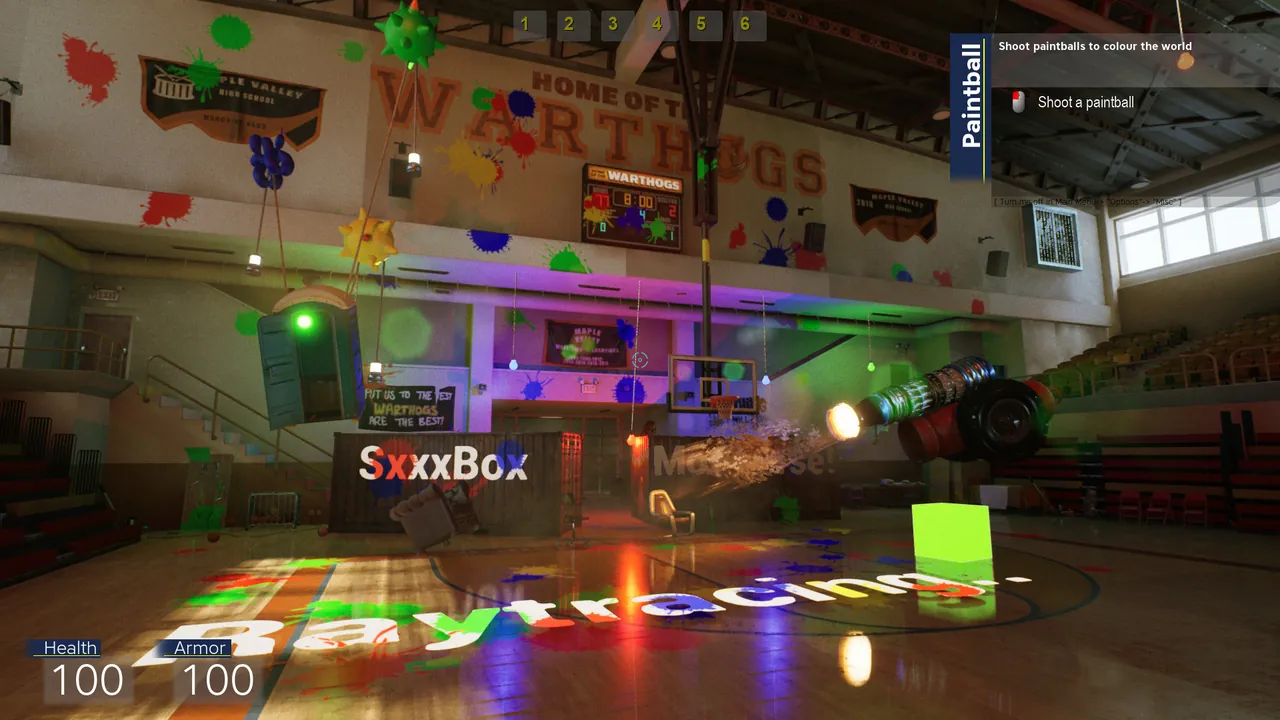
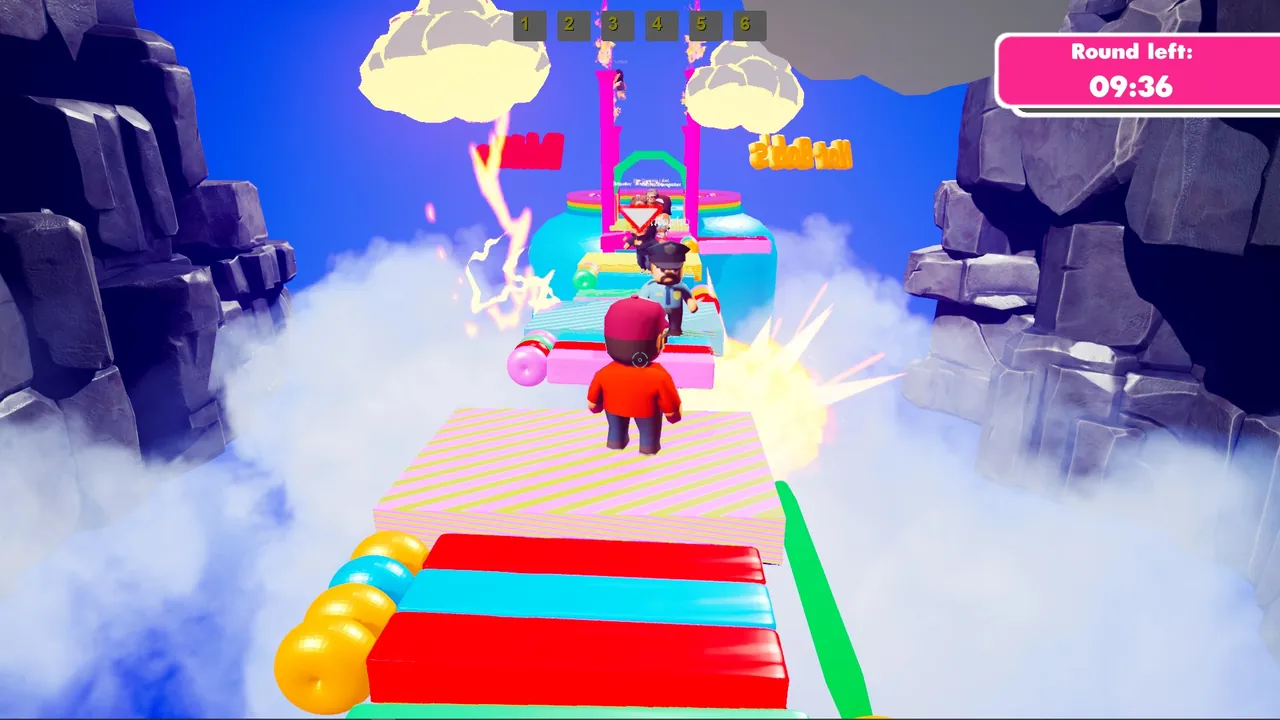
Modiverse is a physics sandbox in the style of the classic prop building games: physgun, gravity gun, ropes, wheels and thrusters, plus included modes such as TTT, Deathrun, Sandbox, VanillaRP, EvilGuys and Fantastic Fantasy Scroller. The game costs about a dollar on Steam, so nobody in your group has an excuse.
What you need
- A Linux machine or VPS that can stay on. This guide uses the Linux server build.
- SteamCMD for the download. No Steam login needed.
- About 4 GB of RAM for a small TTT or Deathrun group. Sandbox sessions with lots of props welded together want 6 GB, big build or roleplay servers near the top of the slot range 8 GB. Physics is what costs memory and CPU, not the player count alone.
- Two open ports: one for game traffic, one for the Steam query.
Step 1: Install with SteamCMD
steamcmd +force_install_dir /home/steam/modiverse +login anonymous +app_update 1549820 validate +quit
After it finishes you have a KJMod folder. "KJMod" is the game's internal name, so expect to see it everywhere in paths and binaries. Run the same command again to update after a game patch, though with the game no longer updated that rarely happens.
Step 2: Start the server
From the install folder:
./KJMod/Binaries/Linux/KJModServer -port=7777 -queryport=27015 -SteamServerName="Friday TTT" -KJModBaseUGCFolder=ServerData -DoNotRestartOnEmpty -InitUGCs -maxplayers=24
| Option | Meaning |
|---|---|
-port |
Game port players connect to |
-queryport |
Steam query port, used by the server browser |
-SteamServerName |
Name in the server list. Keep it short; 32 characters is a safe limit |
-maxplayers |
Slots, between 2 and 128 |
-KJModBaseUGCFolder=ServerData |
Folder for server side content and settings |
-InitUGCs |
Loads that content at start |
-DoNotRestartOnEmpty |
Stops the server restarting itself when everyone leaves |
Quote the server name if it has spaces. Watch the first start in the terminal: it creates the ServerData folder and its files, and any errors show here.
Step 3: Look at ServerData
ServerData sits under KJMod/Binaries/Linux/. It holds ServerConfiguration.json, the server's settings file, and any server side content. Open it in a text editor and change values carefully: JSON is strict, and a missing comma or quote stops the file from loading. Back it up first, then restart after every edit.
Since the game has no official server documentation, the safest approach is to change one value at a time and check the result in game.
Step 4: Open the ports
Forward both ports on your router and allow them through the firewall, UDP for both:
| Port | Use |
|---|---|
7777 (your -port) |
Game traffic |
27015 (your -queryport) |
Steam server browser queries |
If only the game port is open, people with the address can connect but the server does not appear in the list. Running two servers on one machine needs a different pair of ports for each.
Step 5: Join
- Launch Modiverse from Steam.
- Open the multiplayer server list from the main menu and look for your server name.
- If it does not show, open Steam, View, Game Servers, Favorites, click Add a server and enter
your.ip:27015(the query port). Connect from there.
If the list stays empty for everyone, work through why a Modiverse server does not show up.
Sizing the server for your group
For a group of 8 to 24, TTT and Deathrun play best. Sandbox works with any number and is where the physics tools shine. Set -maxplayers to roughly your group size plus a few spare slots; a 128 slot server that holds 10 people just looks empty in the list.
Keep a backup
With an abandoned Early Access game, the server files you have are the server files you will keep. Copy the install folder, and ServerData in particular, somewhere safe once it works. If Steam ever changes or pulls the depot, that copy is your server.
The low effort option
If you would rather not keep a Linux box and two port forwards around for a one dollar party game, a Modiverse server with GamezServers has the server name, max players (2 to 128) and auto update in the control panel. ServerData and ServerConfiguration.json are in the file manager and over SFTP, one click backups cover the copy you should keep, and the server has its own address with nothing to forward. The bill can be split between up to 10 friends, and Sleep when empty can stop it after 4 days with nobody on, so a server for occasional game nights does not sit idle. If you are still deciding whether the game is worth it, read is Modiverse still worth playing.
FAQ
What is the SteamCMD app ID for the Modiverse server?
- It downloads anonymously, so you do not need a Steam account that owns the game.
How many players can a Modiverse server hold?
Between 2 and 128, set with -maxplayers. TTT and Deathrun play best with 8 to 24.
Where are the Modiverse server settings?
In ServerConfiguration.json in the ServerData folder under KJMod/Binaries/Linux/. Restart the server after editing it.
Is Modiverse still being updated?
Not actively. It is still in Early Access and the last developer update is several years old, so expect a small community and bring your own group.
Skip the setup. Your own Modiverse server.
Then $9.99/mo. Just trying it? $2.50 for 3 days
 Minecraft