

 Midnight Ghost Hunt
How to Host a Midnight Ghost Hunt Dedicated Server
Set up a Midnight Ghost Hunt dedicated server: SteamCMD app 1118810, the launch line, ports 7777, 27015 and 7787, region and password, and how friends join.
Updated Oct 7, 2026 · 5 min read
On this page
To host a Midnight Ghost Hunt dedicated server, download the free dedicated server (Steam app 1118810) with SteamCMD, start MidnightGhostHuntServer-Win64-Shipping.exe with a launch line that sets the name, map, mode, region and password, and open UDP ports 7777, 27015 and 7787. Players then find it in the in game server browser under the region you chose. There is no config file to edit for the basics: almost everything is a launch argument.
Why run your own
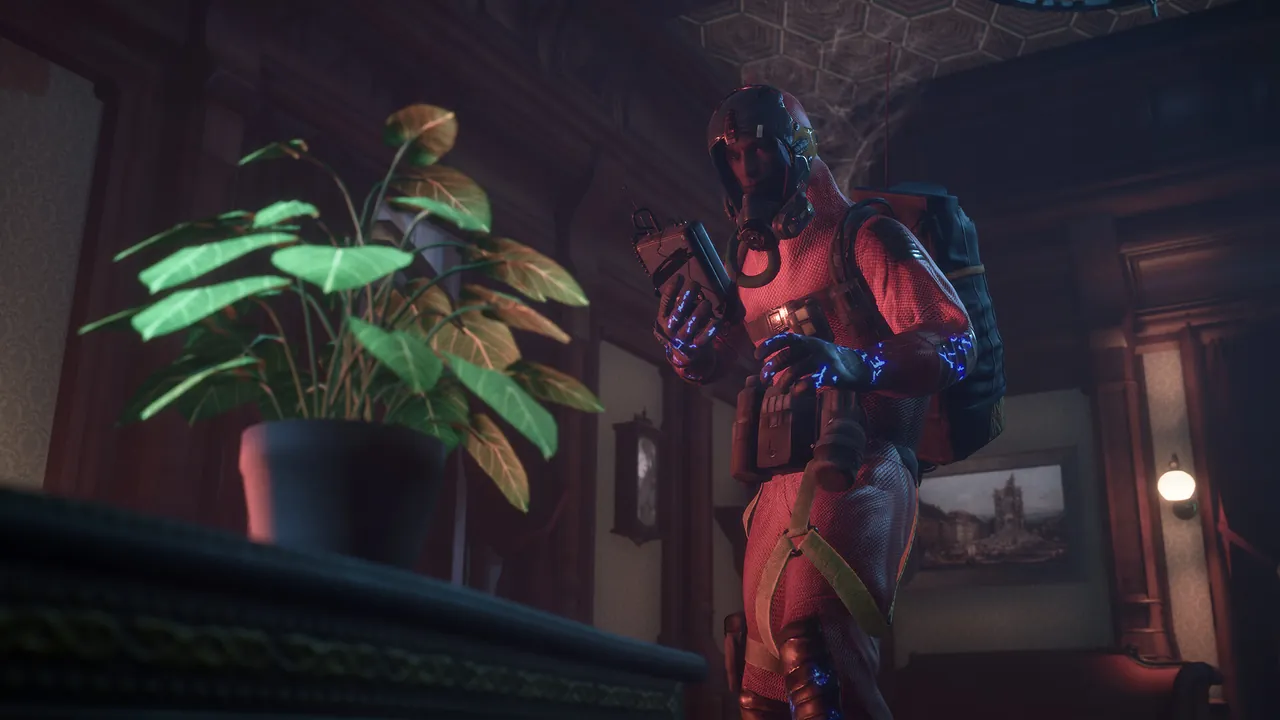
Midnight Ghost Hunt has official servers and quick play, so you can play without one. A server of your own earns its place when you want the same lobby every week: a Discord game night, a streamer's viewer lobby, or a friend group that is tired of landing with strangers. You pick the password, the map, the mode, and whether bots fill the gaps. The game left Early Access in March 2024, plays across Steam and the Epic Games Store on PC, and Vaulted Sky Games has kept adding maps since.
What you need
- A Windows PC or server that can stay on while people play. The dedicated server is a Windows build.
- About 4 GB of free memory for a 4v4 lobby, more for 6v6 with bots.
- SteamCMD, Valve's command line Steam client. The dedicated server downloads anonymously, so you do not need to own the game on that machine.
- The ability to forward ports on your router, if you host at home.
Step 1: Install with SteamCMD
- Download SteamCMD from Valve and extract it to a folder such as
C:\steamcmd. - Run it with this line to install the server into
C:\mghserver:
steamcmd +force_install_dir C:\mghserver +login anonymous +app_update 1118810 validate +quit
- Run the same line again after every game patch. A server left on an old build stops matching players' clients and they cannot join.
Step 2: Write the launch line
The server executable sits at MidnightGhostHunt\Binaries\Win64\MidnightGhostHuntServer-Win64-Shipping.exe inside the install folder. Make a start.bat next to the install with:
MidnightGhostHunt\Binaries\Win64\MidnightGhostHuntServer-Win64-Shipping.exe -server -log -port=7777 -queryport=27015 -BeaconPort=7787 -multihome=0.0.0.0 -Map=Mansion -Gamename="Friday_Hunt" -Gamemode="4v4 Hunt" -Region="North America" -BotDifficulty="Auto" -password="spooky_2026"
| Argument | What it sets |
|---|---|
-port |
Game port, 7777 by default |
-queryport |
Query port for the server list, 27015 |
-BeaconPort |
Beacon port for menu and join info, 7787 |
-Map |
Starting map, such as Mansion, Asylum, Theatre, Museum, Ghost Ship or Carnival |
-Gamename |
Server name in the browser, at least three characters |
-Gamemode |
4v4 Hunt, 6v6 Hunt or Darkness |
-Region |
One of nine regions used by the browser filter |
-BotDifficulty |
Easy, Normal, Hard or Auto |
-password |
Join password |
-NoBots, -NoAutobalance |
Optional flags to turn off bots or team auto balance |
Keep the password to letters, numbers, dashes and underscores. Spaces and symbols cause trouble in the launch line. What each mode, region and bot option means in play is covered in our Midnight Ghost Hunt server settings guide.
Step 3: Open the ports
The server uses three ports, all UDP:
| Port | Purpose |
|---|---|
| 7777 | Game traffic, the actual connection |
| 27015 | Query, so the server answers the server list |
| 7787 | Beacon, menu and join information |
Forward all three on your router to the PC running the server, and allow the server executable through Windows Defender Firewall. If one is missing you get the confusing half working state: the server shows in the list but joining fails, or the other way round. Our port forwarding guide covers the router side. If you run a second server, give it a different set of all three ports.
Step 4: Start and test
Double click start.bat. The log is written to MidnightGhostHunt\Saved\Logs\MidnightGhostHunt.log. Look for a line containing IpNetDriver listening on port, which means the server is up.
Then test from the game:
- Launch Midnight Ghost Hunt on Steam or Epic.
- Open the Server Browser from the play menu.
- Set the region filter to the region in your launch line.
- Search for your server name and join, entering the password.
The region filter is the step people skip. A server set to North America does not appear for someone browsing Western Europe. If it still does not show after a minute, see our fix for the Midnight Ghost Hunt server not showing in the browser.
Keeping it running
A home server works for a planned game night. The trouble starts after: the PC has to stay on, Windows updates restart it, and every game patch means stopping the server and running SteamCMD again before anyone can join. A month in, that is usually what breaks a regular lobby, not the setup itself.
The hosted option
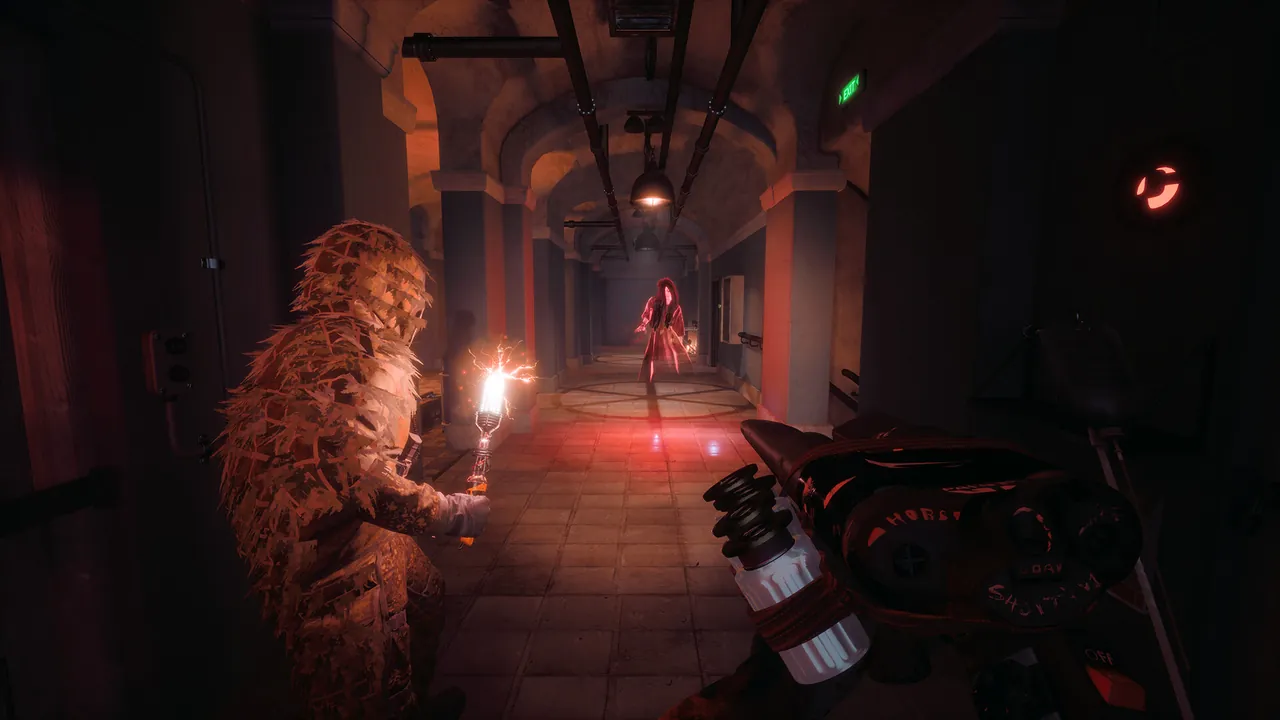
A Midnight Ghost Hunt server from GamezServers runs the same dedicated server with every argument above as a field in the panel: Game Name, Server Password, Server Map, Gamemode, Region, Bot Difficulty and Additional Args for flags like -NoBots. Ports are assigned for you, Auto Update pulls the new build each time it starts so a restart after a patch is all it takes, and it has its own address with nothing to forward. Plans start at 4 GB for a 4v4 group, and the bill can be split between friends.
FAQ
What ports does a Midnight Ghost Hunt server use?
Game port 7777, query port 27015 and beacon port 7787, all UDP. All three must be open.
Do I need to own Midnight Ghost Hunt to run the server?
No. The dedicated server installs anonymously through SteamCMD as app 1118810. Players need the game to join.
Can Epic players join a server hosted from Steam files?
Yes. The game has crossplay between Steam and the Epic Games Store on PC once players link accounts in game.
Is there a Linux version of the dedicated server?
The dedicated server is a Windows build. Hosts that run it on Linux use a compatibility layer, which takes extra setup.
How many players does a server hold?
Eight in 4v4 Hunt and twelve in 6v6 Hunt.
Skip the setup. Your own Midnight Ghost Hunt server.
Then $9.99/mo. Just trying it? $2.50 for 3 days
 Minecraft