

How to Host a Battle for Wesnoth Multiplayer Server (wesnothd)
Run your own Wesnoth lobby with wesnothd: install it, write wesnothd.cfg (motd, passwd, versions_accepted), open TCP 15000 and connect with Connect to Server.
Updated Oct 7, 2026 · 5 min read
On this page
To host a Battle for Wesnoth multiplayer server, run wesnothd, the server program that ships alongside the game, with wesnothd -p 15000 -c wesnothd.cfg. Put the message of the day, the admin password and the accepted versions in wesnothd.cfg, open TCP port 15000, and players connect from Multiplayer, Connect to Server with your address. The server only runs the lobby and relays moves; the games themselves run on the players' PCs, so it needs almost no resources.
A private server gives a clan, a league or a group of friends their own lobby, chat and moderation, away from the busy official server. Wesnoth is free and open source on Windows, macOS and Linux, so nobody needs to buy anything to join.
How Wesnoth multiplayer actually works
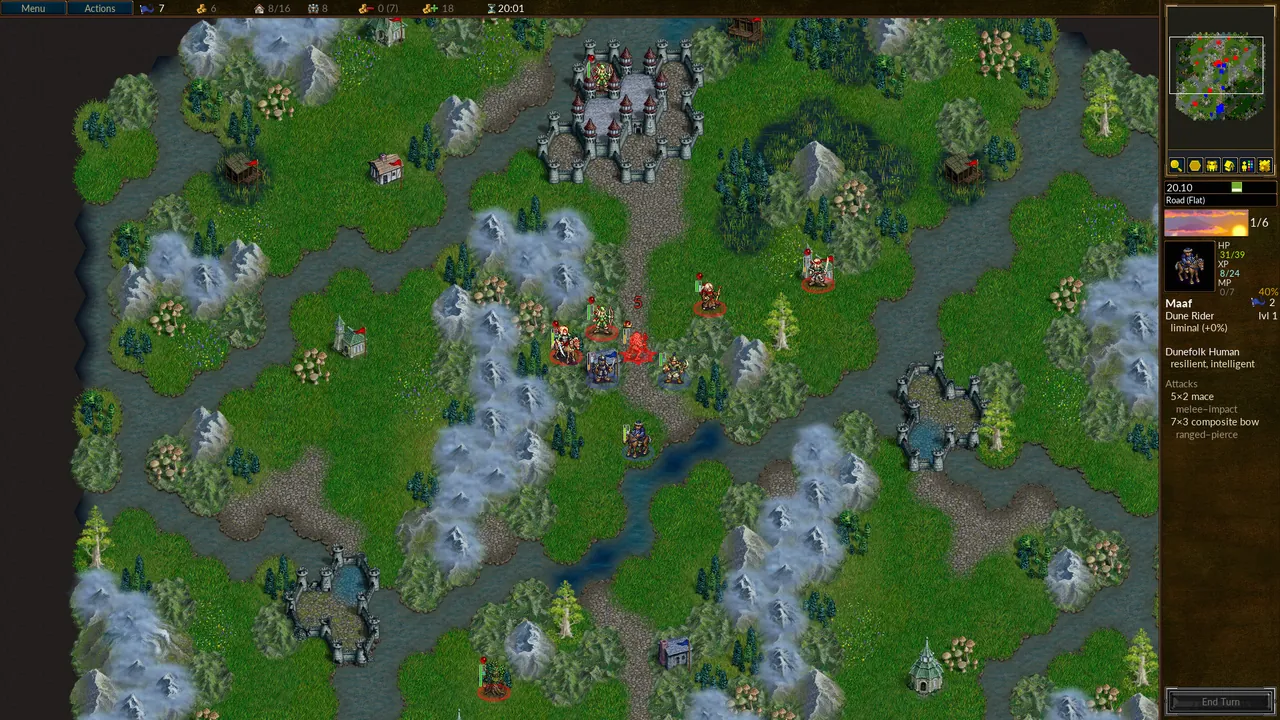
When you play on the official server, you connect to a lobby, chat, and either create a game or join one. The server is the lobby: it tracks who is online, which games are open, and passes each player's moves to the others. It does not simulate battles and it does not store campaign saves.
Your own wesnothd does exactly the same for your group. That has three consequences:
- It is tiny. A busy lobby uses very little memory or CPU.
- Add-ons (eras, factions, maps) live on the players' machines, installed from the in game Add-ons menu. The server does not need them.
- Versions matter a lot. Clients can only join a server that accepts their release series. More on that below and in the version mismatch fix.
Step 1: Get wesnothd
- Linux: many distributions package the server separately from the game, usually as a
wesnothserver package for the release series. You can also build it from the official source by checking out the release branch, for example1.18, and building the server target. - Windows: look for
wesnothd.exein the game's install folder, where Windows packages of Wesnoth have usually shipped it. If it is missing, use the source route. - macOS: building from source is the reliable route.
Use the same release series your players use. A 1.18 server is what 1.18 clients connect to.
Check what you have with:
wesnothd -V
Step 2: Write wesnothd.cfg
The file uses Wesnoth's WML syntax: key="value" lines, with optional [tag] blocks. A practical starting file:
motd="Welcome to the Northern League lobby. Ladder games Friday 20:00 UTC."
passwd="a-long-admin-password"
versions_accepted="1.18.*"
connections_allowed=5
max_messages=4
messages_time_period=10
ban_save_file="bans.gz"
save_replays=yes
replay_save_path="replays/"
disallow_names="*admin*,*admln*,*server*,ai,ai?,computer,human,network,player"

[ban_time]
    name="day"
    time="1D"
[/ban_time]
[ban_time]
    name="week"
    time="7D"
[/ban_time]
| Key | What it does |
|---|---|
motd |
Message shown to everyone who joins the lobby |
passwd |
The admin password, used with /query admin |
versions_accepted |
Client versions allowed in. Wildcards work. Defaults to the server's own series |
connections_allowed |
Connections allowed from one IP, 5 by default, 0 for unlimited |
max_messages, messages_time_period |
Flood protection: messages allowed per period in seconds |
ban_save_file |
Where bans are saved so they survive a restart |
save_replays, replay_save_path |
Keep server side replays of games, the path needs a trailing slash |
disallow_names |
Nicknames nobody may use |
[ban_time] |
Shortcut names for ban lengths, like day and week |
Without a [user_handler] section there is no nickname registration: anyone can use any free name that is not disallowed. That is normal for a private lobby. Admin powers still need the password, so a fake "admin" name gets nobody anywhere, and the default disallow_names blocks names containing "admin" or "server" anyway.
Step 3: Start it
wesnothd -p 15000 -c /path/to/wesnothd.cfg
-psets the port, 15000 if you leave it out.-cpoints to your config. Send the processSIGHUPon Linux to reload the config without restarting.-druns it as a daemon. For a permanent server, a systemd unit orscreensession is more practical so you can see the log.
Step 4: Open TCP 15000
Wesnoth multiplayer runs over TCP. Forward TCP 15000 (or your chosen port) on your router to the machine running wesnothd and allow it in the firewall. If you run a second lobby for another release series on the same machine, give it its own port, 15001 for example.
Step 5: Connect
- Open The Battle for Wesnoth and choose Multiplayer.
- Pick Connect to Server.
- Enter your address with the port, like
203.0.113.10:15000. If you leave the port off, the game uses 15000. - Choose a nickname and enter the lobby.
From the lobby, players create games as usual: pick an era, a map and the number of sides, then wait for others to join. If someone sees "The server accepts versions ..." instead, their game and your server are from different release series; see the version mismatch guide.
Step 6: Log in as admin
In the lobby chat:
/query admin a-long-admin-password
You can now kick, ban, change the message of the day and broadcast to the lobby. Every command is listed in Wesnoth server admin commands.
Running a league or clan lobby
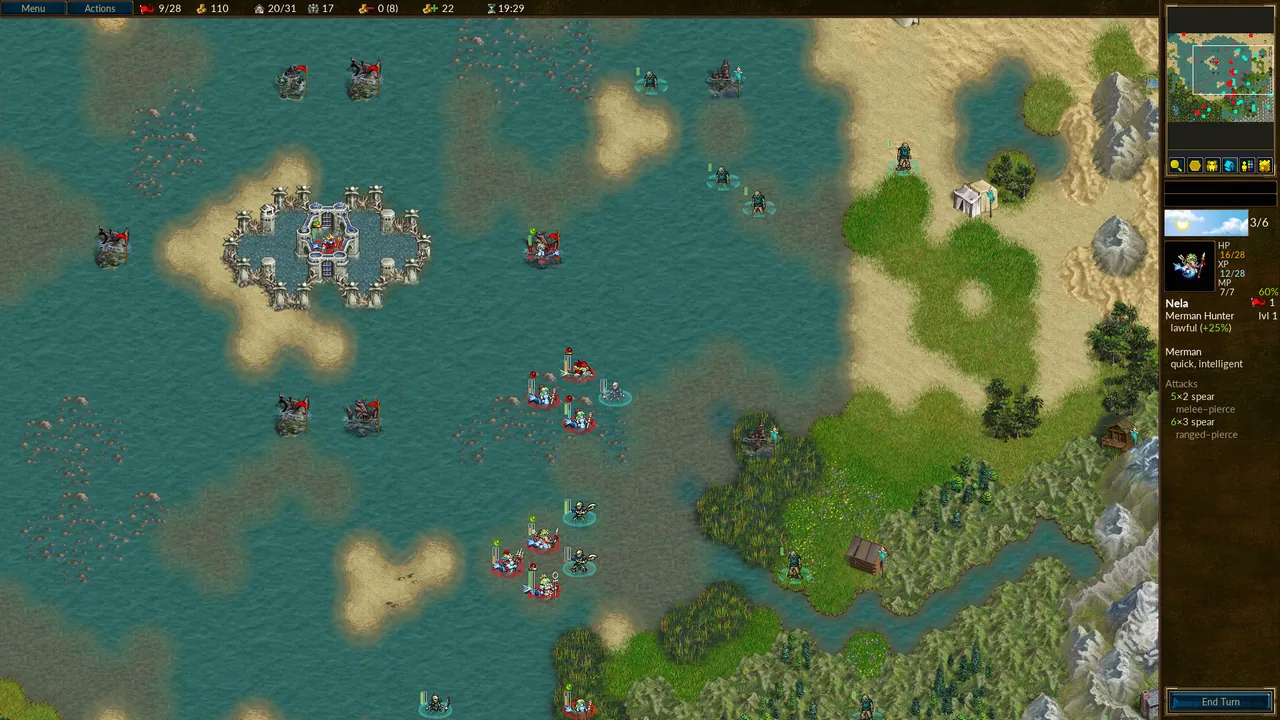
A few things that make a private lobby work well:
- Pin your schedule in the
motd. It is the first thing everyone sees. - Agree on the eras and add-ons for league play and post the list, so players install them before match night. The Ladder Era and Ageless Era are common picks.
- Turn on
save_replaysso disputed results can be checked. - Keep the server on the same release series as your players, and plan the move together when a new stable series ships.
The easy way to keep a lobby up
Because wesnothd barely uses resources, the main reason to rent one is to keep it reachable without a home PC and router rules. A Wesnoth server with GamezServers builds wesnothd for you from the release you pick: the Branch setting is 1.18 out of the box. The admin password and message of the day are fields in the control panel, the full wesnothd.cfg is in the file manager, and it has its own address with no port forwarding. A 1 GB plan covers almost any group, and members can split the bill.
FAQ
What port does a Wesnoth server use?
TCP 15000 by default. Change it with -p when starting wesnothd, and include the port when connecting if it is not 15000.
Does my Wesnoth server need the add-ons players use?
No. Add-ons are installed on each player's PC from the in game Add-ons menu. The server only relays the game.
How much RAM does a Wesnoth server need?
Very little. The games run on players' computers, so 1 GB is enough for nearly any lobby.
Can I host campaigns on a Wesnoth server?
Multiplayer campaigns and scenarios that support multiplayer can be hosted from the lobby like any game. The server does not store saves; players save and reload on their own PCs.
 Skip the setup. Your own The Battle for Wesnoth server.
Then $2.99/mo. Just trying it? $0.75 for 3 days
 Minecraft