

OpenRA: Red Alert server hosting
Allies versus Soviets in a Red Alert lobby that never closes
Host an OpenRA Red Alert server for Allies vs Soviets 1v1s, team games and league nights. Name it, set a password, list it publicly and pin the OpenRA release.
Staying longer? Subscribe and get 50% off your first month
- DDoS protected
- 24/7 support
- Live the moment you pay

- Split the billUp to 10 friends, own cards
- Custom plansAny RAM up to 32 GB
- Prepaid or monthly3 days to 1 year
- Live in 60 secondsNo setup, no waiting
- Cancel any timeNo contracts, ever
Pick your OpenRA: Red Alert plan
Every plan is live the moment you pay. Upgrade or cancel from your dashboard any time.
Starter
1 GBThen $2.99/mo. $0.10 a day.
- 1 GB RAM
- 2 vCPU cores
- DDoS protection included
- 24/7 support
Standard
2 GBThen $4.99/mo. $0.17 a day.
- 2 GB RAM
- 2 vCPU cores
- DDoS protection included
- 24/7 support
Pro
4 GBThen $9.99/mo. $0.33 a day.
- 4 GB RAM
- 2 vCPU cores
- DDoS protection included
- 24/7 support
What comes set up on a OpenRA: Red Alert server
Always open lobby
The server sits in the browser or behind Direct Connect all day, so your group just joins, picks a map and plays.
Public or private
Flip Public Server to list it in the in-game browser, or keep it hidden and lock it with a password from the panel.
Matches the stable release
The server runs the stable release players download, and support can move it to a playtest tag when your group wants one.
GeoIP and privacy toggles
Show country flags in the lobby with GeoIP, and keep Anonymized IPs on so players do not see each other's addresses.
A look inside OpenRA: Red Alert
Real screenshots from the game. Click any of them to see it full size.
How much RAM does a OpenRA: Red Alert server need?
Find the row that sounds like your group and we will point you at the right plan.
| Your server | RAM | Plan |
|---|---|---|
| Private 1v1 or 2v2 lobby | 1 GB | Starter$2.99/mo |
| Public lobby with big team games and observers | 2 GB | Standard$4.99/mo |
| League nights with long 4v4 matches | 4 GB | Pro$9.99/mo |
This is the panel. Click around.
This is the OpenRA: Red Alert panel you get. Click any button, or type a command.

OpenRA: Red Alert Server
play.gamezservers.com:7777
[12:00:00] Starting OpenRA: Red Alert server
[12:00:03] Loading world
[12:00:06] Server started on port 7777
[12:00:09] Ready for players. Try a button.
Power
How to join your OpenRA: Red Alert server
- 1
Download and install OpenRA from openra.net, launch it and choose the Red Alert mod.
- 2
Let the first launch install the Red Alert game content it asks for.
- 3
Click Multiplayer, then Direct Connect.
- 4
Enter
203.0.113.24and click Join, then type the password if the lobby asks for one.
Common problems
OpenRA only lets players join a server on the exact same release. The server runs the stable release, so have everyone install that, or ask support to move the server to the playtest your group uses.
The first player into an empty dedicated lobby becomes its admin and picks the map and options. Agree who joins first on league nights.
Players never see a private server in the browser. Leave Public Server off and share 203.0.113.24 for Direct Connect instead.
Custom maps should be on the OpenRA Resource Center. Clients download missing maps from there automatically when the admin selects one.
Server not responding
Make sure the server is online. Servers sleep after 4 days with nobody playing, and anyone with access can start them again from the dashboard in one click.
Use the server address
Do not use localhost, 127.0.0.1 or your own IP from a home hosting guide. Copy the exact address of the server.
No port forwarding or firewall changes
Opening ports on your router is only for hosting a server at home, so there is nothing to change to join this one. If Windows asks whether to let the game through the firewall, choose Allow.
OpenRA: Red Alert server hosting, explained
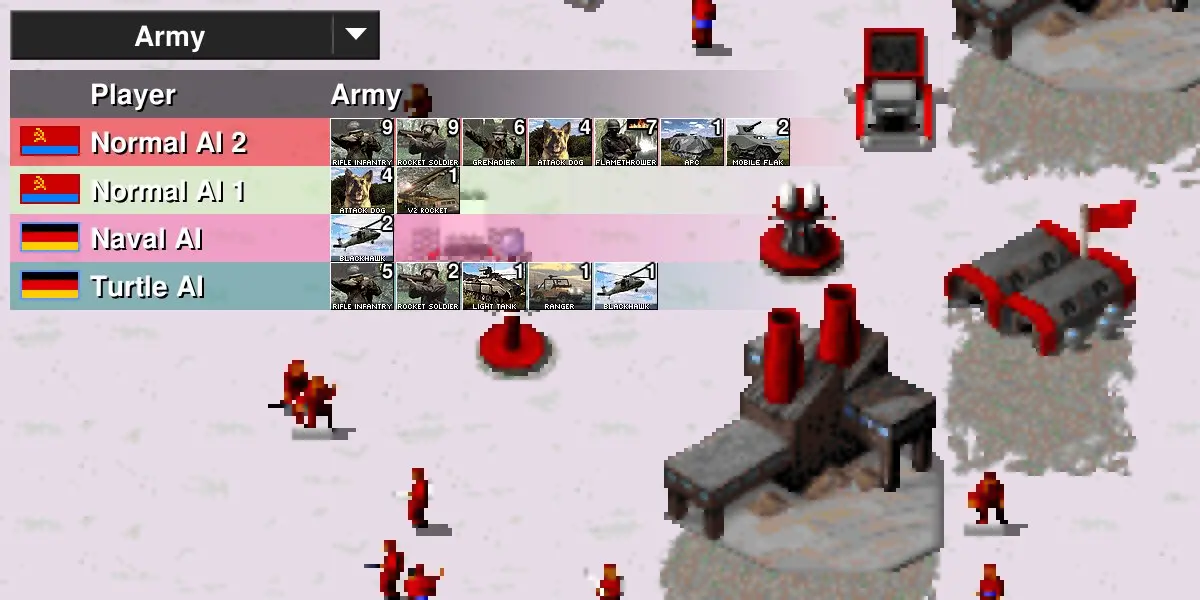
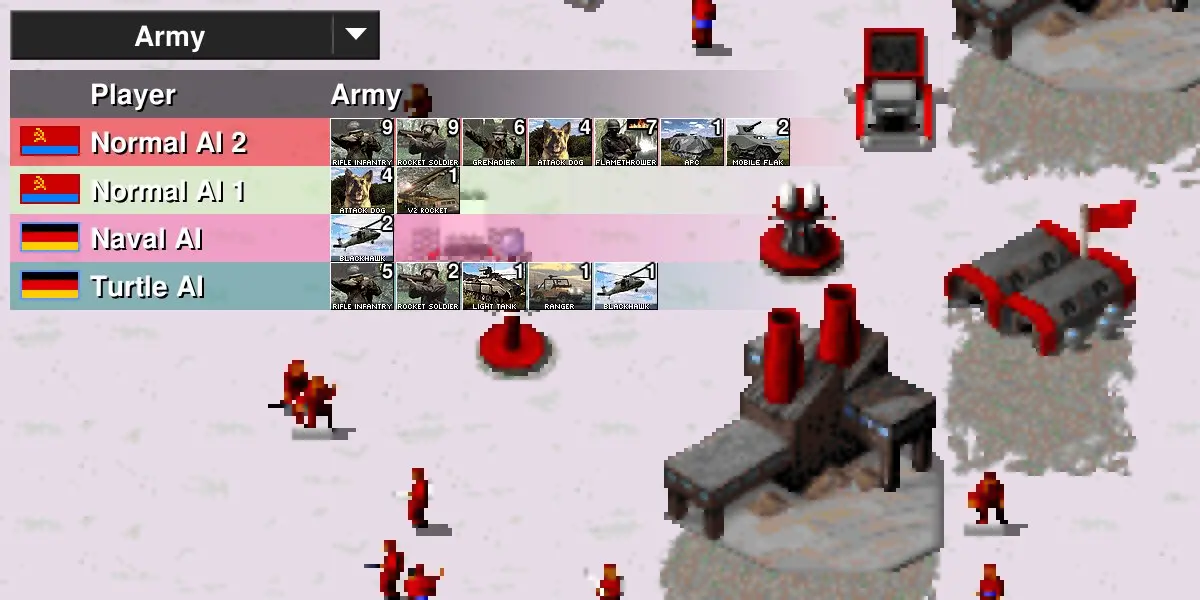
Red Alert is the most played of OpenRA's mods. It takes Westwood's Allies versus Soviets war, with tesla coils, chronospheres, attack dogs and naval fights, and rebuilds it on a modern open source engine with attack move, replays, observers and a balance that the community tunes for online play. Multiplayer is skirmish based, from sharp 1v1s on tight maps to messy team games and free for alls, with AI bots for anyone short a player.
OpenRA can host from a client, but then the lobby dies when the host's PC sleeps or their connection hiccups. A dedicated server keeps a stable lobby up for regulars, practice partners, coaching sessions or a small league. Nobody has to forward ports, and spectators can drop in to watch. Communities that run weekly tournaments like knowing the lobby will be there, with the same name, at the same address, every time.
From the panel you set the server name, whether it shows in the public browser, a password, GeoIP flags, anonymized IPs and single player mode. The server runs the current stable OpenRA release, which is what players get from openra.net, and support can set a playtest build if your group needs one. Inside the lobby, the first player in is the admin: they pick the map, set options, add bots and kick anyone causing trouble. The live console shows who connects.
OpenRA servers relay orders between players instead of simulating the whole match, so they use very little memory. One Red Alert lobby runs on 1 GB, and 2 GB leaves plenty of room for 4v4 games with observers. A bigger plan will not make the game play better. For an RTS like this, a steady connection matters far more than memory, and Sleep when empty can stop the server on quiet days.
OpenRA: Red Alert server guides
OpenRA: Red Alert5 min readHow to Host an OpenRA Red Alert Server (Dedicated Lobby 2026)
Run a dedicated OpenRA Red Alert server: the AppImage --server launch, Server.* options, TCP port 1234, public listing, passwords and matching the release.
ReadOpenRA: Red Alert5 min readHow to Play OpenRA Red Alert Co-op Against Bots With Friends
Team up against the AI in OpenRA Red Alert on a dedicated server: Humans vs Bots, the four Red Alert AIs, fair lobby settings and how to make bots harder.
ReadOpenRA: Red Alert5 min readOpenRA Red Alert vs C&C Remastered for Online Multiplayer
Which Red Alert should your group play online in 2026? OpenRA versus the Command & Conquer Remastered Collection on cost, servers, balance, bots and mods.
ReadIncluded on every plan
- Always on DDoS protection
- 24/7 support from real people
- Low ping game hardware
- Live the moment you pay
- Your own address and port
- Live console with full access
- One click game actions
- One click backups
- Upgrade or cancel any time
Common questions
How many players can play on an OpenRA Red Alert server?
As many as the chosen map has slots for, plus spectators. Most competitive play is 1v1 or 2v2, and big maps support 8 players.
Why can my friend not see or join my server?
Usually a version mismatch, since OpenRA needs everyone on the same release. If the server is not public, they also need Direct Connect with the address.
Is OpenRA Red Alert free?
Yes. OpenRA is free and open source, and it fetches the Red Alert content it needs on first launch. The server is installed for you.
Who controls the lobby on a dedicated server?
The first player to join an empty lobby becomes its admin. They choose the map and settings, add bots and can kick players.
Can we play against bots?
Yes. The lobby admin can add AI players to open slots. Enable Singleplayer also lets one person start a game alone against bots.
Can I run a playtest build?
Yes. Email support@gamezservers.com with the playtest tag, for example playtest-20260222, and we set the server to it. Everyone joining needs that same playtest installed.
How do custom maps work?
Maps published on the OpenRA Resource Center are downloaded by players' clients automatically when the admin picks them in the lobby.
Is OpenRA affiliated with EA?
No. OpenRA is an independent open source project that recreates the classic games. It is not made or endorsed by Electronic Arts.
Is GamezServers affiliated with OpenRA: Red Alert?
No. You rent and control your own dedicated OpenRA: Red Alert server. GamezServers is not affiliated with the game's developer or publisher.
Can my friends and I split the cost?
Yes. At checkout choose "Me and my friends" and up to 10 people each pay their own share with their own card, on any plan length, from 3 days to a year. It is not a payment plan: nobody pays in parts over time, each friend simply pays their own share. You pay yours, send each friend their link, and the server starts straight away. Each share includes a $1 payment fee.
Can I build a custom plan?
Yes. Every game has a Build your own page: pick any amount of RAM up to 32 GB, any length from 3 days to 1 year, prepaid or a subscription, plus your server type and settings. A custom size costs 15% more per GB than the standard plans next to it.
Can I pay once instead of a subscription?
Yes. Pick Prepaid and pay once for 3 days, 30 days, 6 months or a year. Nothing renews: when the time is up the server pauses and keeps its world for 14 days. Add time or switch to a subscription from your panel any time. Short rentals cost more per day, since every server is set up from scratch.
How fast is setup, really?
Your server starts building the moment Stripe confirms payment. Most are online in under a minute, and the address and login appear on your dashboard automatically.
Players who host OpenRA: Red Alert also host
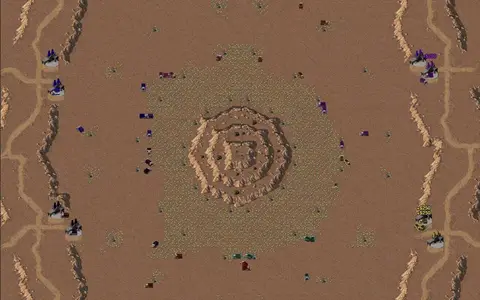
OpenRA - Dune2000
Strategy · Competitive · Open source · Retro
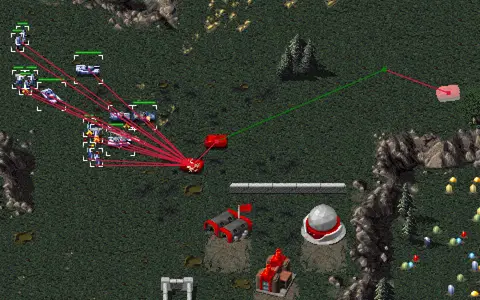
OpenRA - Tiberian Dawn
Strategy · Competitive · Open source · Retro
ET Legacy
Shooter · Open source · Retro · Competitive
AssaultCube
Shooter · PvP · Retro · Open source
Your OpenRA: Red Alert server is a minute away
Allies versus Soviets in a Red Alert lobby that never closes
Deploy OpenRA: Red Alert nowLive in 60 seconds · Cancel any time
GamezServers is not affiliated with OpenRA team. OpenRA: Red Alert and its art are trademarks of their respective owners.