

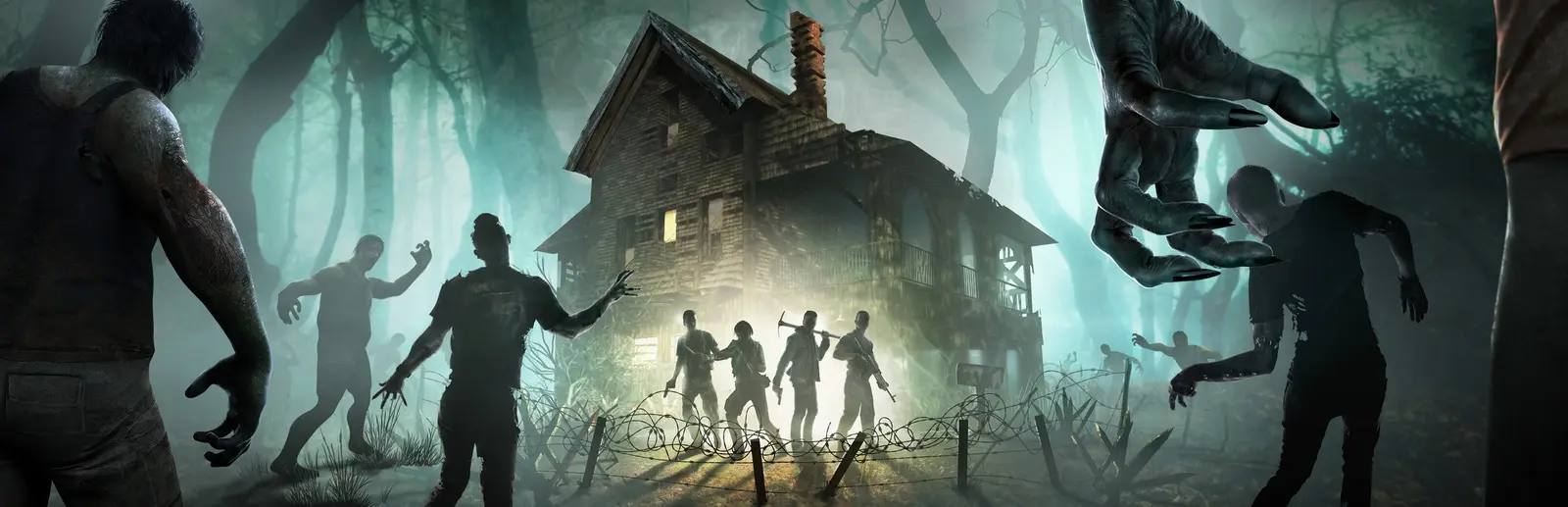
Modded 7 Days to Die servers, overhaul ready
Darkness Falls on the branch it needs, set up from a browser.
Pick the PC server type and your server is ready for mods, from a single loot modlet to a full overhaul. Anti-cheat and the game version are panel settings, so running an older branch for your mod is one field and one button.
Staying longer? Subscribe and get 50% off your first month
- DDoS protected
- 24/7 support
- Live the moment you pay
- Split the billUp to 10 friends, own cards
- Custom plansAny RAM up to 32 GB
- Prepaid or monthly3 days to 1 year
- Live in 60 secondsNo setup, no waiting
- Cancel any timeNo contracts, ever
Why modded groups host with us
Overhauls on the branch they support
Darkness Falls, Undead Legacy and Rebirth are usually updated weeks or months after a big game release, and V3 changed a lot under the hood. Put the Steam branch your overhaul supports in the Game version setting and press Update game. The server reinstalls on that version and your worlds and saves stay.
Every player switches their game to the same branch under Betas in the game's Steam properties, installs the same mod version, and you are all on one page.
Easy Anti-Cheat is a switch
Mods that add DLL code or new assets, including every overhaul, need Easy Anti-Cheat off. Turn it off in Settings instead of hunting for EACEnabled in serverconfig.xml. Players then launch the game without anti-cheat from the Steam launcher option.
On a public modded server, keep a Join password or use the Ban player and Kick player buttons, since anti-cheat is no longer doing that job.
Modlets players never install
Not every mod needs a big download. XML modlets that tweak loot, stack sizes, recipes, zombie stats or progression are sent to players automatically when they join, and they can run with anti-cheat left on.
Upload each mod folder into Mods so the path reads Mods/ModName/ModInfo.xml, not one folder deeper. Overhauls with thousands of files go up fastest over SFTP. If a mod fails, the server log names the file and line.
Memory for big modded worlds
Overhauls add new items, zombies and blocks, and random generated worlds add more on top. Pro gives you 16 GB of RAM and room for up to 32 players for 39.99 USD a month, the plan for overhaul mods, big worlds and bigger groups. A small group on light modlets runs well on Standard with 12 GB, and you can switch plans whenever you like.
Start overhauls on a fresh world. Set a new Save name in the panel and the old save stays on disk, backed up before game updates.
Pick your 7DTD plan
Every plan is live the moment you pay. Upgrade or cancel from your dashboard any time.
Starter
8 GBThen $19.99/mo. $0.67 a day.
Splitting with 3 friends? $6.02 each/mo
- 8 GB RAM
- 2 vCPU cores
- Up to 4 players
- DDoS protection included
- 24/7 support
Standard
12 GBThen $29.99/mo. $1.00 a day.
Splitting with 3 friends? $8.52 each/mo
- 12 GB RAM
- 3 vCPU cores
- Up to 8 players
- DDoS protection included
- 24/7 support
Pro
16 GBThen $39.99/mo. $1.33 a day.
Splitting with 3 friends? $11.02 each/mo
- 16 GB RAM
- 4 vCPU cores
- Up to 16 players
- DDoS protection included
- 24/7 support
What comes set up on a 7DTD server
Overhauls supported
Darkness Falls, Undead Legacy and Rebirth on the PC server type.
Any game branch
Set Game version to the branch your mod needs and press Update game.
EAC toggle
Turn off Easy Anti-Cheat in Settings for mods with DLLs or assets.
SFTP for big mods
Upload overhauls with thousands of files over SFTP, or small mods in the file manager.
Backups before updates
Worlds are backed up before game updates, so a mod clash never costs your base.
16 GB on Pro
Room for overhaul mods on big random worlds with up to 32 players.
A look inside 7DTD
Real screenshots from the game. Click any of them to see it full size.
This is the panel. Click around.
This is the 7DTD panel you get. Click any button, or type a command.

7DTD Server
play.gamezservers.com:26900
[12:00:00] Starting 7 Days to Die server
[12:00:03] Loading world
[12:00:06] Server started on port 26900
[12:00:09] Ready for players. Try a button.
Power
7DTD actions
How to join your 7DTD server
- 1
Launch 7 Days to Die on the same game version as your server.
- 2
Click Join a Game from the main menu.
- 3
Click Connect to IP, enter
203.0.113.24as the IP and26900as the port, and click Connect. Console players on a crossplay server find it by name in the server browser instead. - 4
Type the password if you set one. Friends can also find the server by name in the server browser.
Common problems
IP and port go in separate boxes
Type the part of the address before the colon as the IP, and the number after it as the port.
Version mismatch
Your game must be on the same version as the server. If the server runs an older branch for mods, pick that branch under Betas in the game's Steam properties.
First start takes a while
A new random world is generated on the first start, which can take 10 minutes or more on big sizes. Wait until the dashboard shows the server running.
Server not responding
Make sure the server is online. Servers sleep after 4 days with nobody playing, and anyone with access can start them again from the dashboard in one click.
Use the server address
Do not use localhost, 127.0.0.1 or your own IP from a home hosting guide. Copy the exact address of the server.
No port forwarding or firewall changes
Opening ports on your router is only for hosting a server at home, so there is nothing to change to join this one. If Windows asks whether to let the game through the firewall, choose Allow.
Common questions
Can I run Darkness Falls on my server?
Yes. Upload it to the Mods folder, turn off Easy Anti-Cheat, set Game version to the branch the mod supports and press Update game. Every player installs the same mod and branch.
Do players need to install the mods?
Not for XML only modlets, which are sent when they connect. Overhauls and any mod with new assets or code must be installed by every player.
Can console players join a modded server?
No. Crossplay needs anti-cheat on and no mods, so modded servers are PC only. Run a separate Crossplay server for console friends.
Can I add an overhaul to my existing world?
Not safely. Start overhauls on a fresh world with a new Save name. The old save stays on disk.
How much RAM does a modded server need?
Overhaul mods run best on 12 GB or more. Pro with 16 GB suits overhauls on big random worlds or 16 players and up.
Why does my mod not show up?
Usually the folder is one level too deep. ModInfo.xml must sit directly inside Mods/ModName/, and the folder is Mods with a capital M.
Do big mods need more RAM?
Yes. Overhaul mods run best on 12 GB or more.
Can I change the blood moon frequency and horde size?
Yes. Since V3 these live in the sandbox code: set blood moon, loot, XP and difficulty in the Sandbox Options screen when starting a new game, copy the code, paste it in the Sandbox code setting and restart. No new world needed.
Can PlayStation and Xbox players join?
Yes. Choose the Crossplay server type. Crossplay servers allow up to 8 players, keep Easy Anti-Cheat on and cannot run mods.
Can my friends and I split the cost?
Yes. At checkout choose "Me and my friends" and up to 10 people each pay their own share with their own card, on any plan length, from 3 days to a year. It is not a payment plan: nobody pays in parts over time, each friend simply pays their own share. You pay yours, send each friend their link, and the server starts straight away. Each share includes a $1 payment fee.
Can I build a custom plan?
Yes. Every game has a Build your own page: pick any amount of RAM up to 32 GB, any length from 3 days to 1 year, prepaid or a subscription, plus your server type and settings. A custom size costs 15% more per GB than the standard plans next to it.
Can I pay once instead of a subscription?
Yes. Pick Prepaid and pay once for 3 days, 30 days, 6 months or a year. Nothing renews: when the time is up the server pauses and keeps its world for 14 days. Add time or switch to a subscription from your panel any time. Short rentals cost more per day, since every server is set up from scratch.
How fast is setup, really?
Your server starts building the moment Stripe confirms payment. Most are online in under a minute, and the address and login appear on your dashboard automatically.
7DTD server guides
7DTD8 min readHow to Host a 7 Days to Die Server (Step by Step, 2026)
How to host a 7 Days to Die server with GamezServers: pick a plan, split the cost, join in minutes, then set blood moons, world gen and SandboxCode.
Read7DTD5 min read7 Days to Die Server Stuck Generating World? How to Fix It
A 7 Days to Die server stuck on random world generation is usually short on RAM or was restarted mid way. Fix it, or generate the map on your PC.
Read7DTD5 min readHow to Reset Part of the Map on a 7 Days to Die Server
Reset one town or area on a 7 Days to Die server without a full wipe by deleting its region files, so POIs and loot come back as generated.
Read7DTD5 min readHow to Change 7 Days to Die Server Settings (V3 SandboxCode)
How to change 7 Days to Die server settings in V3: blood moon, difficulty, loot and XP now live in SandboxCode. What stays in serverconfig.xml and how.
Read7DTD6 min read7 Days to Die 3.2 Update: What Changed for Servers (and 3.1)
The 7 Days to Die 3.2 update went stable on 26 August 2026. Trader horns, Combine Station rework and the 3.1 sandbox code change admins must check.
Read7DTD5 min read7 Days to Die Crossplay Server: PC, PS5 and Xbox (V3 Guide)
Set up a 7 Days to Die crossplay server for PC, PS5 and Xbox. The exact serverconfig.xml settings, the 8 player limit, no mods, and why consoles can't see it.
Read
Your 7DTD server is a minute away
Darkness Falls on the branch it needs, set up from a browser.
Deploy 7DTD nowLive in 60 seconds · Cancel any time