

How to Make a Neverwinter Nights Enhanced Edition Server (nwserver)
Run a NWN:EE dedicated server with nwserver: get the right build, open UDP 5121, set the module, vault mode and passwords, and let players join.
Updated Oct 7, 2026 · 6 min read
On this page
To make a Neverwinter Nights: Enhanced Edition server, run Beamdog's dedicated server program (nwserver.exe on Windows, nwserver-linux on Linux) with the module you want to host, then open UDP port 5121 so players can reach it. The server build must match the game build your players run, which today is 8193.37-17. Everything else, from PvP to character vault mode, is a command line option or a setting in the server window.

What you need
- A PC or Linux machine that stays on while people play. For a persistent world that means all day, every day.
- The dedicated server files for the same build as your players. Owners of the game on Steam or GOG already have them, and Beamdog also publishes a standalone package at
https://nwn.beamdog.net/downloads/nwnee-dedicated-<build>.zip, for examplenwnee-dedicated-8193.37-17.zip. - A module: one of the official campaigns, or a
.modfile you built in the Toolset or downloaded from the Neverwinter Vault. - Access to your router if the server runs at home.
The server is light. A DM run campaign for four to eight players is fine on 2 GB of RAM, and only big persistent worlds with stacks of hak packs and dozens of players need more.
Step 1: Find or download nwserver
If you own the game, the server ships with it:
| Platform | Location |
|---|---|
| Windows (Steam) | steamapps\common\Neverwinter Nights\bin\win32\nwserver.exe |
| Linux | bin/linux-x86/nwserver-linux |
| Standalone package | unzip nwnee-dedicated-<build>.zip, then the same bin folders |
Check the build. NWN:EE refuses connections across major versions (an 8192 client cannot join an 8193 server), and running a server older than your players' clients is the most common reason a new server "does not work". If you download the standalone package, pick the exact build number your group's game shows.
Step 2: Put your module in place
Official modules live in the game's data folder and load by name. Custom content goes in the server's user directory, which on Windows is Documents\Neverwinter Nights and on Linux whatever you pass with -userdirectory:
<user directory>/
  modules/      your .mod files
  hak/          hak packs the module uses
  tlk/          custom TLK files
  servervault/  server side characters
The module name you give the server is the file name without .mod. A file called Ravenloft_PW.mod loads as Ravenloft_PW. For the details of haks, TLKs and the CEP, see how to add a custom module and hak packs to a NWN EE server.
Step 3: Start the server with your settings
On Windows you can double click nwserver.exe and use its window to pick the module and options. For anything you want to keep, a command line is easier to repeat. A typical persistent world launch on Linux looks like this:
./nwserver-linux -port 5121 -userdirectory /srv/nwn/user \
  -servername "Silver Marches PW" -module "SilverMarches" \
  -publicserver 1 -maxclients 40 -minlevel 1 -maxlevel 40 \
  -pvp 1 -servervault 1 -elc 1 -ilr 1 -difficulty 3 \
  -pauseandplay 0 -autosaveinterval 0 -reloadwhenempty 0 \
  -playerpassword "" -dmpassword "pick-something-long"
What the important switches do:
| Option | Values | What it controls |
|---|---|---|
-module |
file name without .mod |
The module to load |
-servervault |
0 local, 1 server | Where characters are stored. Use 1 for persistent worlds so characters cannot be edited offline |
-pvp |
0 none, 1 party, 2 full | Who can attack whom |
-elc |
0 or 1 | Enforce Legal Characters, rejects edited or illegal builds |
-ilr |
0 or 1 | Item Level Restrictions, stops low levels using high level gear |
-minlevel / -maxlevel |
numbers | Character level range allowed to join |
-difficulty |
1 easy, 2 normal, 3 D&D hardcore, 4 very difficult | Combat rules such as friendly fire |
-pauseandplay |
0 DM only, 1 players too | Who may pause the game |
-oneparty |
0 or 1 | Force everyone into a single party |
-reloadwhenempty |
0 or 1 | Reset the module when the last player leaves |
-publicserver |
0 or 1 | List the server in the in-game browser |
-playerpassword / -dmpassword |
text | Passwords for players and for DMs |
The server is ready when its log says the module loaded. Leave the window open: closing it shuts the server down.
Step 4: Open UDP port 5121
Neverwinter Nights uses UDP, not TCP. Forward UDP 5121 (or whatever you set with -port) on your router to the PC running the server, and allow nwserver through Windows Firewall when it asks. If you have never done this, the port forwarding guide walks through it router by router. If your internet provider puts you behind carrier grade NAT, forwarding will not work at all, and you need a way to host without port forwarding or a hosted server.
Step 5: Join and test
- Launch Neverwinter Nights: Enhanced Edition and click Multiplayer.
- In the server browser, click Direct Connect.
- Enter your public IP and port, for example
203.0.113.25:5121, plus the player password if you set one. - Pick or create a character and play.
Test from outside your own network: have a friend connect, or use your phone's hotspot. Joining from the same PC only proves the server runs, not that the port is open. To run the session as a Dungeon Master, start the DM client and connect with the DM password.
If something fails, the fixes are covered in NWN EE server can't connect fix.
Keeping a persistent world alive
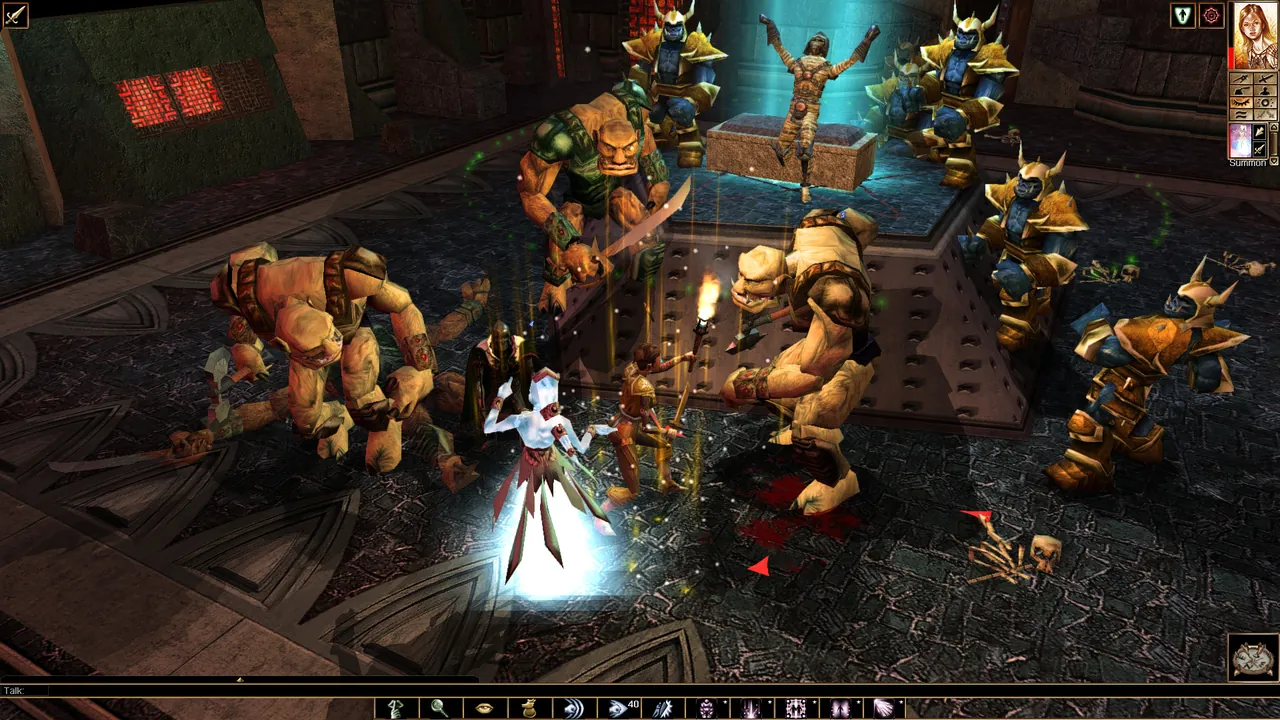
A DM campaign can live on the DM's PC for one night a week. A persistent world cannot. Players log in at odd hours from different time zones, so the server has to be up around the clock, survive Windows updates, and keep servervault and any database files backed up. Set a regular backup of the whole user directory, because the module, haks and every player character live there.
The easier route
A Neverwinter Nights: Enhanced Edition server on GamezServers runs the same nwserver-linux with every option above as a field in the control panel: module name, save slot, max clients, level range, PvP mode, server vault mode, ELC, ILR, difficulty, pause rights, one party, autosave interval, reload when empty, public listing, and separate player and DM passwords. The Game Version field picks the build, so set it to the exact build your group runs, such as 8193.37-17. Modules and haks upload through the file manager or SFTP, there is no port to forward and no PC to leave on, one click backups protect the server vault, and up to 10 friends can split the bill. New customers get 50% off the first month.
FAQ
Do I need to own the game to run a NWN:EE server?
Players need the game. The dedicated server package itself is published by Beamdog as a separate download, so the machine running it does not need a full game install.
What port does a Neverwinter Nights EE server use?
UDP 5121 by default. You can change it with -port, and players then add that port after the address when they Direct Connect.
How many players can a NWN:EE server hold?
-maxclients defaults to 96. DM campaigns usually run 4 to 8 players, and most persistent worlds sit between a dozen and a few dozen online at once.
Should I use local or server vault?
Use server vault (-servervault 1) for persistent worlds so characters stay on the server and cannot be edited offline. Local vault suits casual one off sessions where players bring their own characters.
Can I run a DM campaign without a persistent world?
Yes. Load the module, set a DM password, keep the server private, and connect with the DM client. Turning on Reload When Empty resets the module after everyone logs off, which suits one shot adventures.
 Skip the setup. Your own Neverwinter Nights: Enhanced Edition server.
Then $4.99/mo. Just trying it? $1.25 for 3 days
 Minecraft