

 Arma Reforger
How to Host an Arma Reforger Server (2026 Guide)
Host an Arma Reforger server: install app 1874900, write config.json, pick a scenario ID, add Workshop mods and turn on crossplay for Xbox and PS5.
Updated Oct 3, 2026 · 6 min read
On this page
- What do you need to run an Arma Reforger server?
- How do I install the server?
- What goes in config.json?
- How do I pick a scenario?
- How do I add Workshop mods?
- How do I enable crossplay with Xbox and PS5?
- What ports does Arma Reforger use?
- How do I become admin in game?
- The easy option: host it with GamezServers
- FAQ
To host an Arma Reforger server, download the Arma Reforger Server (SteamCMD app 1874900), write a config.json with your server name, scenarioId and maxPlayers, and start it with ArmaReforgerServer -config ./config.json -profile ./profile. Open UDP 2001 for players and UDP 17777 for the server browser. Mods go in the mods array by Workshop ID, and "crossPlatform": true lets Xbox and PS5 players join, as long as every mod supports consoles.
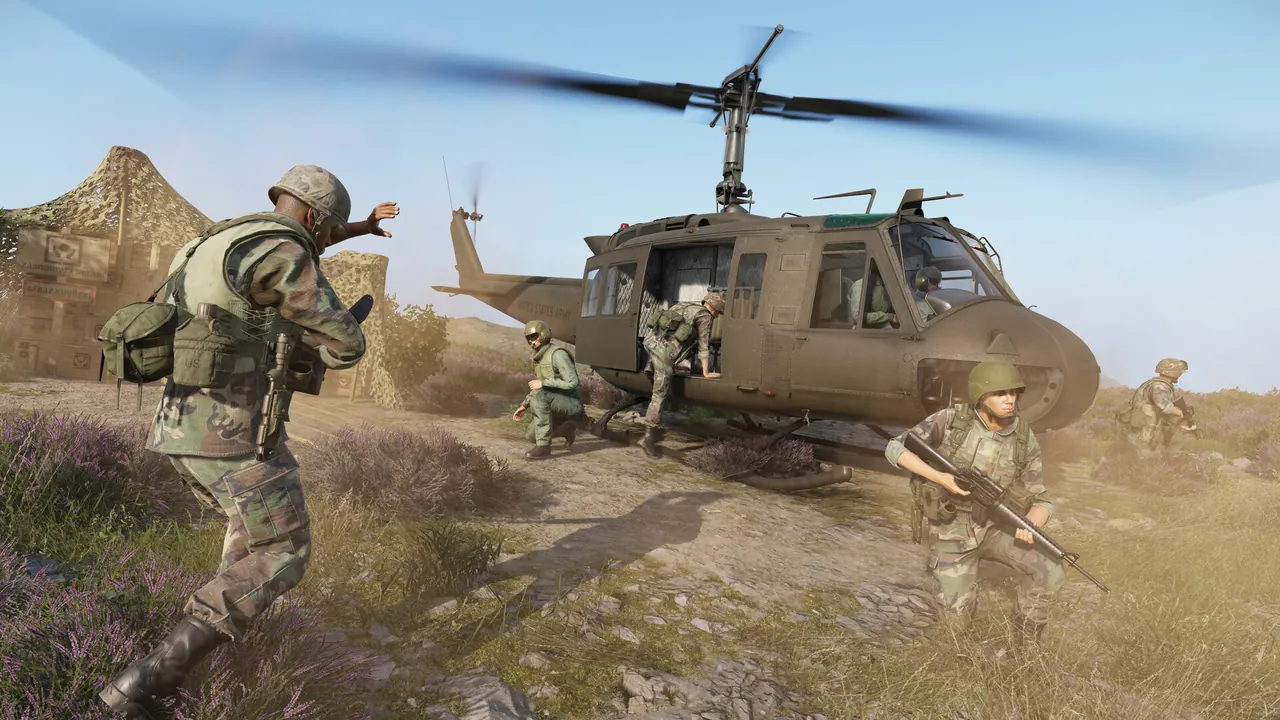
What do you need to run an Arma Reforger server?
Reforger is a heavy server compared with most co-op games. It simulates a whole island, AI and vehicles, so plan on:
- RAM: around 8 GB for vanilla Conflict up to 32 players, 12 GB for 64 players or a decent mod list, 16 GB for large modded servers heading toward 128.
- CPU: strong single thread speed. Reforger leans on the CPU more than most games, which is why the
-maxFPSlaunch option matters. - Disk: an SSD with room for the server plus every mod you add.
- Network: a stable upload and two forwarded UDP ports.
The server runs on Windows and Linux. Bohemia documents every config option on its server config wiki page, which is the reference to check when a key changes after an update.
How do I install the server?
- Install SteamCMD and download the server files:
steamcmd +force_install_dir ./reforger +login anonymous +app_update 1874900 validate +quit
- Create a
config.jsonnext to the executable (the next section has a full example). - Start the server:
# Windows
ArmaReforgerServer.exe -config ./config.json -profile ./profile -maxFPS 60

# Linux
./ArmaReforgerServer -config ./config.json -profile ./profile -maxFPS 60
The -profile folder is where logs, downloaded mods and saved data go. Keep it outside the install folder so updates do not touch it. -maxFPS caps the server's simulation rate, which keeps CPU use steady instead of spiking; 60 is a sensible value.
What goes in config.json?
Here is a working config for a 32 player Conflict server on Everon:
{
  "bindAddress": "",
  "bindPort": 2001,
  "publicAddress": "",
  "publicPort": 2001,
  "a2s": {
    "address": "0.0.0.0",
    "port": 17777
  },
  "game": {
    "name": "My Reforger Server",
    "password": "",
    "passwordAdmin": "change-this-admin-password",
    "admins": [],
    "scenarioId": "{ECC61978EDCC2B5A}Missions/23_Campaign.conf",
    "maxPlayers": 32,
    "visible": true,
    "crossPlatform": false,
    "gameProperties": {
      "serverMaxViewDistance": 1600,
      "networkViewDistance": 1500,
      "disableThirdPerson": false,
      "fastValidation": true,
      "battlEye": true
    },
    "mods": []
  }
}
The keys you will touch most:
| Key | Default | What it does |
|---|---|---|
bindPort / publicPort |
2001 | UDP port players connect to |
a2s.port |
17777 | Steam query port for the server browser |
name |
Server name, up to 100 characters | |
password |
empty | Join password |
passwordAdmin |
Used with #login in chat to get admin |
|
admins |
empty | Up to 20 IDs that are admin on join |
scenarioId |
The mission the server runs | |
maxPlayers |
64 | 1 to 128 |
visible |
true | Show in the server browser |
crossPlatform |
false | Accept Xbox and PlayStation players |
disableThirdPerson |
false | Force first person |
battlEye |
true | Anti cheat. Leave it on for public servers |
fastValidation |
true | Keep it true on public servers |
You can also add an rcon block (port 19999 by default, with a password of at least 3 characters and no spaces) if you use remote admin tools.
How do I pick a scenario?
Every mission has a scenario ID in the format {GUID}Missions/name.conf. Two common ones:
| Scenario | ID |
|---|---|
| Conflict, Everon | {ECC61978EDCC2B5A}Missions/23_Campaign.conf |
| Game Master, Everon | {59AD59368755F41A}Missions/21_GM_Eden.conf |
Not sure what is available? Start the server with -listScenarios and it prints every scenario ID it can see, including the ones added by mods you have loaded. Copy the one you want into scenarioId and restart.
How do I add Workshop mods?
Reforger mods come from the in game Workshop (also browsable at reforger.armaplatform.com). Each mod page shows a 16 character ID. Add one entry per mod (the ID below is a placeholder):
"mods": [
  {
    "modId": "0123456789ABCDEF",
    "name": "Example Mod",
    "version": ""
  }
]
Leave version empty to always use the latest version, or pin one so an author's update cannot break your server mid event. The server downloads everything into the profile folder on start, and players are offered the same mods when they join.
Most "stuck downloading" and "kicked on join" problems are a version mismatch after a mod author pushes an update. Restart the server so it pulls the new version. Our guide to installing mods on an Arma Reforger server goes deeper on dependencies and load issues.
How do I enable crossplay with Xbox and PS5?
Set "crossPlatform": true in the game block and restart. That accepts PC, Xbox and PlayStation players. If you want to choose platforms, use supportedPlatforms instead, with any of PLATFORM_PC, PLATFORM_XBL and PLATFORM_PSN:
"supportedPlatforms": ["PLATFORM_PC", "PLATFORM_XBL"]
Use one approach or the other, not both. PlayStation support arrived in version 1.2.1.169.
The big rule: every mod on a crossplay server must support consoles. One PC only mod and console players cannot join. Mixed groups usually keep a vanilla or console friendly mod list, and run a separate heavily modded server for PC only nights if they want one.
What ports does Arma Reforger use?
| Port | Protocol | Purpose |
|---|---|---|
| 2001 | UDP | Game traffic (bindPort) |
| 17777 | UDP | Steam query for the server browser (a2s) |
| 19999 | UDP | RCON, only if you add an rcon block |
Forward the first two at minimum. If the server runs but nobody sees it in the browser, the query port is the usual culprit. Our port forwarding guide covers the router side.
How do I become admin in game?
Join the server, open chat and type #login followed by your passwordAdmin. Admins can kick, ban and restart the mission from chat. To skip the login every time, put your identity ID in the admins list.
The easy option: host it with GamezServers
Reforger asks a lot of a home PC: two ports, a constantly running process with high CPU use, and a machine that stays on for scheduled ops. Our Arma Reforger server hosting sets the scenario ID, name, max players, passwords, BattlEye, third person and browser visibility from the panel, with automatic updates for the server and its mods. config.json is in the file manager for mods and crossplay, and you get full SFTP access.
| Plan | RAM | Price a month |
|---|---|---|
| Starter | 8 GB | 19.99 USD |
| Standard | 12 GB | 29.99 USD |
| Pro | 16 GB | 39.99 USD |
New customers get 50% off the first month on monthly plans, a unit can split the bill with each member paying their own share, and every plan includes DDoS protection and 24/7 support from real people.
FAQ
How many players can an Arma Reforger server have?
Up to 128, set with maxPlayers in config.json. The default is 64, and larger counts need more RAM and CPU, especially with mods.
Can Xbox and PS5 players join a PC dedicated server?
Yes. Set crossPlatform to true, or list the platforms in supportedPlatforms, and make sure every mod on the server supports consoles.
How do I find a scenario ID?
Start the server with -listScenarios and it prints every available ID, including scenarios from loaded mods. Everon Conflict is {ECC61978EDCC2B5A}Missions/23_Campaign.conf.
Why can players not join after a mod update?
The server is still on the old mod version. Restart it so it downloads the update, or pin mod versions in config.json to control when updates happen.
Is the Arma Reforger server free?
Yes. The server tool is free through SteamCMD with app ID 1874900. You only need a machine to run it on.
Skip the setup. Your own Arma Reforger server.
Then $19.99/mo. Just trying it? $5.00 for 3 days