

 Venice Unleashed
How to Host a Venice Unleashed Server for Battlefield 3 (2026)
Host a Venice Unleashed BF3 server: get a server.key, activate BF3 with an EA token, set Startup.txt and MapList.txt, open UDP 25200 and 7948.
Updated Oct 7, 2026 · 6 min read
On this page
To host a Venice Unleashed (VU) server, you need a VU account linked to an EA account that owns Battlefield 3, a server key from the key management page on veniceunleashed.net saved as server.key in your server instance folder, and an activated BF3 install. Start the server with vu.exe -server -dedicated, set the name and passwords in Admin/Startup.txt, the rotation in Admin/MapList.txt, and open UDP 25200 and UDP 7948 (plus TCP 47200 for RCON). Players then find it in the VU server browser.
What Venice Unleashed is, and what it needs
Venice Unleashed is a community project that brings custom servers and Lua modding back to Battlefield 3. It is not made by EA or DICE. It runs on top of a normal BF3 installation, which is why every piece of the setup ties back to a real copy of the game:
| You need | Why |
|---|---|
| Battlefield 3 on an EA account | VU uses the game's own files, on the server and on every player's PC |
| A free VU account, linked to that EA account | Players and servers are identified through it |
A server key (server.key) |
Identifies your server to VU's master server, one per server |
| An activated BF3 install on the server | Activation proves the license; on a remote machine it uses an EA token |
The official hosting prerequisites list modest minimum hardware: a dual core CPU at 3 GHz, 1 GB of RAM and 50 GB of disk, on Windows 7 or newer, or Linux with Wine 5.0 or newer. Those are bare minimums. Players, vehicles, bots and mods all add load, and VU's server is a 32 bit, mostly single threaded program, so a fast CPU core matters more than many cores.
Step 1: Account and server key
- Install the Venice Unleashed client on a Windows PC with BF3 installed.
- Create your VU account in the client and link your EA account when asked.
- Log in on veniceunleashed.net and open the key management page at
veniceunleashed.net/keys. - Generate a key and download it. Rename it to
server.keyif needed.
Each server needs its own key. The site has a quota for keys, and you can request a higher one if you run several servers.
Step 2: Install and activate the server
On Windows, the server uses the same VU client you just installed. The default server instance folder is Documents\Battlefield 3\Server, and that is where server.key goes.
Activation ties the server to your BF3 license. On a PC with the EA app installed and signed in, run the Activate BF3 shortcut from the Start Menu, or from the VU client folder:
vu.exe -activate -lsx
On a machine without the EA app, such as a rented server or a Linux box, you activate with a token instead. Generate it on your own Windows PC with the Activate BF3 shortcut, which prints a token, then on the server:
vu.exe -activate -ea_token <token>
The VU docs note you may need to activate again after big Windows updates or hardware changes. On a rented server the same applies to the token: it can expire, and the server then refuses to start until you give it a fresh one.
Step 3: Startup.txt, MapList.txt and ModList.txt
Inside the instance folder, the Admin folder holds the config. The configuration docs describe three files:
Startup.txt runs server commands at launch:
vars.serverName "Metro 24/7 | Friends"
vars.gamePassword ""
vars.friendlyFire false
admin.password "a-strong-rcon-password"
MapList.txt is the rotation, one line per map with the map ID, game mode ID and number of rounds:
MP_Subway ConquestLarge0 1
MP_013 TeamDeathMatch0 2
XP1_001 RushLarge0 1
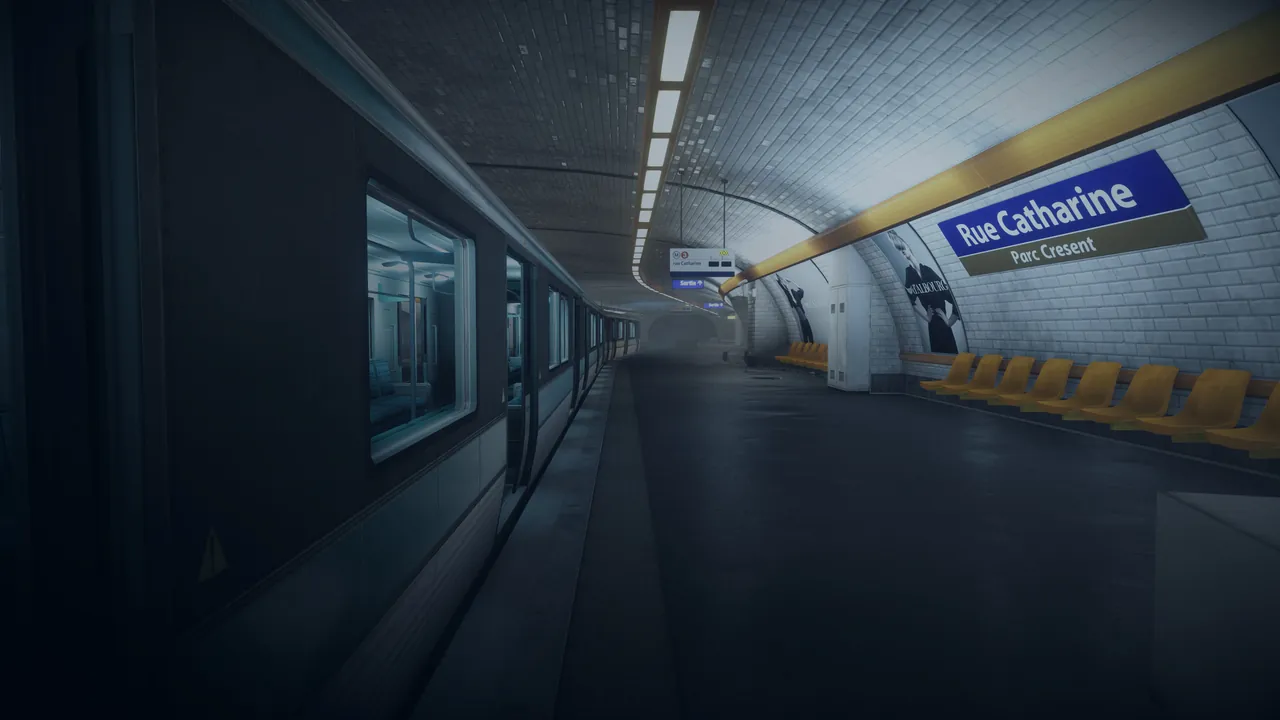
That runs Operation Metro on Conquest 64 for one round, Damavand Peak on Team Deathmatch for two, then Strike at Karkand on Rush. Map IDs follow BF3's internal names: MP_001 is Grand Bazaar, MP_007 Caspian Border, MP_012 Operation Firestorm, and the XP1 to XP5 prefixes are the expansion packs. Players need the DLC for any DLC map you put in rotation.
ModList.txt lists mods to load, one folder name per line. It can start empty.
Step 4: Start the server
vu.exe -server -dedicated
Add -headless to run without the server window. Useful options on the launch line include -high60 or -high120 for a 60 or 120 Hz server instead of the default 30 Hz, -maxPlayers 64, and -unlisted to hide the server from the browser. Higher tick rates feel sharper in infantry fights and cost more CPU.
Step 5: Ports
From the Windows setup docs, forward and allow these:
| Port | Protocol | Used for |
|---|---|---|
| 25200 | UDP | Frostbite game traffic |
| 7948 | UDP | Monitored Harmony, VU's networking layer |
| 47200 | TCP | RCON, for Procon and other admin tools |
Players join through the VU master server, so the game and Harmony ports both have to be reachable. Our port forwarding guide covers routers.
Step 6: Join and manage it
Players open VU, click Servers at the top of the main menu, wait for the list to load, and double click your server. Mods download automatically on join. An unlisted server can still be joined from the VU console with connect plus the server GUID and password.
For day to day admin, connect Procon to your IP and RCON port with the admin.password value. From there you kick, ban, change maps and run vars commands without joining the game.

How much server does it need?
| Server | RAM |
|---|---|
| Friends, scrims or a small bot server | 4 GB |
| Full 64 player Conquest with a few mods | 8 GB |
| Heavy mod stack or 120 Hz | 12 GB |
Because the server is 32 bit, memory headroom matters less than CPU speed once you are past these sizes. If a busy server stutters, try 60 Hz before 120.
Common problems
| Problem | Likely cause |
|---|---|
| Server exits right away saying the key is missing | server.key not in the instance folder |
| Worked for months, now will not start | Activation token expired |
| Grayed out with a red outline in the browser | Player's VU client is out of date |
Mods in Admin/Mods do nothing |
Folder names not listed in ModList.txt |
We cover each of these in detail in Venice Unleashed server not starting. For bots, see how to add bots to a Venice Unleashed server.
The easier route
Hosting VU yourself means a Windows PC with BF3 left on, three forwarded ports and keeping an activation alive. A Venice Unleashed server from GamezServers removes the PC and the router work. You upload server.key with the file manager, paste the token from the Activate BF3 shortcut into the panel, and set the server name, password, max players (64 by default), server frequency of 30, 60 or 120 Hz, RCON password and listing in the panel. MapList.txt, Startup.txt and ModList.txt are in the file manager and over SFTP, with a live console and one click backups. A clan can split the bill so each member pays a share.
FAQ
Do I need to own Battlefield 3 to host a VU server?
Yes. The server runs on BF3's files and is activated against an EA account that owns the game, and every player needs BF3 as well.
Where do I get a Venice Unleashed server key?
Log in on veniceunleashed.net and open the key management page. Generate a key, download it and save it as server.key in the server instance folder.
What ports does a Venice Unleashed server use?
UDP 25200 for the game, UDP 7948 for Harmony and TCP 47200 for RCON.
Can I run a 120 Hz Venice Unleashed server?
Yes, with -high120 on the launch line, or Server Frequency in our panel. It needs a fast CPU, so try 60 Hz first on a full server.
Is Venice Unleashed made by EA?
No. It is an independent community project and is not endorsed by EA or DICE.
Skip the setup. Your own Venice Unleashed server.
Then $9.99/mo. Just trying it? $2.50 for 3 days
 Minecraft