

 No One Survived
How to Host a No One Survived Dedicated Server (2026)
Host a No One Survived dedicated server: SteamCMD app 2329680, Game.ini ServerSetting keys, ports 7777 and 27015, passwords, regions and how friends find it.
Updated Oct 3, 2026 · 6 min read
On this page
- Why host a dedicated No One Survived server?
- What do you need to run a No One Survived server?
- How do I install the No One Survived dedicated server?
- What goes in the [ServerSetting] section?
- What goes in the [GameSettings] section?
- What ports does a No One Survived server use?
- How do players join a No One Survived server?
- Where are the saves?
- Moving an existing world onto it
- Common problems
- The easy option: host it with GamezServers
- FAQ
To host a No One Survived server, install the dedicated server with SteamCMD (app 2329680), start WRSHServer.exe -server -log -Port=7777 -QueryPort=27015, then stop it and edit WRSH/Saved/Config/WindowsServer/Game.ini. Under [ServerSetting], set ServerName, SaveName, MaxPlayers, Region and AdminPassword. A password only works with NeedPassword=True as well as Password. Friends join through Multiplayer > Private Server, searching the server's full name in the right region.
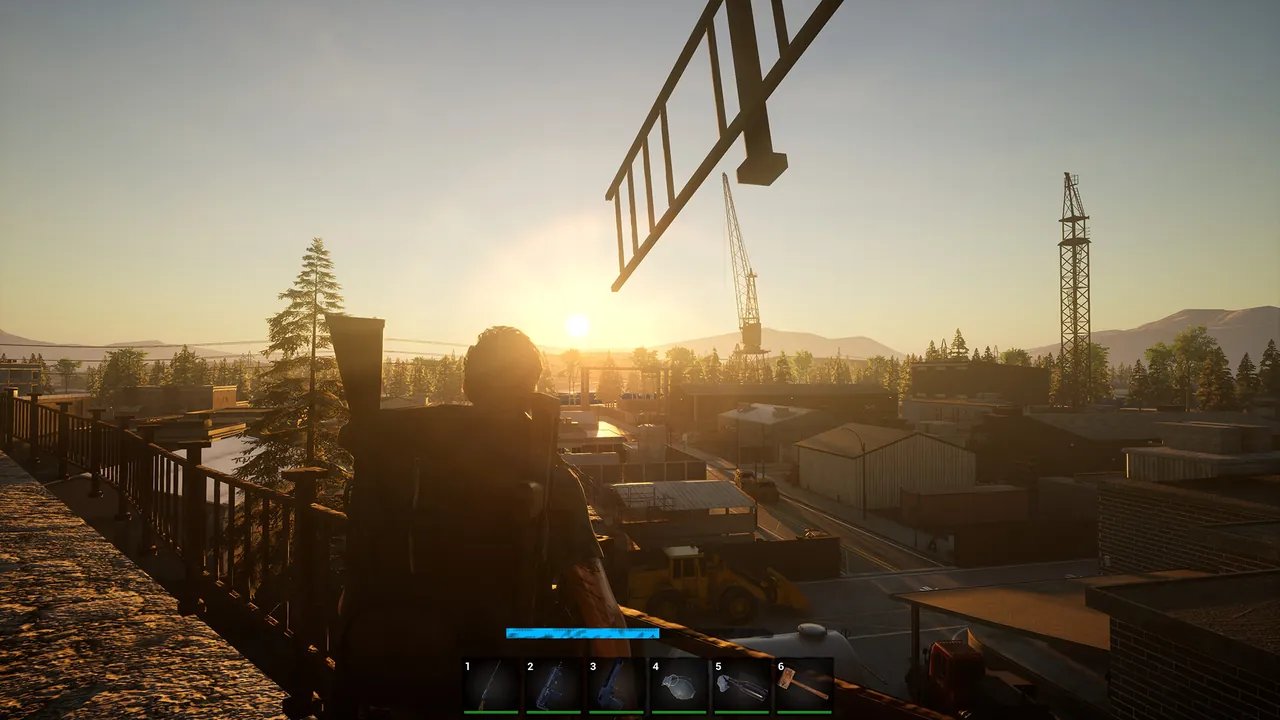
Why host a dedicated No One Survived server?
Shelters in No One Survived take many evenings to build, and a hosted game only exists while the host plays. A dedicated server keeps the town, the beam and column houses, wells and generators saved for the whole group, so everyone can log in on their own schedule and work on shared projects. Cat Play Studio released version 1.0 on 27 December 2025 after almost three years in Early Access, so the game is stable enough for a long running world.
What do you need to run a No One Survived server?
The server is a Windows Unreal Engine program. On Linux, hosts run it under Wine. Bases and corpse tides are what use memory: a bigger zombie count and well developed shelters cost more than extra players.
| Group | RAM | Notes |
|---|---|---|
| A few friends on a fresh save | 8 GB | Early shelters |
| Ten or so players with built up shelters | 12 GB | Power, water and workshops everywhere |
| Big group with a high zombie count | 16 GB | Corpse tides near 100 zombies |
How do I install the No One Survived dedicated server?
- Download the server with SteamCMD:
steamcmd +@sSteamCmdForcePlatformType windows +force_install_dir C:\NOSServer +login anonymous +app_update 2329680 validate +quit
- Install the latest Microsoft Visual C++ Redistributable (x64) if the server will not start.
- Start it once so it writes its config:
WRSH\Binaries\Win64\WRSHServer.exe -server -log -Port=7777 -QueryPort=27015
- Close it, edit
Game.ini, and start it again.
The ports are set on the launch line, so a second server needs its own -Port and -QueryPort values.
What goes in the [ServerSetting] section?
WRSH/Saved/Config/WindowsServer/Game.ini holds the server's identity and the basics:
[ServerSetting]
SaveName=RiverTown
ServerName=RiverTown Survivors
NeedPassword=True
Password=bunker42
MaxPlayers=8
NumOfZombieSpawn=50
Region=NA
AdminPassword=change-this-now
| Key | What it does | Good value |
|---|---|---|
SaveName |
The save the server loads, and the name for a new one | Short, no spaces |
ServerName |
Name players search for | Short and easy to type exactly |
NeedPassword |
Whether the password is used at all | True for a private server |
Password |
The join password | Only works with NeedPassword=True |
MaxPlayers |
Player cap (the developer docs give 2 to 50) | Your group size plus a couple |
NumOfZombieSpawn |
Zombies in each corpse tide, 25 to 100 | 50 to start, raise it for a harder game |
Region |
Where the server registers: All, AF, AS, EU, NA, OC or SA |
The region your group plays in |
AdminPassword |
Admin password used in game | Long and private |
Stop the server before editing and start it after. Changes only load on a restart.
What goes in the [GameSettings] section?
The same Game.ini has a [GameSettings] section for the survival rules. The developer's list includes:
| Setting | What it controls |
|---|---|
ZombieAttack |
Whether corpse tides happen at all |
| Corpse tide day and scale | Which day tides come (1 to 30) and how big they are (1 to 5) |
ZombieNum |
Zombies roaming the map (1 to 3) |
RunZombiePercent |
Share of running zombies (0.0 to 1.0) |
ZombieStreng |
Zombie strength (0 to 3) |
PermanentDead |
Permanent death |
MaterialNum / ItemSpawn |
Material amounts and how often loot refreshes |
VirusFatalyRate |
How deadly infection is (0.0 to 1.0) |
GiftBagForNovices |
Starter gift pack for new players |
PVP |
Player versus player damage |
Edit the values the server wrote rather than adding new lines, and restart after every change.
What ports does a No One Survived server use?
| Port | Protocol | Purpose |
|---|---|---|
7777 (-Port) |
UDP | Game traffic |
27015 (-QueryPort) |
UDP | Steam query, used to find the server |
Forward both on your router and allow WRSHServer.exe through Windows Firewall. Our port forwarding guide covers the router side.
How do players join a No One Survived server?
- Launch No One Survived and choose Multiplayer.
- Pick or create a character and confirm.
- Select Private Server, set the region to the server's
Region, and type the server's full name. - Click Search, select the server and join, entering the password if it is on.
This is where most groups get stuck. The search matches the full server name, not part of it, and only looks in the region you pick. "RiverTown" will not find "RiverTown Survivors", and a server registered in EU will not show for someone searching NA. Send your friends the exact name and region. The first time you open Private Server the game may ask to restart; restart and repeat the steps.
Where are the saves?
On the server, saves live in WRSH/Saved/SaveGames/WorldSaves, with autosaves in WRSH/Saved/SaveGames/AutoSave. Back up both before big rebuilds and game updates.
Moving an existing world onto it
Your own saves are in %LOCALAPPDATA%\WRSH\Saved\SaveGames\WorldSaves on your PC. Stop the server, upload the world's save files into the server's WorldSaves folder, and set SaveName to the save's name: the part of the file name before the underscore. If SaveName does not match, the server starts a new world under the name you typed and your upload sits unused.
Common problems
- Password does nothing:
NeedPasswordis stillFalse. - Friends cannot find the server: they are typing part of the name, or searching the wrong region.
- Server starts a new world:
SaveNamedoes not match the uploaded save's name before the underscore. - Cannot connect after a patch: update the server so it matches the game.
- Settings did not change: the server was running when you edited
Game.ini. Stop, edit, start.
The easy option: host it with GamezServers
Our No One Survived server hosting handles the install and keeps the town online without anyone's PC. On our servers the Settings page writes every [ServerSetting] value (server name, save name, max players, region, password toggle, password, admin password and number of zombies) into Game.ini, and the ports into Engine.ini, on every start. Change those in Settings, or your file edits are replaced. The [GameSettings] rules are yours to edit in the file manager. Leave Steam Networking on False, since the server fails to start with it on, and Auto Update checks for a new build on every restart.
| Plan | RAM | Price a month |
|---|---|---|
| Starter | 8 GB | 19.99 USD |
| Standard | 12 GB | 29.99 USD |
| Pro | 16 GB | 39.99 USD |
New customers get 50% off the first month on monthly plans, the group can split the bill, and a one click backup protects your shelters before a big rebuild. See also how to make a game server private.
FAQ
What ports does a No One Survived dedicated server use?
UDP 7777 for the game and UDP 27015 for the Steam query by default, set with -Port and -QueryPort on the launch line.
Why can't my friends find my No One Survived server?
The Private Server search needs the full server name and the same region the server registered in.
How do I password protect a No One Survived server?
Set NeedPassword=True and Password under [ServerSetting] in Game.ini, then restart. Both are needed.
How do I make No One Survived harder on a server?
Raise NumOfZombieSpawn toward 100 and adjust the [GameSettings] values such as ZombieStreng and RunZombiePercent, then restart.
Where are No One Survived server saves stored?
In WRSH/Saved/SaveGames/WorldSaves, with autosaves in WRSH/Saved/SaveGames/AutoSave.
Skip the setup. Your own No One Survived server.
Then $19.99/mo. Just trying it? $5.00 for 3 days
 Minecraft