

 Night of the Dead
How to Host a Night of the Dead Server (2026 Guide)
Host a Night of the Dead dedicated server: SteamCMD app 1420710, ServerSettings.ini, UDP 7777 and 27015, PvE or PvP, difficulty and player counts.
Updated Oct 3, 2026 · 6 min read
On this page
- Why run a dedicated Night of the Dead server?
- What do you need to run a Night of the Dead server?
- How do I install the dedicated server?
- What goes in ServerSettings.ini?
- How many players can a Night of the Dead server hold?
- What ports does a Night of the Dead server use?
- How do players find and join the server?
- How do I move my existing world to the server?
- How do I become admin?
- The easy option: host it with GamezServers
- FAQ
To host a Night of the Dead server, download the dedicated server with SteamCMD (app 1420710), run StartServer.bat once so it creates LF/Saved/Config/ServerSettings.ini, then set the server name, password, MaxPlayers (16 by default), difficulty and MODSelect (1 for PvE, 0 for PvP). Forward UDP 7777 for the game and UDP 27015 for queries. Players find it under Multiplayer > Dedicated Server.
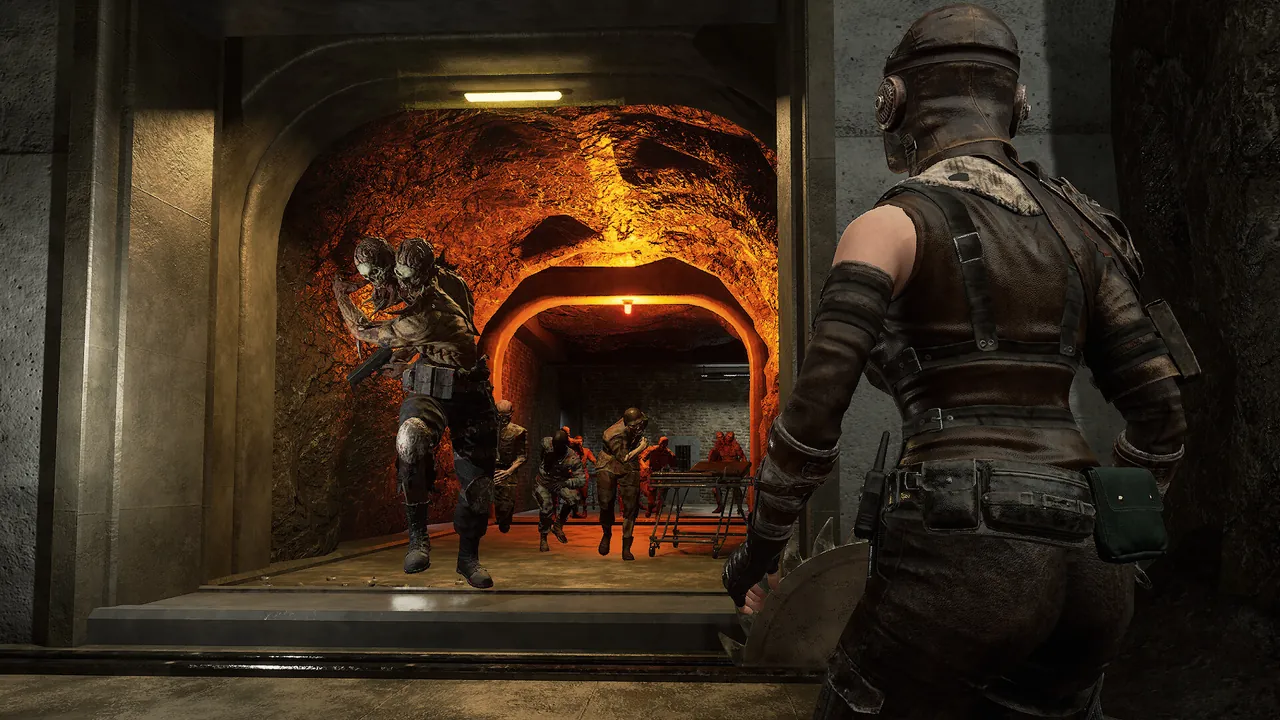
Why run a dedicated Night of the Dead server?
Night of the Dead splits every day in two: scavenge and build while it is light, then defend the base when the horde arrives at night. In co-op the work divides naturally (building and power, gathering, production lines, manning the walls), and a dedicated server keeps that shared fortress available so whoever has a free evening can push the next project without waiting for the host. Jackto Studios took the game to version 1.0 in May 2024, so a world started now is not going to be wiped by an Early Access overhaul.
What do you need to run a Night of the Dead server?
This is an Unreal Engine survival game with big bases and many zombies on screen, so it needs more memory than its size suggests.
| Group and base | RAM | Notes |
|---|---|---|
| A few friends, fresh world | 6 GB | Early game bases, Normal difficulty |
| Full crew, sprawling fortress | 8 GB | Production lines, lots of traps and turrets |
| Big group on high difficulty | 12 GB | Huge hordes every night, long running world |
A fast CPU helps most during the night waves, when the server is simulating the horde's pathing against your defenses. Use an SSD; saves are frequent.
How do I install the dedicated server?
- Install SteamCMD and download the server files:
steamcmd +force_install_dir C:\NotDServer +login anonymous +app_update 1420710 validate +quit
- Run
StartServer.batfrom the server folder. It launches the server binary with its ports:
LF\Binaries\Win64\LFServer.exe ?listen -log -Port=7777 -QueryPort=27015
- Let it start fully, then shut it down. The first start generates
LF/Saved/Config/ServerSettings.ini. - Edit the ini, then start the server again. The dedicated server guide on Steam has the full list of keys if you want to go beyond the basics.
To run a second server on the same machine, copy the start script and change -Port and -QueryPort (for example 7779 and 27016).
What goes in ServerSettings.ini?
The file lives at LF/Saved/Config/ServerSettings.ini. The settings most groups change:
[ServerSettings]
ServerName=Our Night of the Dead Server
Password=changeme
MaxPlayers=8
IngameAdminPassword=change-this-too
Difficulty=Normal
MODSelect=1
SaveName=OurWorld
SaveIntervalHour=1
| Key | What it does | Notes |
|---|---|---|
ServerName |
Name in the server list | |
Password |
Join password | Leave empty for an open server |
MaxPlayers |
Player cap | 16 by default |
IngameAdminPassword |
Password for admin rights in game | Use a different one from Password |
Difficulty |
Peaceful, Easy, Normal, Hard, Survival, Challenge, Legend or Custom | Custom unlocks detailed tuning |
MODSelect |
Game mode | 1 is PvE, 0 is PvP |
SaveName |
Which save to load or create | Match a save you upload |
SaveIntervalHour |
When auto save runs |
Two traps. First, MODSelect reads backwards to most people: 1 means PvE and 0 means PvP. Second, set the difficulty and save name before the first real session, because the world is created with them. Restart the server after any change.
Which difficulty should a new group pick?
Normal. It gives you time to learn wall placement, traps and power before the nights get serious. Move to Hard once your defenses hold comfortably. Survival, Challenge and Legend are for crews who know the game, and Custom lets you tune zombie health, respawn times and resource rates individually, which is handy if your group wants an easier build phase but harder nights.
How many players can a Night of the Dead server hold?
The player cap is MaxPlayers in ServerSettings.ini, 16 by default. Most co-op crews run 4 to 8, which is where the game's base building and night defense feel best. Every extra player spreads the server's work across more of the island and adds to what the horde targets, so size RAM with your group, and raise MaxPlayers only as far as your machine handles nights smoothly.
What ports does a Night of the Dead server use?
| Port | Protocol | Purpose |
|---|---|---|
| 7777 | UDP | Game traffic (-Port) |
| 27015 | UDP | Steam query and server list (-QueryPort) |
Forward both on your router and allow them through the firewall. Our port forwarding guide covers the router side.
How do players find and join the server?
Players go to Start Game > Multiplayer > Dedicated Server and look for your server name. The list follows each player's Steam download region, so a friend in another country who cannot see your server should switch their download region in Steam settings to match the server's, then restart Steam. Night of the Dead uses Easy Anti-Cheat, so mods that change the game client are not part of normal play.
How do I move my existing world to the server?
Saves from a non dedicated (hosted) game are on the host's PC at:
C:\Users\<you>\AppData\Local\LF\Saved\SaveGames\
- Stop the server.
- Copy the save into the server's
LF\Saved\SaveGamesfolder. - Set
SaveNamein ServerSettings.ini to that save's name. - Set the other fields (difficulty, mode) to match how you played, or to the changes you want.
- Start the server and check your base is there before anyone builds.
Back up the original save first. For a general walkthrough, see how to move your world to a hosted server.
How do I become admin?
Set IngameAdminPassword, join the server, and log in with that password in game to get admin rights for kicks and server commands. Keep it separate from the join password, so sharing the server password does not hand out admin.
The easy option: host it with GamezServers
Our Night of the Dead server hosting sets the server name, password, admin password, difficulty, PvE or PvP, save name and message of the day from the panel, with auto update to keep the server on the same version as the game. ServerSettings.ini is in the file manager for everything else, and saves come and go over SFTP or a one click backup.
| Plan | RAM | Price a month |
|---|---|---|
| Starter | 6 GB | 14.99 USD |
| Standard | 8 GB | 19.99 USD |
| Pro | 12 GB | 29.99 USD |
New customers get 50% off the first month on monthly plans, the crew can split the bill so each player pays their own share, and you can upgrade as the fortress grows. For more games in the same genre, see the best zombie survival games with dedicated servers.
FAQ
What ports does a Night of the Dead server use?
UDP 7777 for the game and UDP 27015 for Steam queries. Change them with -Port and -QueryPort in the start script.
How do I make a Night of the Dead server PvE?
Set MODSelect=1 in ServerSettings.ini and restart. 0 turns PvP on.
Why can my friend not see my Night of the Dead server?
The server list follows the Steam download region. Have them switch their download region to match the server's region, restart Steam and look again.
How many players can join a Night of the Dead server?
As many as MaxPlayers allows, 16 by default. Most co-op crews play with 4 to 8.
Where are Night of the Dead save files?
Hosted game saves are in AppData\Local\LF\Saved\SaveGames on the host's PC. Dedicated servers keep theirs in LF\Saved\SaveGames inside the server folder.
Skip the setup. Your own Night of the Dead server.
Then $14.99/mo. Just trying it? $3.75 for 3 days