

 BATTALION: Legacy
How to Host a BATTALION: Legacy Server (SteamCMD App 805140)
Host a BATTALION: Legacy dedicated server: install app 805140 with SteamCMD, launch BattalionServer with -QueryPort and an admin password, open the ports.
Updated Oct 7, 2026 · 5 min read
On this page
To host a BATTALION: Legacy server, install the free BATTALION: Legacy Dedicated Server with SteamCMD (app_update 805140, anonymous login), start BattalionServer.exe on Windows or BattalionServer.sh on Linux, and open its UDP ports. The server reports to Steam on UDP 27015 by default, which you can change with -QueryPort=. Give it a server name and an admin password on the launch line, and players find it in the in-game Server Browser or join from the console with connect.
Why run your own BATTALION: Legacy server
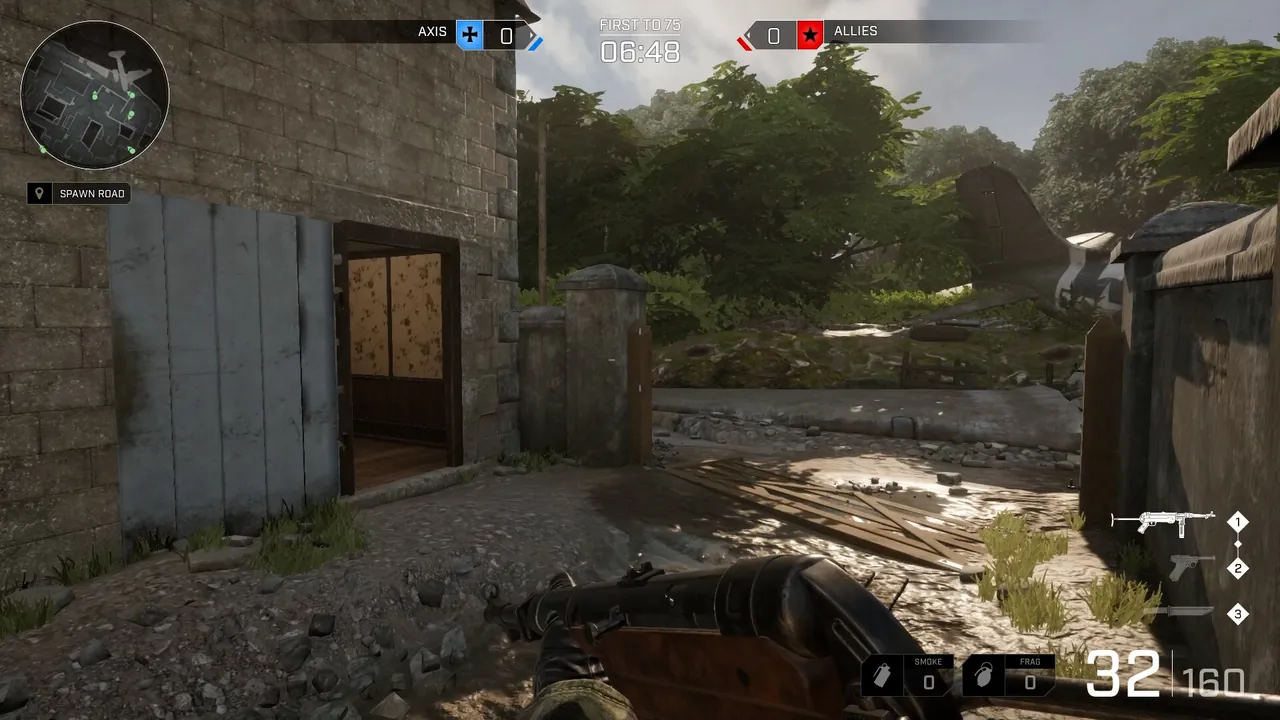
BATTALION: Legacy is the final, free to play version of Battalion 1944, Bulkhead's arena style World War II shooter. Bulkhead released it free on Steam in 2022 together with a self hosting guide for the dedicated server. Official matchmaking is quiet now, and the people still playing are clans, small leagues and groups of friends who loved the game. For them, a server they control is how matches happen at all: scrims at a set time, practice nights, cups, and no waiting on a queue that might not fill.
The game being free helps a lot. Getting ten players for a 5v5 Wartide match is a matter of posting the Steam link in a Discord channel.
What you need
| Item | Notes |
|---|---|
| A PC or server that stays on | Windows or Linux, 64 bit |
| SteamCMD | Valve's command line Steam client, free |
| 2 to 6 GB of RAM | 2 GB for practice, 4 GB for a full 5v5 with spectators, 6 GB for a busy all day server |
| A connection with decent upload | Small teams, so a normal home connection is fine for one server |
| Ports opened on your router | At least the Steam query port and the game port |
You do not need a second copy of the game for the server. The dedicated server is a separate free tool.
Step 1: Install SteamCMD
Download SteamCMD from Valve's SteamCMD page and unpack it into its own folder, for example C:\steamcmd on Windows or ~/steamcmd on Linux. Run it once so it updates itself.
Step 2: Install the dedicated server
Bulkhead's pinned self hosting guide on the game's Steam discussions gives this one line install:
steamcmd +login anonymous +force_install_dir <InstallDir> +app_update 805140 +quit
Replace <InstallDir> with where you want the server, for example C:\battalion-server or /home/battalion/server. Run the same command again any time you want to update. Players on the current Steam build cannot join a server on an older build, so update after every game patch.
Step 3: Launch it
The official guide gives these launchers:
- Windows:
<InstallDir>/BattalionServer/BattalionServer.exe - Linux:
<InstallDir>/BattalionServer/BattalionServer.sh
A useful launch line adds a name, the admin password, the competitive queue and a log:
BattalionServer.exe -QueryPort=27015 -SteamServerName="Friday Scrims | EU" -Queue="Wartide" -AdminPassword="change-me" -Log
| Argument | What it does |
|---|---|
-QueryPort= |
Port the server uses to talk to Steam, UDP 27015 by default |
-SteamServerName= |
Name shown in the Server Browser |
-Queue="Wartide" |
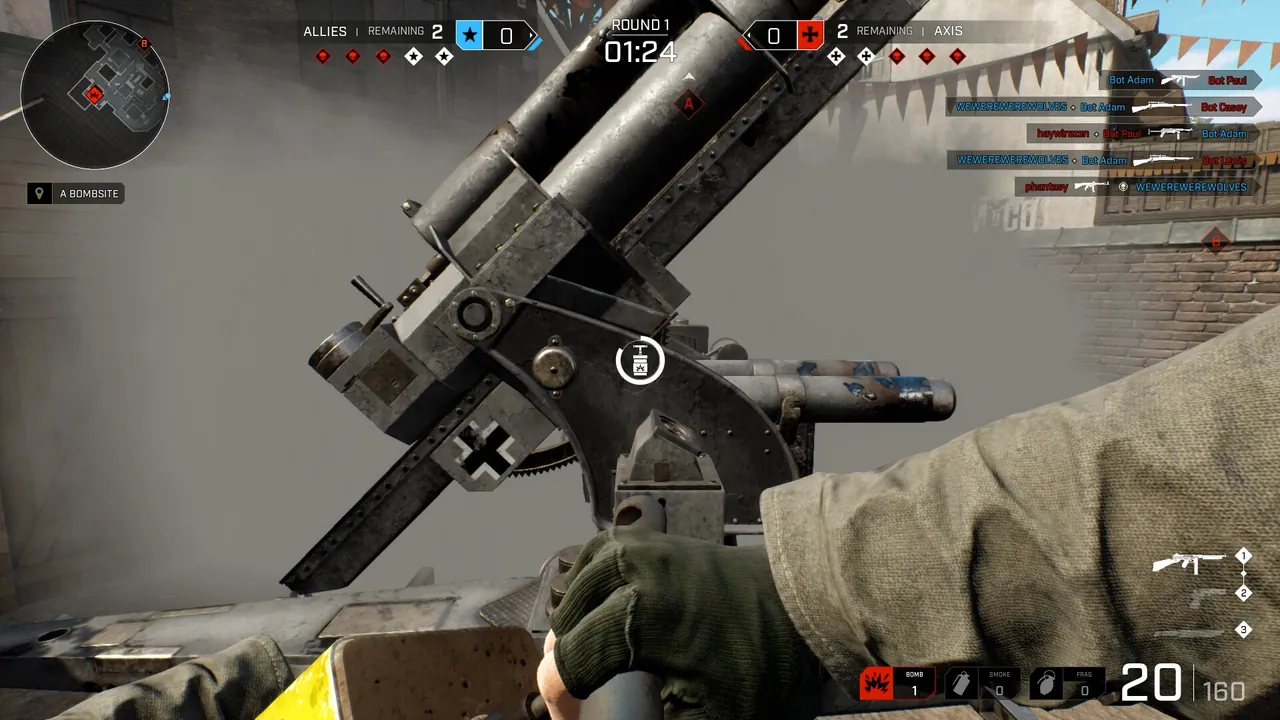
Runs Wartide, the 5v5 attack and defend bomb mode |
-AdminPassword= |
Password admins use to manage the server in game |
-Log |
Prints the log to the console window |
Keep the admin password different from anything you share with players, and keep it short: our panel allows up to 20 characters for it, which is a sensible limit to stick to anywhere.
Step 4: Open the ports
The server needs a game port and a query port, both UDP. The official guide states that the server talks to Steam on UDP 27015 unless you set -QueryPort. Forward both the game port and the query port on your router to the server's local IP, and allow the server executable through Windows Firewall. Our port forwarding guide covers routers step by step.
If your ISP uses carrier grade NAT, forwarding will not work at all. Read how to host a game server without port forwarding before spending an evening on router settings.
Step 5: Join and test
Players launch BATTALION: Legacy, choose Play, then Server Browser, and search for your server's name. If the server is not listed yet, open the in-game console and type:
connect <server-ip>:<game-port>
using your public IP and the port your server listens on. On a hosted server, copy the full address from the panel. Test from outside your own network, for example from a friend's PC, before announcing a scrim.
Step 6: Match settings and admin
Map and match options live in the config files under Battalion/Config in the server folder. Stop the server before editing them, then start it again, since a running server may write its config back when it shuts down. With the admin password set, you can manage matches and deal with problem players from inside the game instead of from the server machine.
For clan use, a few habits help:
- Restart the server between scrims so every match starts clean.
- Keep the server name descriptive: region, clan and purpose.
- Update the server as soon as a patch lands, before players start reporting they cannot join.
Keeping it running
A home server has to stay on, stay updated and keep its ports open. That is the part that usually breaks: the PC sleeps, Windows updates overnight, the router gets a firmware update and forgets the port forward. If the server vanishes from the list, our guide to BATTALION: Legacy server not showing in the server browser walks through the causes. If you are wondering whether it is worth the effort for a small game, see is BATTALION: Legacy still worth hosting.
The easy option
A BATTALION: Legacy server from GamezServers is live within about a minute of paying, with its own address and open ports. The panel sets the server name, admin password and automatic updates, so the server pulls the latest build from Steam at each restart. The Battalion/Config files are in the file manager and over SFTP, there is a live console, and the clan can split the bill so every member pays a share.
FAQ
What is the Steam app ID for the BATTALION: Legacy dedicated server?
- Install it with SteamCMD using an anonymous login:
app_update 805140.
What port does a BATTALION: Legacy server use?
It talks to Steam on UDP 27015 by default, changed with -QueryPort. It also needs its game port open, both over UDP.
Is the BATTALION: Legacy server free?
Yes. The game and the dedicated server tool are both free on Steam.
How many players does a Wartide server need?
Ten for a full 5v5, plus room for spectators or a caster if you stream matches.
How do I update my server?
Run the SteamCMD app_update 805140 command again with the server stopped, then start it. Do it after every game patch.
Skip the setup. Your own BATTALION: Legacy server.
Then $4.99/mo. Just trying it? $1.25 for 3 days
 Minecraft