

 Nazi Zombies: Portable
How to Add Custom Maps to a Nazi Zombies Portable Server
Install custom NZ:P maps on a dedicated server: .bsp and .way files in nzp/maps, picking the start map, map voting with mapvote and fixed or random rotation.
Updated Oct 7, 2026 · 5 min read
On this page
To add a custom map to a Nazi Zombies: Portable server, upload the map's .bsp file and its matching .way waypoint file (plus any extra folders the map ships with) into the server's nzp/maps folder, then start the server on it with +map mapname or switch to it live. Type listmaps in the server console to check the exact name. To rotate between maps automatically, list them in nzp/map_rotation.txt and set sv_maprotationmode 1, and turn on sv_enablechatplugins 1 so players can vote with mapvote.
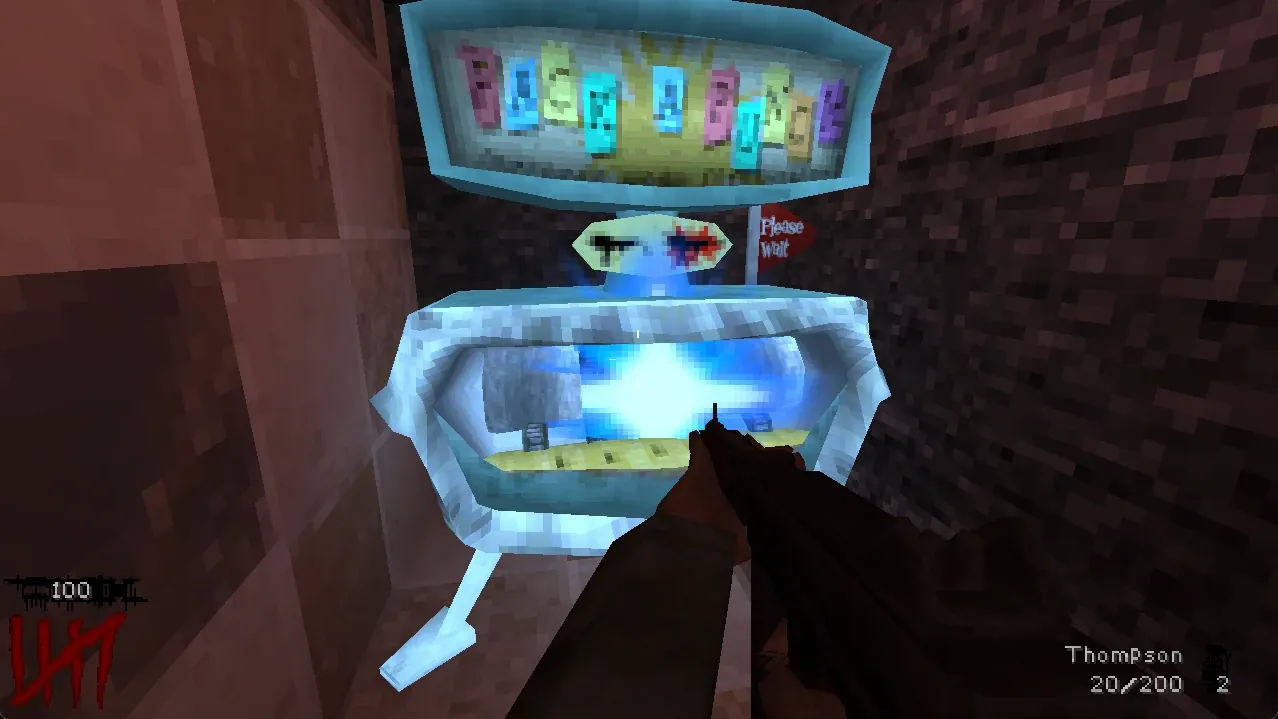
What a custom NZ:P map is made of
NZ:P maps are Quake format .bsp files, built with editors like TrenchBroom. Zombies do not find their own way around: mappers place waypoints in game, which saves a .way file with the same name as the map. The NZ:P docs are clear that the .way file must be shipped alongside the map, because without it zombies cannot path toward players properly.
A typical download looks like:
nzp_mymap.bsp
nzp_mymap.way
Some maps also include extra models, sounds or textures in their own folders. Keep the folder structure from the download when you upload; it usually mirrors the game's nzp folder.
Where to find maps: the NZ:P community shares them in its Discord and on mod sites. Check a map was made for the current NZ:P version. Maps built for older releases sometimes load but have broken doors or perks.
Step 1: Upload the files
The server keeps maps in nzp/maps/, next to the stock maps. Upload the .bsp and .way there.
- On a home server, copy them into the folder.
- On a remote server, use SFTP or the file manager. If SFTP is new to you, read what SFTP is.
Upload while the server is stopped if you are replacing a map that is currently loaded.
Step 2: Check the name
Start the server and type in its console:
listmaps
It prints every map the server can see. The name to use is the file name without .bsp. If your map is missing from the list, it is in the wrong folder.
Step 3: Load it
To start the server on the map, use it in the launch line:
+map nzp_mymap
To change map while the server runs, use the standard Quake command in the server console:
changelevel nzp_mymap
Everyone on the server moves to the new map.
Do players need the map?
FTE based servers can send missing files to players when they join, which is what the asset download screen at connect is doing. For big maps or flaky connections, it is faster and more reliable for each player to put the same .bsp and .way in their own nzp/maps folder before joining. If a player ends up stuck on the download screen, see our NZ:P connection fixes, which covers that known issue.
Letting players vote for maps
NZ:P has map voting built in. Turn on chat plugins on the server:
+sv_enablechatplugins 1
Then, in game chat:
| Command | What it does |
|---|---|
mapvote <mapname> |
Starts a vote to change to that map |
mapvote_y |
Votes yes |
mapvote_n |
Votes no |
According to the NZ:P docs, a vote lasts 60 seconds and, if it passes, the level changes after a 15 second grace period. Only one vote can run at a time, votes are public, and votes take priority over rotation settings. Players need to know the map names, so post your list in your group chat.
Map rotation
When a game ends, NZ:P can pick the next map for you. Set sv_maprotationmode:
| Value | Behavior |
|---|---|
0 |
No rotation. The current map starts again |
1 |
Fixed rotation from a text file |
2 |
Random map from every installed map |
For a fixed rotation, create a plain text file in the nzp folder (not in maps). By default it is called map_rotation.txt, and sv_maprotationbasename can change the name. List one map per line, by .bsp name only:
ndu
nzp_warehouse
nzp_warehouse2
nzp_mymap
If mode 1 is set and the file is missing, the server falls back to random rotation. Random mode includes every installed map, so if you keep half finished test maps in the folder, they will come up. Use a fixed list on a server your friends actually play on.
Putting it together
A server that starts on your custom map, rotates through a fixed list and allows votes:
./fteqw-sv64 -dedicated +sv_port 27500 +com_protocolname NZP-REBOOT +map nzp_mymap +sv_maprotationmode 1 +sv_enablechatplugins 1
Common problems
| Problem | Fix |
|---|---|
Map not in listmaps |
Files are not in nzp/maps, or the extension is not .bsp |
| Zombies stand still or walk into walls | The .way file is missing or has a different name |
| Doors or perks broken | Map made for an older NZ:P version |
| Rotation ignores your list | File is in the wrong folder, or mode is not 1 |
| Vote command does nothing | sv_enablechatplugins is not on |
Custom maps on a hosted server
On a GamezServers Nazi Zombies: Portable server, upload maps into the nzp folder with the file manager or SFTP, set the Map setting in the control panel to the map name, and put extras like +sv_maprotationmode 1 +sv_enablechatplugins 1 in Additional Game Arguments. Restart from the panel and check listmaps in the live console. Stepping up to 2 GB gives a server with several large custom maps some breathing room.
FAQ
Where do NZ:P custom maps go?
In the nzp/maps folder on the server: the .bsp file and its .way file with the same name.
What is a .way file in Nazi Zombies Portable?
It holds the waypoints zombies use to find their way around the map. It has to ship with the map, or zombies cannot path properly.
How do I change the map on an NZ:P server?
Set the start map with +map name, or type changelevel name in the server console. With chat plugins on, players can also use mapvote name.
How do I make an NZ:P server rotate maps?
Set sv_maprotationmode 1 and list the maps, one per line, in nzp/map_rotation.txt. Mode 2 picks a random installed map instead.
Skip the setup. Your own Nazi Zombies: Portable server.
Then $2.99/mo. Just trying it? $0.75 for 3 days
 Minecraft