

TerraTech Worlds server hosting
Build machines and bases together on a planet that stays online
Host a TerraTech Worlds dedicated server for up to 6 players. Build vehicles and automated bases together on a hosted world that keeps running without the host.
Staying longer? Subscribe and get 50% off your first month
- DDoS protected
- 24/7 support
- Live the moment you pay


- Split the billUp to 10 friends, own cards
- Custom plansAny RAM up to 32 GB
- Prepaid or monthly3 days to 1 year
- Live in 60 secondsNo setup, no waiting
- Cancel any timeNo contracts, ever
Pick your TerraTech Worlds plan
Every plan is live the moment you pay. Upgrade or cancel from your dashboard any time.
Starter
6 GBThen $14.99/mo. $0.50 a day.
Splitting with 3 friends? $4.77 each/mo
- 6 GB RAM
- 2 vCPU cores
- DDoS protection included
- 24/7 support
Standard
8 GBThen $19.99/mo. $0.67 a day.
Splitting with 3 friends? $6.02 each/mo
- 8 GB RAM
- 2 vCPU cores
- DDoS protection included
- 24/7 support
Pro
12 GBThen $29.99/mo. $1.00 a day.
Splitting with 3 friends? $8.52 each/mo
- 12 GB RAM
- 3 vCPU cores
- DDoS protection included
- 24/7 support
What comes set up on a TerraTech Worlds server
Co-op for up to 6
The server takes up to 6 players, the count the developers recommend for dedicated servers.
Bases that keep existing
Your harvesters, refineries and factories stay on the server, not on the PC of whoever started the world.
Backups before patches
Early Access updates can change a lot. Take a one click backup before each big patch.
Password protected
Set a server password in the panel so only your crew can join.
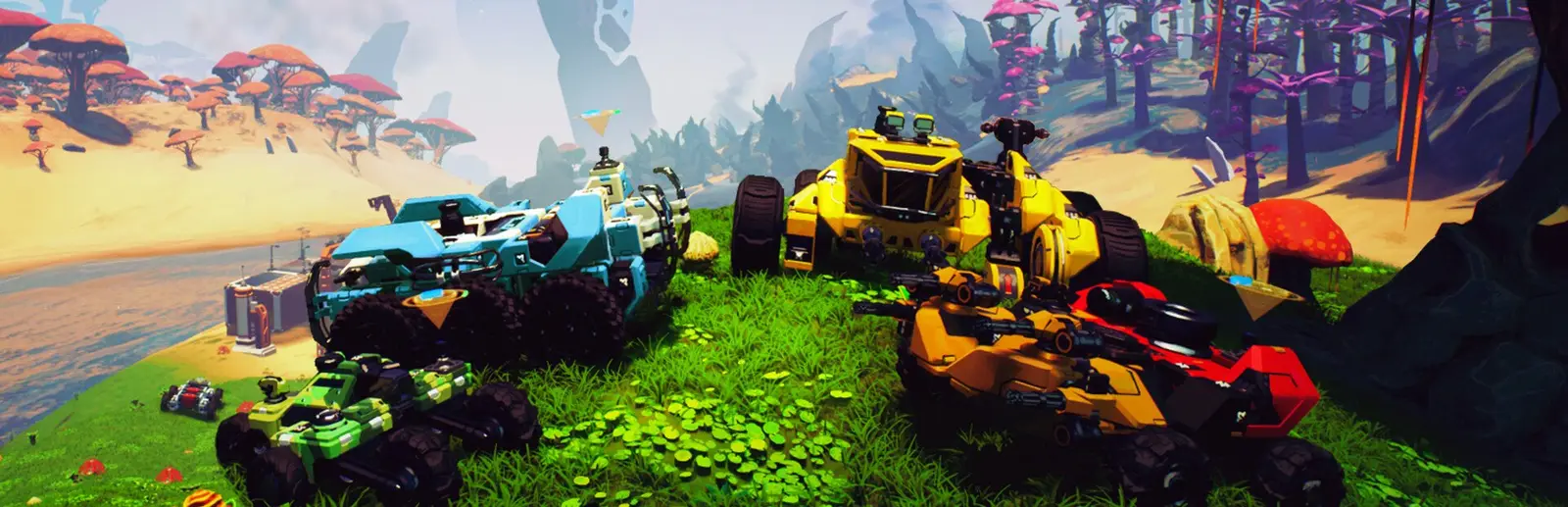
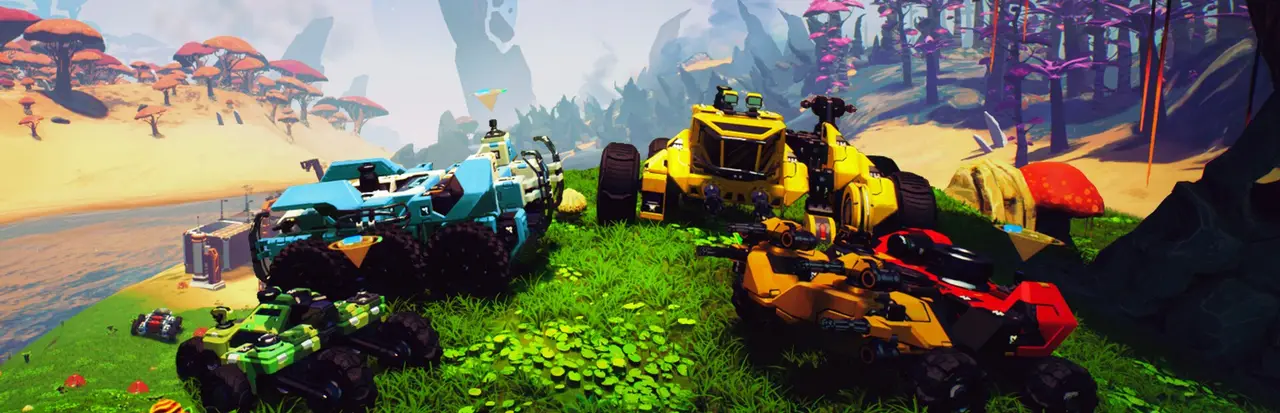
A look inside TerraTech Worlds
Real screenshots from the game. Click any of them to see it full size.
How much RAM does a TerraTech Worlds server need?
Find the row that sounds like your group and we will point you at the right plan.
| Your server | RAM | Plan |
|---|---|---|
| Two or three players early in a world | 6 GB | Starter$14.99/mo |
| Full crew of 6 with growing bases | 8 GB | Standard$19.99/mo |
| Late game world with large automated factories | 12 GB | Pro$29.99/mo |
This is the panel. Click around.
This is the TerraTech Worlds panel you get. Click any button, or type a command.

TerraTech Worlds Server
play.gamezservers.com:7777
[12:00:00] Starting TerraTech Worlds server
[12:00:03] Loading world
[12:00:06] Server started on port 7777
[12:00:09] Ready for players. Try a button.
Power
How to join your TerraTech Worlds server
- 1
Launch TerraTech Worlds and open the multiplayer menu.
- 2
Choose Join Dedicated Server.
- 3
Type
203.0.113.24into Host Address and press Launch. - 4
Enter the password from your panel if you set one.
Common problems
Players on a newer build cannot join an older server. Keep Auto Update on and restart the server after each game patch.
The password can only use letters, numbers, dashes and underscores. Spaces or symbols will not be accepted.
If the world feels slow late game, it is usually the base. Large automated factories use more memory, so move up a plan in the panel.
Server not responding
Make sure the server is online. Servers sleep after 4 days with nobody playing, and anyone with access can start them again from the dashboard in one click.
Use the server address
Do not use localhost, 127.0.0.1 or your own IP from a home hosting guide. Copy the exact address of the server.
No port forwarding or firewall changes
Opening ports on your router is only for hosting a server at home, so there is nothing to change to join this one. If Windows asks whether to let the game through the firewall, choose Allow.
TerraTech Worlds server hosting, explained
TerraTech Worlds drops you on an alien planet with a toolbox of blocks. You build vehicles piece by piece, mine and refine resources, set up automated bases and fight off hostile machines. It plays best in co-op, where jobs split naturally: one player designs the next harvester, another wires up the refinery, someone else drives off to scout and comes back with a damaged tech and a story.
Normal co-op sessions end when the host logs off. A dedicated server keeps the world and its bases alive, so everyone can play on their own schedule and come back to the same machines and factories. That matters in a game where a base can take many evenings to build. Payload Studios still has the game in Early Access, so the server is also the one place everyone stays on the same version.
In the panel you set the server password, max players up to 6 and auto update. Auto update pulls the newest build every time the server starts, which keeps you in step with game patches. Saves live on the server, and a one click backup before a big update means you can roll back if a patch changes something your world depends on.
TerraTech Worlds is a modern 3D game, and the server runs the Windows build. Two or three players early in a world are fine on 6 GB. A full crew of 6 with growing bases should start at 8 GB, and 12 GB is the safe pick once factories and automation spread across the map. Up to 10 friends can split the bill, each paying their share, so a full crew pays very little each.
TerraTech Worlds server guides
TerraTech Worlds5 min readTerraTech Worlds Can't Connect to Dedicated Server: Fixes
Join Dedicated Server failing in TerraTech Worlds? Match the build and branch, type the Host Address right, forward UDP, check the password and back up first.
ReadTerraTech Worlds5 min readTerraTech Worlds Co-op vs Dedicated Server: Which Should You Use?
TerraTech Worlds co-op hosting vs a dedicated server: who keeps the world, player limits, saves, updates and cost, so your crew picks the right one.
ReadTerraTech Worlds6 min readHow to Host a TerraTech Worlds Dedicated Server (2026)
Host a TerraTech Worlds dedicated server: SteamCMD app 2533070, dedicated_server_config.json, the UDP port, up to 8 slots and moving co-op saves over.
ReadTerraTech Worlds5 min readHow to Move a TerraTech Worlds Save to a Dedicated Server
Move a TerraTech Worlds save to a dedicated server: copy the .tera file from WorldSaves, rename it to Autosave_Server_ and keep the game versions the same.
ReadIncluded on every plan
- Always on DDoS protection
- 24/7 support from real people
- Low ping game hardware
- Live the moment you pay
- Your own address and port
- Live console with full access
- One click game actions
- One click backups
- Upgrade or cancel any time
Common questions
How many players can join a TerraTech Worlds server?
Up to 6, set with Max Players in the panel. That is the number the developers recommend for dedicated servers.
How do players join?
From the multiplayer menu, choose Join Dedicated Server, type the server address into Host Address and press Launch.
Can I password protect the server?
Yes. Set Server Password in the panel and restart. It can use letters, numbers, dashes and underscores.
Will the server update automatically?
With Auto Update on, the server installs the newest build each time it starts. Restart it after a game patch so players can connect.
Is my progress saved on the server?
Yes. The world and bases live on the server. Take a backup from the panel before large updates.
Is TerraTech Worlds finished?
No. It is in Early Access on Steam and updates regularly, sometimes with big changes. Plan for occasional patches that need a restart.
Does it support mods on the server?
There is no supported server mod loader right now. Builders share tech designs, but the dedicated server runs the standard game.
How much RAM does a TerraTech Worlds server need?
Start at 6 GB for a small group and 8 GB for a full crew. Big automated bases late in a world are where 12 GB pays off.
Is GamezServers affiliated with TerraTech Worlds?
No. You rent and control your own dedicated TerraTech Worlds server. GamezServers is not affiliated with the game's developer or publisher.
Can my friends and I split the cost?
Yes. At checkout choose "Me and my friends" and up to 10 people each pay their own share with their own card, on any plan length, from 3 days to a year. It is not a payment plan: nobody pays in parts over time, each friend simply pays their own share. You pay yours, send each friend their link, and the server starts straight away. Each share includes a $1 payment fee.
Can I build a custom plan?
Yes. Every game has a Build your own page: pick any amount of RAM up to 32 GB, any length from 3 days to 1 year, prepaid or a subscription, plus your server type and settings. A custom size costs 15% more per GB than the standard plans next to it.
Can I pay once instead of a subscription?
Yes. Pick Prepaid and pay once for 3 days, 30 days, 6 months or a year. Nothing renews: when the time is up the server pauses and keeps its world for 14 days. Add time or switch to a subscription from your panel any time. Short rentals cost more per day, since every server is set up from scratch.
How fast is setup, really?
Your server starts building the moment Stripe confirms payment. Most are online in under a minute, and the address and login appear on your dashboard automatically.
Players who host TerraTech Worlds also host



Your TerraTech Worlds server is a minute away
Build machines and bases together on a planet that stays online
Deploy TerraTech Worlds nowLive in 60 seconds · Cancel any time
GamezServers is not affiliated with Payload Studios. TerraTech Worlds and its art are trademarks of their respective owners.