

 Left 4 Dead
Left 4 Dead Server Refusing Connections? Lobby Only and Other Fixes
Fix a Left 4 Dead dedicated server that refuses connect from the console: sv_allow_lobby_connect_only, Steam group lock, passwords, sv_lan, ports and version.
Updated Oct 7, 2026 · 5 min read
On this page
- Why Left 4 Dead servers refuse direct connections
- Fix 1: Allow direct connections
- Fix 2: Check the Steam group lock
- Fix 3: Look at the password
- Fix 4: Make sure the server is not in LAN mode
- Fix 5: Check the port
- Fix 6: Update the server
- Fix 7: Full server or wrong mode
- Forcing a lobby onto your server
- Quick checklist
- Skip the network part
- FAQ
When a Left 4 Dead server refuses players who type connect in the console, the usual cause is that it only accepts lobby connections. Add sv_allow_lobby_connect_only 0 to left4dead/cfg/server.cfg and restart the server. If that is already set, check sv_steamgroup_exclusive, sv_password, sv_lan, the forwarded port, and whether the server updated after the last game patch. Work through the list below in order and you will find it.
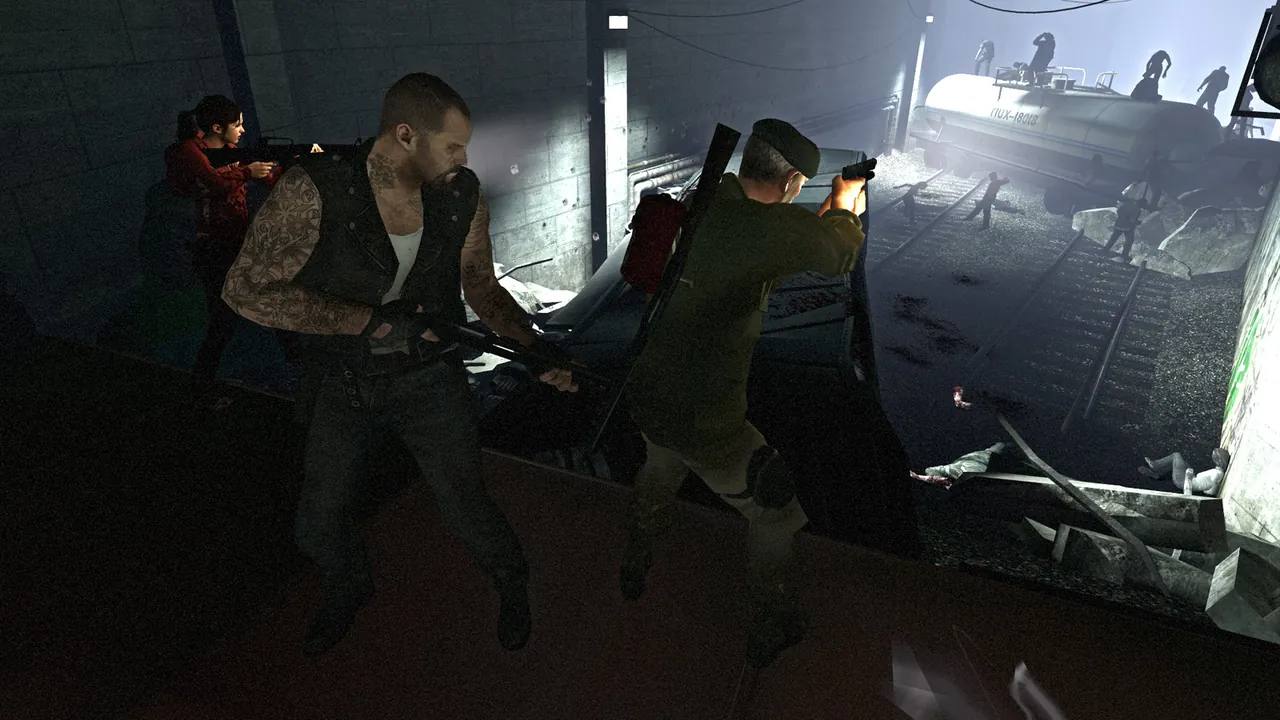
Why Left 4 Dead servers refuse direct connections
Left 4 Dead was built around lobbies. Players form a lobby in the main menu, pick a campaign and difficulty, and the game finds a server for them. Direct connect from the console was always the secondary path, and the server controls whether it is allowed. Out of the box many configs leave it in lobby only mode, so a brand new server looks completely broken to anyone who tries to type the IP.
This is the original 2008 game. If your group plays Left 4 Dead 2, the settings are similar but the game and server are separate, and a player who owns only Left 4 Dead 2 can never join a Left 4 Dead server.
Fix 1: Allow direct connections
Open left4dead/cfg/server.cfg and add or change:
sv_allow_lobby_connect_only 0
Restart the server, or load a new map so the config runs again. Then on each player's PC:
- Options, Keyboard/Mouse, set Allow Developer Console to Enabled.
- Press
~in the main menu. - Type
connect 203.0.113.50:27015with your server's IP and port.
If the console does not open, the developer console option is still off, or your keyboard layout puts the key elsewhere. That alone accounts for a surprising number of "I cannot connect" messages.
Fix 2: Check the Steam group lock
These two lines turn the server into a private server for one Steam group's lobbies:
sv_steamgroup 1234567
sv_steamgroup_exclusive 1
With sv_steamgroup_exclusive 1, players outside the group, or anyone not coming through a group lobby, can be turned away. Either add your friends to the group or set it to 0 while you test. The group ID is the number shown on the group's admin page, not its name.
Fix 3: Look at the password
If sv_password has a value, players need it. With the console you can set it before connecting:
password yourpassword
connect 203.0.113.50:27015
A wrong or missing password ends in a refused or dropped connection that is easy to mistake for a network problem.
Fix 4: Make sure the server is not in LAN mode
sv_lan 0
With sv_lan 1 the server only accepts players on the same local network. People copy configs from LAN party guides and forget this line.
Fix 5: Check the port
Left 4 Dead uses port 27015 (UDP for the game, TCP for remote console) unless you start the server with a different -port. If you host at home:
- Forward 27015 UDP and TCP to the PC running the server.
- Allow
srcdsthrough the firewall. - Make sure players use the same port the server started on, for example
connect 203.0.113.50:27016if you used-port 27016.
You can test from outside your network by having a friend run connect. If it times out with no reply at all, rather than refusing, the port is the problem. Our guide to friends who cannot connect when you can goes through the router side step by step.
Fix 6: Update the server
When Valve pushes an update to the game, an old server rejects updated clients. Run the SteamCMD update for app 222840 and restart:
steamcmd +force_install_dir ./l4d-server +login anonymous +app_update 222840 validate +quit
Players should restart Steam too so the client is current.
Fix 7: Full server or wrong mode
A co-op server holds 4 players and a Versus server 8. If the server is full, the fifth player is refused. If you set mp_gamemode versus but started on a co-op map, the server may behave unexpectedly when people join. Boot Versus servers on a Versus map (the l4d_vs_ maps for the original campaigns).
Forcing a lobby onto your server
Some groups prefer lobbies because the game handles campaign and difficulty. Two ways to make a lobby land on your server rather than a random one:
- Steam group. Set
sv_steamgroupto your group ID. Members start a lobby and choose to play on the group's servers. - Console trick. The lobby leader can type
mm_dedicated_force_servers 203.0.113.50:27015in the console before starting the lobby, which tells matchmaking to use that address. It is a long standing community workaround, so treat it as handy rather than guaranteed.
Quick checklist
| Check | Good value |
|---|---|
sv_allow_lobby_connect_only |
0 |
sv_steamgroup_exclusive |
0, or everyone in the group |
sv_password |
Empty, or shared with players |
sv_lan |
0 |
| Port | Forwarded and matching -port |
| Server build | Updated after the last patch |
| Players | Own Left 4 Dead, not only Left 4 Dead 2 |
Skip the network part
Most of these problems come from hosting on a home connection. A GamezServers Left 4 Dead server has its own address with the port open, updates itself on restart when Auto Update is on, and puts server.cfg in the file manager so the lobby line is a ten second edit. If you would rather not deal with routers at all, see how to host without port forwarding for the options.
FAQ
What does sv_allow_lobby_connect_only do?
With 1, the server only accepts players who arrive through a matchmaking lobby. With 0, players can also join with connect and the IP.
How do I join a Left 4 Dead server by IP?
Enable the developer console in Keyboard/Mouse options, press ~, and type connect followed by the server IP and port.
Can I keep my Left 4 Dead server private?
Yes. Set sv_password, or use sv_steamgroup with sv_steamgroup_exclusive 1 so only your group's lobbies can use it.
Why can my friend join Left 4 Dead 2 servers but not mine?
They may own only Left 4 Dead 2. The original Left 4 Dead is a separate game that each player has to own.
Skip the setup. Your own Left 4 Dead server.
Then $2.99/mo. Just trying it? $0.75 for 3 days
 Minecraft