

 Don't Starve Together
How to Set Up a Don't Starve Together Server with Caves
Run Don't Starve Together with caves on a dedicated server: the Master and Caves shards, cluster.ini, server.ini ports, world settings and keeping mods in sync.
Updated Oct 3, 2026 · 6 min read
On this page
A Don't Starve Together server with caves runs two shards from one cluster folder: Master (the surface) and Caves. Turn on shard_enabled = true in cluster.ini with a shared cluster_key, give each shard its own server.ini with is_master = true or false and a different server_port, set the Caves world to the cave preset, then start both. Mods must be enabled in modoverrides.lua in both shard folders.
How does a DST cluster with caves work?
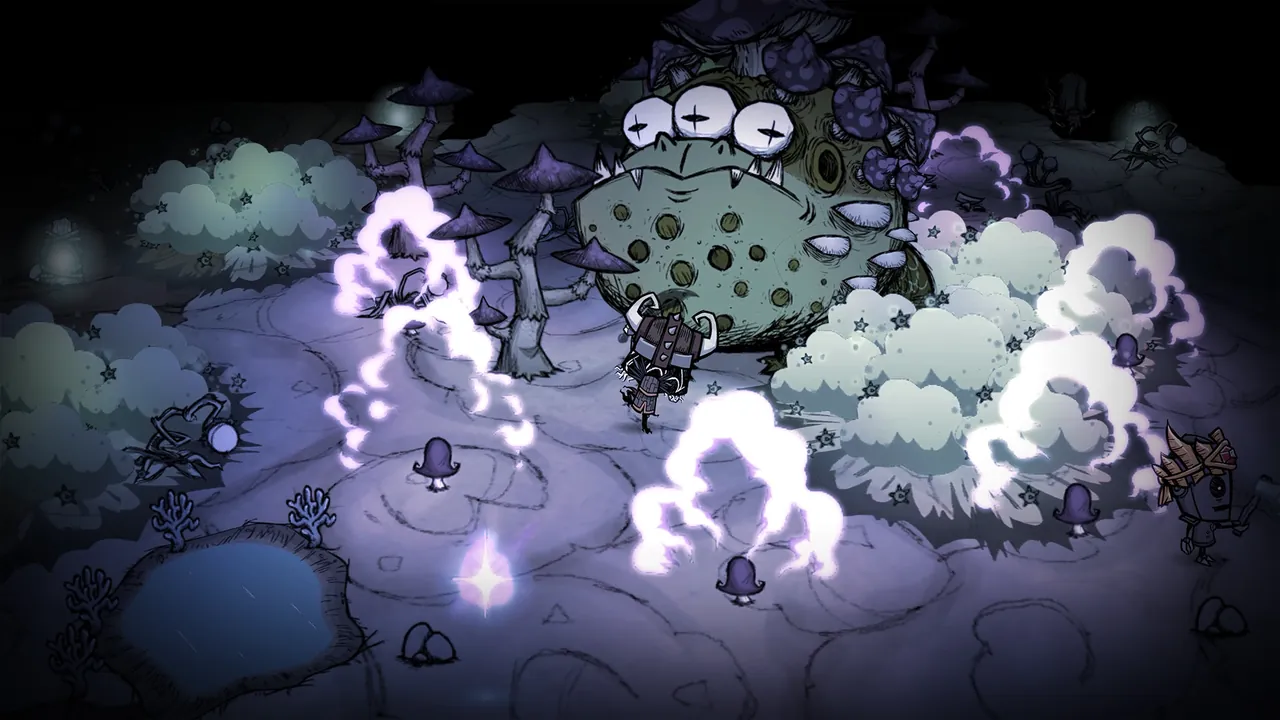
DST splits a world into shards. Each shard is its own server process with its own map. The surface is the master shard, and the caves are a secondary shard that connects to it. When a player jumps down a sinkhole, the master hands them over to the caves shard, and climbing a stair hands them back.
Everything lives in one cluster folder. On a self hosted Windows PC it is Documents\Klei\DoNotStarveTogether\MyDediServer (the name after DoNotStarveTogether is up to you). The layout looks like this:
MyDediServer/
  cluster.ini
  cluster_token.txt
  adminlist.txt
  Master/
    server.ini
    leveldataoverride.lua
    modoverrides.lua
  Caves/
    server.ini
    leveldataoverride.lua
    modoverrides.lua
cluster.ini, cluster_token.txt and adminlist.txt are shared. Each shard folder holds its own server.ini, world settings and mod settings.
What goes in cluster.ini?
cluster.ini sets the rules for the whole cluster, and the [SHARD] section is what links the two servers:
[GAMEPLAY]
game_mode = survival
max_players = 6
pvp = false
pause_when_empty = true

[NETWORK]
cluster_name = Our Crock Pot Commune
cluster_description = Friends only, surface and caves
cluster_password = changeme
cluster_intention = cooperative

[MISC]
console_enabled = true

[SHARD]
shard_enabled = true
bind_ip = 127.0.0.1
master_ip = 127.0.0.1
master_port = 10888
cluster_key = any-long-random-string
| Key | What it does |
|---|---|
shard_enabled |
Must be true for a multi shard cluster |
bind_ip |
Where the master listens for other shards. 127.0.0.1 when both run on one machine |
master_ip |
Where the caves shard finds the master. 127.0.0.1 on one machine |
master_port |
Port the shards talk over. Any free port, but the same for both |
cluster_key |
Shared secret. Both shards read it from this one file, so they always match |
game_mode is survival, endless or wilderness. pause_when_empty freezes the world with nobody online, which most friend groups want.
What goes in each server.ini?
Each shard needs its own ports, because two processes cannot listen on the same one. Klei's server settings guide notes that server_port should be between 10998 and 11018 for players on the same LAN to see the server.
Master/server.ini:
[NETWORK]
server_port = 10999

[SHARD]
is_master = true
name = Master

[STEAM]
master_server_port = 27018
authentication_port = 8768
Caves/server.ini:
[NETWORK]
server_port = 10998

[SHARD]
is_master = false
name = Caves

[STEAM]
master_server_port = 27019
authentication_port = 8769
The rule is simple: server_port, master_server_port and authentication_port must all be different between the two files. The caves shard also gets an id line written into its server.ini the first time it starts. Do not change or delete it after the world exists, or the master no longer recognises the caves.
How do I make the Caves shard generate a cave world?
Without this step you get two surface worlds. The Caves folder needs a world file that uses the cave location. A minimal Caves/leveldataoverride.lua:
return {
  id = "DST_CAVE",
  location = "cave",
  version = 4,
  overrides = {},
}
Older guides use worldgenoverride.lua with preset = "DST_CAVE", which still works. The easiest way to get a full file with every option is to create a world with caves in the game's Host Game screen, set the world options you like for both the forest and the caves, then copy the generated Master and Caves folders, including their leveldataoverride.lua, from that local cluster to the server.
How do I start both shards?
Each shard is a separate process pointing at the same cluster. On a self host:
dontstarve_dedicated_server_nullrenderer -console -cluster MyDediServer -shard Master
dontstarve_dedicated_server_nullrenderer -console -cluster MyDediServer -shard Caves
Start the master first. When the caves shard connects, the master's console logs that a secondary shard has registered. Players can then use sinkholes. If the master runs without the caves, sinkholes stay plugged.
How do I keep both shards in sync?
Most cave headaches come from the two shard folders drifting apart.
Mods
- Add each Workshop ID to
dedicated_server_mods_setup.luain the server'smodsfolder so it downloads:
ServerModSetup("378160973")
ServerModCollectionSetup("collection id") pulls a whole collection.
- Enable the mod in both
Master/modoverrides.luaandCaves/modoverrides.lua:
return {
  ["workshop-378160973"] = { enabled = true },
}
Copy the file from Master to Caves every time you change it. A mod enabled only on the surface causes desyncs, crashes or players losing items when they change shards.
Updates
Both shards must run the same game build. Restart both after a DST update, not just the master.
Settings
Cluster wide settings (password, game mode, max players, PvP) live in cluster.ini and apply to both. World generation is per shard, so cave settings go in Caves/leveldataoverride.lua.
Admin and rollbacks
Admins go in the shared adminlist.txt, one Klei user ID per line (KU_ followed by letters and numbers). In the console, c_rollback(1) rolls back the cluster by one save, and c_regenerateshard() regenerates only the shard you run it on, which is how you reset caves without touching the surface. c_regenerateworld() resets everything, so be sure before you run it.
Common cave problems
| Symptom | Cause | Fix |
|---|---|---|
| Sinkholes stay plugged | Caves shard not running or not connected | Start Caves, check shard_enabled and the master IP and port |
| Caves shard will not start | Port clash | Give each shard a different server_port, master_server_port and authentication_port |
| Caves look like the surface | No cave world file | Add leveldataoverride.lua with location = "cave" |
| Master forgets the caves | Caves id changed |
Restore the original id in Caves/server.ini |
| Crash when going underground | Mod only enabled on one shard | Make both modoverrides.lua files match |
| Server never goes online | Missing or wrong cluster token | Make a new token on your Klei account and update cluster_token.txt |
FAQ
Do I need two servers for caves in Don't Starve Together?
You need two shard processes, Master and Caves, but they can run on the same machine from one cluster folder.
Can I add caves to an existing DST world?
Yes. Add a Caves shard folder with a cave world file, enable sharding in cluster.ini and start both shards. Back up the whole cluster folder first in case anything goes wrong.
Why are my mods not working in the caves?
The mod is only enabled in Master/modoverrides.lua. Copy the same file into the Caves folder and restart both shards.
How much RAM does a DST server with caves need?
Two shards roughly double the memory of a surface only server. A vanilla world for a few friends runs on 4 GB, and a modded server with ten or more players is more comfortable on 6 GB.
How do I reset only the caves?
Join the caves shard as admin and run c_regenerateshard() in the console. The surface world is not touched.
Skipping the shard setup
A GamezServers Don't Starve Together server already runs the surface and caves as two connected shards, so there are no ports, keys or start scripts to line up. You paste your Klei server token into the panel, pick the game mode and player count (1 to 31), and edit modoverrides.lua for both shards in the file manager. For the full self hosting route, see how to host a Don't Starve Together server.
Skip the setup. Your own Don't Starve Together server.
Then $9.99/mo. Just trying it? $2.50 for 3 days