

 AssaultCube
How to Host an AssaultCube Server (1.3 Dedicated Server Guide)
Host an AssaultCube 1.3 server: the server script, servercmdline.txt switches, UDP ports 28763 and 28764, the auth key for the master list and admin login.
Updated Oct 7, 2026 · 5 min read
On this page
To host an AssaultCube server, you run the server script that ships with the normal game download (server.bat on Windows, server.sh on Linux), set its options in config/servercmdline.txt, and open UDP ports 28763 and 28764. To show up in the public server browser you also need a server auth key, made in the game with /authkey new server. The whole thing uses a few dozen megabytes of RAM, so the hard part is never hardware, it is ports and the master server.
AssaultCube is old (2006) and small, and that is fine. The game is free, it downloads in seconds and it still has clans, leagues and a handful of busy public servers. A private server is how a friend group or clan gets its own rotation and its own rules.
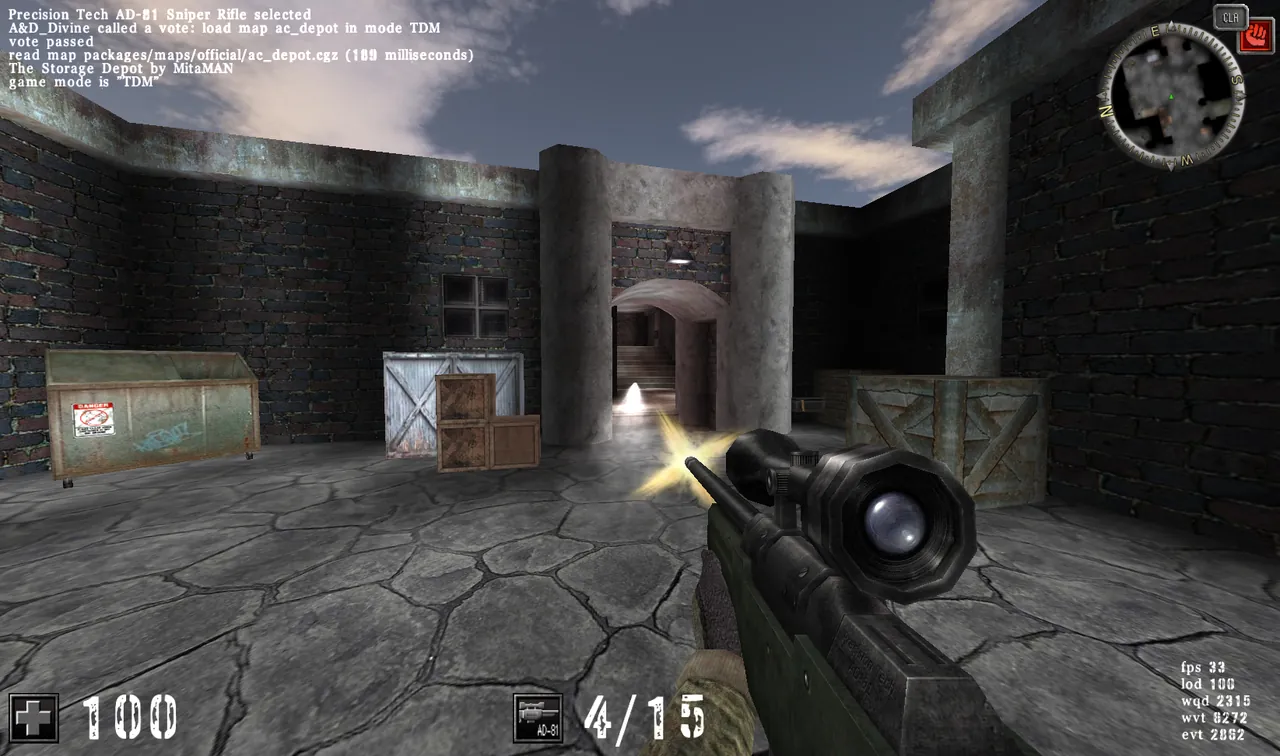
What you need
- The AssaultCube 1.3 package from the official download page. The server is included, there is no separate dedicated server download.
- A machine that stays on. Any PC or small Linux box is enough. The server is single threaded and light.
- Two UDP ports: 28763 for the game and 28764 for server info. If you pick a different game port, the info port is always that number plus one.
- The same version for everyone. Players on an older 1.2 client cannot join a 1.3 server.
Step 1: Install and find the server files
On Windows, install the game as normal. On Linux, extract the .tar.bz2 release from GitHub. Inside the folder you will find:
| File | What it is |
|---|---|
server.bat / server.sh |
Starts the dedicated server |
config/servercmdline.txt |
Server options, one switch per line |
config/maprot.cfg |
Map rotation |
config/serverpwd.cfg |
Extra admin passwords |
config/serverblacklist.cfg |
Banned IPs and ranges |
packages/maps/servermaps/ |
Custom maps the server can send to players |
Step 2: Set the options in servercmdline.txt
Every server option is a command line switch. Instead of typing them each time, put them in config/servercmdline.txt, one per line. A sensible private setup:
-n"Friday Night CTF"
-o"Be nice. Map votes are open."
-c12
-f28763
-xMyAdminPass123
-pfriendsonly
What those switches do:
| Switch | Meaning |
|---|---|
-n |
Server description shown in the browser |
-o |
Message of the day shown on join |
-c |
Max clients. Public listed servers stop at 16 |
-f |
Game port. Info port becomes this plus one |
-x |
Admin password |
-p |
Player password, leave it out for an open server |
-Y |
Server auth key for the master list |
-m |
Master server. Use -mlocalhost to stay off the public list |
-r |
Path to the map rotation file, default config/maprot.cfg |
Keep values with spaces inside quotes, with no space between the switch and the quote.
Step 3: Open the ports
Forward UDP 28763 and 28764 on your router to the machine running the server, and allow both through Windows Defender Firewall or ufw. The AssaultCube docs name wrong port forwarding as the most common reason a server fails to register. Our general port forwarding guide covers the router side if you have not done it before.
Both ports matter. The game port carries the match, the info port answers the server browser's pings. If only the first one is open, friends can join by command but the browser shows nothing.
Step 4: Get an auth key for the public list
Without a key, the server runs LAN only. To list it:
- Start the AssaultCube client.
- Press
/and typeauthkey new server. - Open
config/authkeys.cfgin the client's folder and copy the 64 character private key. - Add
-Yfollowed by that key toservercmdline.txt. - Start the server and look for
master server registration succeededin the output.
The master server also has house rules. A rotation with fewer than two different maps can get a server removed from the list. If your server stays invisible, our AssaultCube master server fix guide walks through every cause.
Step 5: Start it and join
Run server.bat or ./server.sh. Players join from Multiplayer in the server browser, or by pressing / and typing:
/connect 203.0.113.10 28763
Note the space between address and port. AssaultCube does not use a colon there. For a password protected server, add the password after the port: /connect 203.0.113.10 28763 friendsonly.
Admin from inside the game
Claim admin with the password from -x:
/setadmin 1 MyAdminPass123
As admin, your votes pass at once, so changing maps and modes from the vote menu is instant, and you can kick and ban from the same menu. Extra admin passwords go in config/serverpwd.cfg, one per line, as password 0. A line ending in 1 instead only lets that password bypass bans, without admin rights.
Map rotation and custom maps
The rotation lives in config/maprot.cfg, one line per map in the form map:mode:minutes:allowVote. For example, ac_mines:5:15:1 plays CTF on ac_mines for 15 minutes with voting allowed. Custom maps go in packages/maps/servermaps/ and are sent to players who do not have them. The details, including every mode number, are in our AssaultCube map rotation guide.
When home hosting gets annoying
Home hosting AssaultCube works well until the PC has to be off, the router resets its forwarding, or your home IP changes and everyone's saved address breaks. That is where a hosted server earns its small price.
A GamezServers AssaultCube server is live in about a minute with its own fixed address, so there is no port forwarding at all. The description, message of the day, max players, admin password, player password and master server are fields in the control panel, and maprot.cfg and the map folder are in the file manager or over SFTP. AssaultCube needs very little memory, so the smallest plan is plenty, and friends can split the bill.
FAQ
What port does an AssaultCube server use?
UDP 28763 for the game and UDP 28764 for server info. If you change the game port with -f, the info port moves to that number plus one. Both need to be open.
Is the AssaultCube server a separate download?
No. The server ships inside the normal game package. Run server.bat on Windows or server.sh on Linux.
How many players can an AssaultCube server hold?
Servers on the public master list are limited to 16 players, which suits every mode. Set it with -c.
How do I keep my AssaultCube server off the public list?
Use -mlocalhost as the master server switch, or simply do not set an auth key. Friends can still join with /connect and your address.
Why can't my friends connect with IP:port?
AssaultCube expects a space between address and port: /connect 203.0.113.10 28763. A colon makes the command fail.
Skip the setup. Your own AssaultCube server.
Then $2.99/mo. Just trying it? $0.75 for 3 days
 Minecraft