

 Archean
How to Host an Archean Server (Dedicated Server Guide)
Host an Archean dedicated server: install app 3557220 with SteamCMD, open port 8881 UDP and TCP, set up server.ini and admins, and keep your builds online.
Updated Oct 7, 2026 · 5 min read
On this page
- Why run a dedicated Archean server
- What you need
- Step 1: Install the server with SteamCMD
- Step 2: Run it once to create the config
- Step 3: Edit server.ini
- Step 4: Add yourself as admin
- Step 5: Open port 8881
- Step 6: Join from the launcher
- Workshop mods on a server
- Keeping it running smoothly
- The easier route
- FAQ
To host an Archean server, install the free dedicated server with SteamCMD (app 3557220), run Archean_server once so it writes Archean-data/server/server.ini, set a server_public_name, and open port 8881 on both UDP and TCP. Friends then join from the Archean launcher by IP and port, or from the public list if you set server_online to yes. Plan on at least 8 GB of RAM and a CPU with strong single core speed, because the physics simulation is where the cost is.
Why run a dedicated Archean server
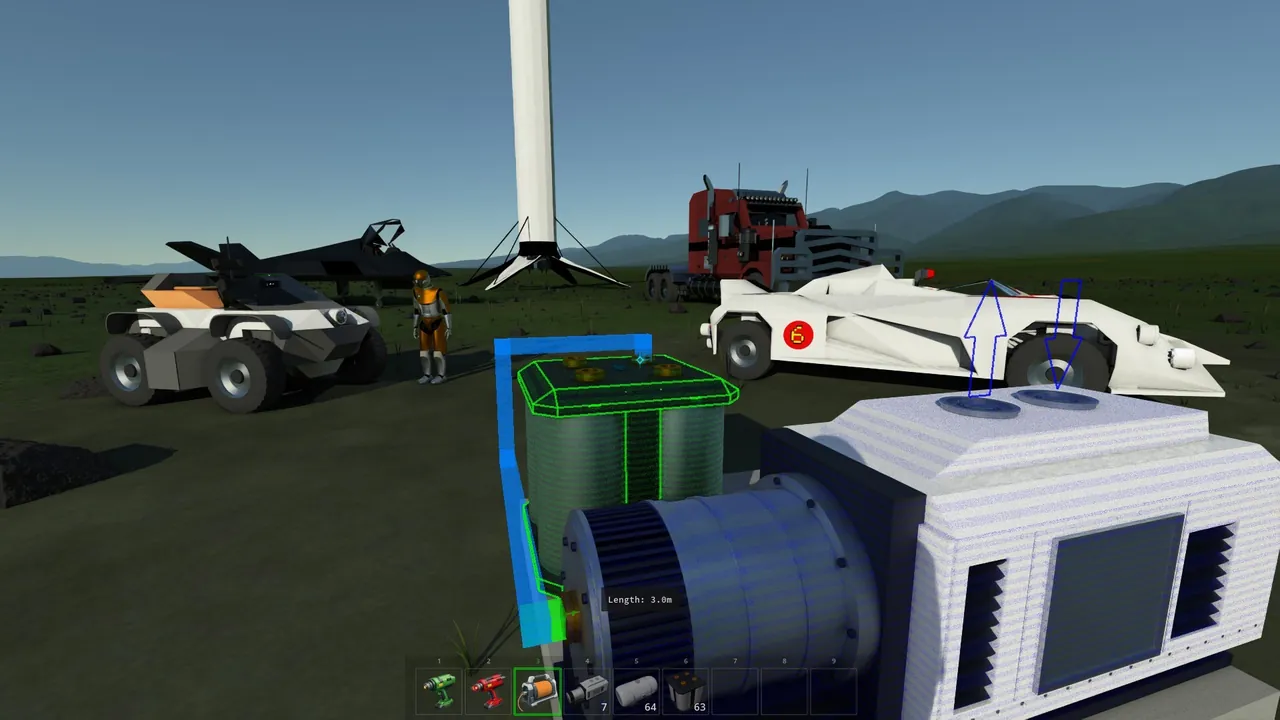
Archean lets you open a single player world to friends, but that world only exists while your game is running. The moment you quit, the rover your friend was wiring up stops existing for everyone. A dedicated server keeps the planets loaded, so XenonCode programs, flight computers and half built rockets stay exactly where the crew left them.
It also moves the physics load off your gaming PC. Archean simulates every joint, thruster and wheel on the server, and with three or four people building at once that is real CPU work you do not want competing with your own frame rate.
What you need
| Item | Requirement |
|---|---|
| Server software | Archean dedicated server, SteamCMD app 3557220, free |
| CPU | High single core speed matters more than core count |
| RAM | 8 GB minimum, 12 GB for big machines, 16 GB for a full crew |
| Ports | 8881 UDP and TCP (the listen_port) |
| Players | Each player needs Archean on Steam |
The developers recommend an i7 or Ryzen class CPU and 8 GB of RAM as a floor for multiplayer. Memory needs grow with the number of active builds and how many players are spread across different planets, since each area being simulated stays loaded.
Step 1: Install the server with SteamCMD
Download SteamCMD from Valve, then install the server into its own folder:
steamcmd +force_install_dir C:\ArcheanServer +login anonymous +app_update 3557220 validate +quit
On Linux, use a path such as /home/archean/server and the same command. Run the same line again later to update; the server and every player need to be on the same build.
Step 2: Run it once to create the config
Start Archean_server (or Archean_server.exe on Windows) from the Archean-game folder. On first launch it runs in console mode and asks a few configuration questions. Once you answer them it writes Archean-data/server/server.ini, and it stops asking as soon as server_public_name has a value. Stop the server before you edit the file.
Step 3: Edit server.ini
A working setup for a small private crew looks like this:
[server]
server_public_name=Orbital Garage
game_mode=0
server_online=0
accept_remote_connections=1
max_simultaneous_players=6
password=pickapassword

[networking]
listen_port=8881

[game]
spawn=earth
updates_per_second=25
physics_steps_per_update=8
auto_save_interval_seconds=30
The keys that matter most:
game_mode:0is creative,1is adventure with resource gathering.server_online: whether the server appears in the public list. Leave it off for a friends only server and share the address.accept_remote_connections: must be on, or only your own machine can connect.spawn: the starting planet, for exampleearthormoon.auto_save_interval_seconds: how often the world is written to disk.
Every key is covered in more depth in our Archean server.ini settings guide.
Step 4: Add yourself as admin
Admins are listed by Steam64 ID in Archean-data/server/admins.txt, one ID per line. Look up your ID on your Steam profile, add it, and restart. In game, admins press F4 to open the server panel, which shows performance and connected players and lets you teleport players, spawn blueprints and ban.
Step 5: Open port 8881
If the server runs at home, forward 8881 for both UDP and TCP to the PC running it, and allow Archean_server through Windows Firewall. Our port forwarding guide covers the router side. If your ISP puts you behind CGNAT, forwarding will not work at all, and you need a public IP or a hosted server.
Step 6: Join from the launcher
Start Archean on Steam to open its launcher. If server_online is on, find your server in the list by its name. Otherwise enter the IP and port by hand, add the password, and press Play. If the server is not visible or friends time out, the Archean connection fixes guide walks through each cause.
Workshop mods on a server
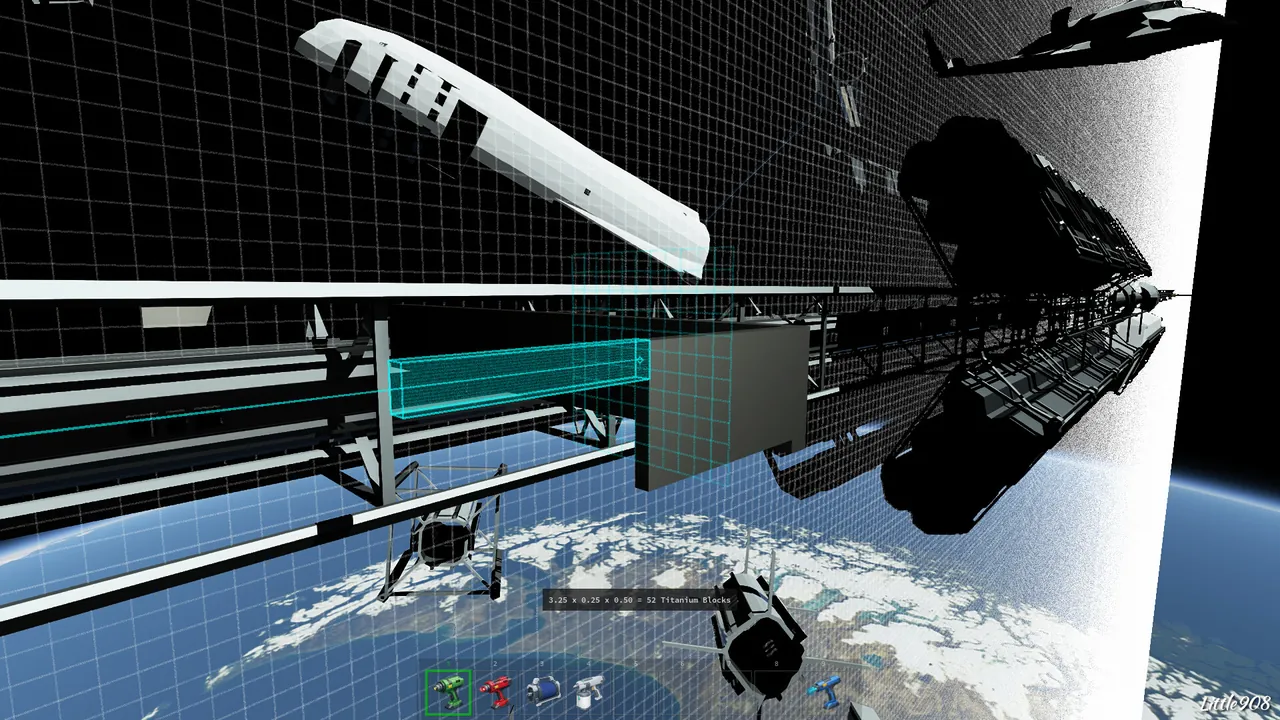
Mods are possible but take some setup. Download the Workshop items to the server with SteamCMD using their Workshop IDs, point external_mods_dir at that folder, and list the mod names in the world's mods.txt. Every player also needs the same mods. Take a backup before you add mods to a world you care about.
Keeping it running smoothly
When big builds make the server stutter, try lowering physics_steps_per_update a step or two before you buy more hardware. It trades a little physics precision for a lot of CPU time. Dropping updates_per_second has a similar effect but makes movement feel less smooth, so change one at a time. If lag persists, the general advice in why is my game server lagging applies: check CPU first, then memory, then the network.
The easier route
Running Archean at home means leaving a strong PC on all day with a port open. A GamezServers Archean server is live within minutes of paying, with its own address, so there is nothing to forward. Game mode, spawn planet, max players, password, autosave, public listing, world name, admin Steam IDs and the two tick settings are all fields in the control panel, and server.ini and mods.txt are in the file manager or over SFTP. One click backups help before risky experiments, and up to 10 crew members can each pay their share of the bill.
FAQ
What port does an Archean server use?
Port 8881, on both UDP and TCP. It is set by listen_port in server.ini. If you change it, players must enter the new port when they connect.
Do I need to buy Archean to run a server?
No. The dedicated server is a free download on SteamCMD. Every player who joins needs their own copy of the game.
How many players can join an Archean server?
Up to 16, set with max_simultaneous_players. Small crews of 4 to 8 tend to run best because each extra builder adds physics load.
How do I make my Archean server public?
Set server_online to on and give the server a server_public_name, then restart. Leave it off to keep the server private and share the IP and port instead.
Why does my Archean server lag with big ships?
Physics is CPU bound. Lower physics_steps_per_update slightly, keep fewer large machines running at once, and choose a CPU with fast single core speed.
Skip the setup. Your own Archean server.
Then $19.99/mo. Just trying it? $5.00 for 3 days
 Minecraft