

 Tachyons
How to Host a Tachyons Server (Tachyons CE Guide)
Host a Tachyons CE dedicated server: the GitHub release, TachyonsCEServer.jar, config.cfg, port 30303 over TCP and UDP, the DataBase folder and admin commands.
Updated Oct 7, 2026 · 5 min read
On this page
To host a Tachyons server, download the Tachyons CE (Community Edition) release from GitHub, take the server folder out of it, and start TachyonsCEServer.jar with Java (or TachyonsCE_Server.exe on Windows, which brings its own Java). Set the port and galaxy rules in config.cfg, open port 30303 for both TCP and UDP, and players connect with the CE client from the same release, logging in with a name and password the server creates on first join. The console prints [Server] SERVER STARTED. when it is ready.
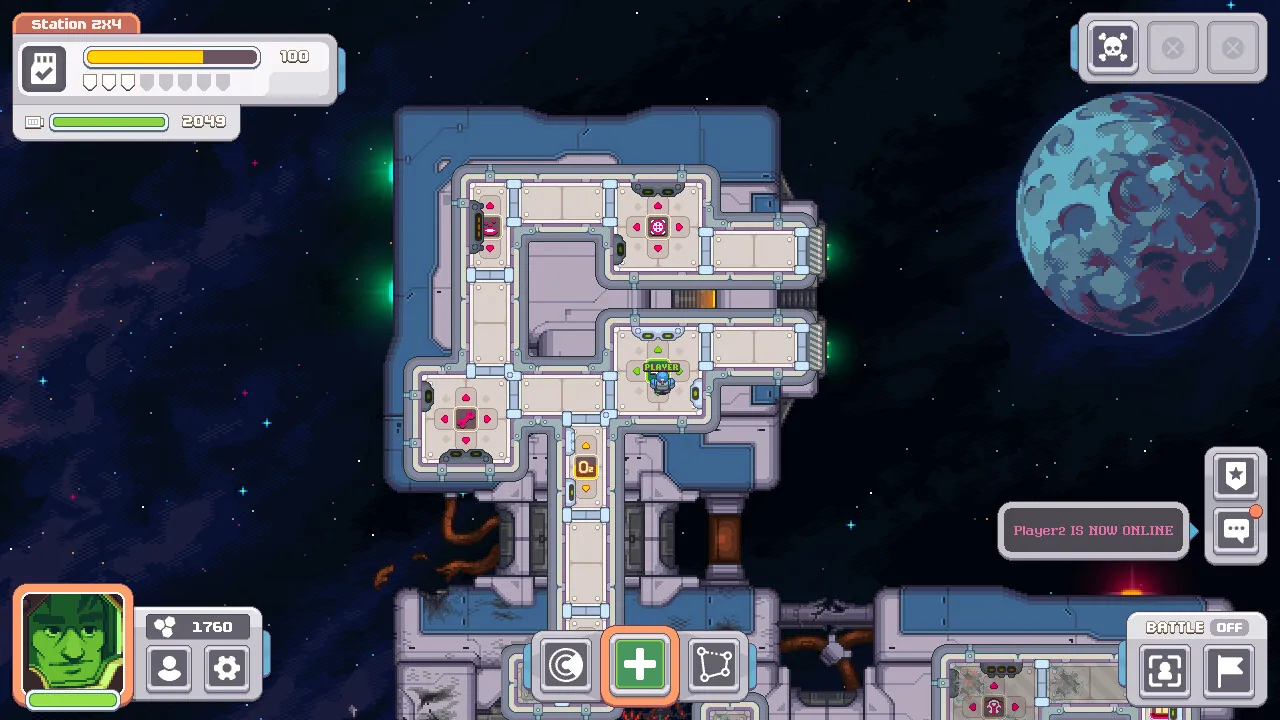
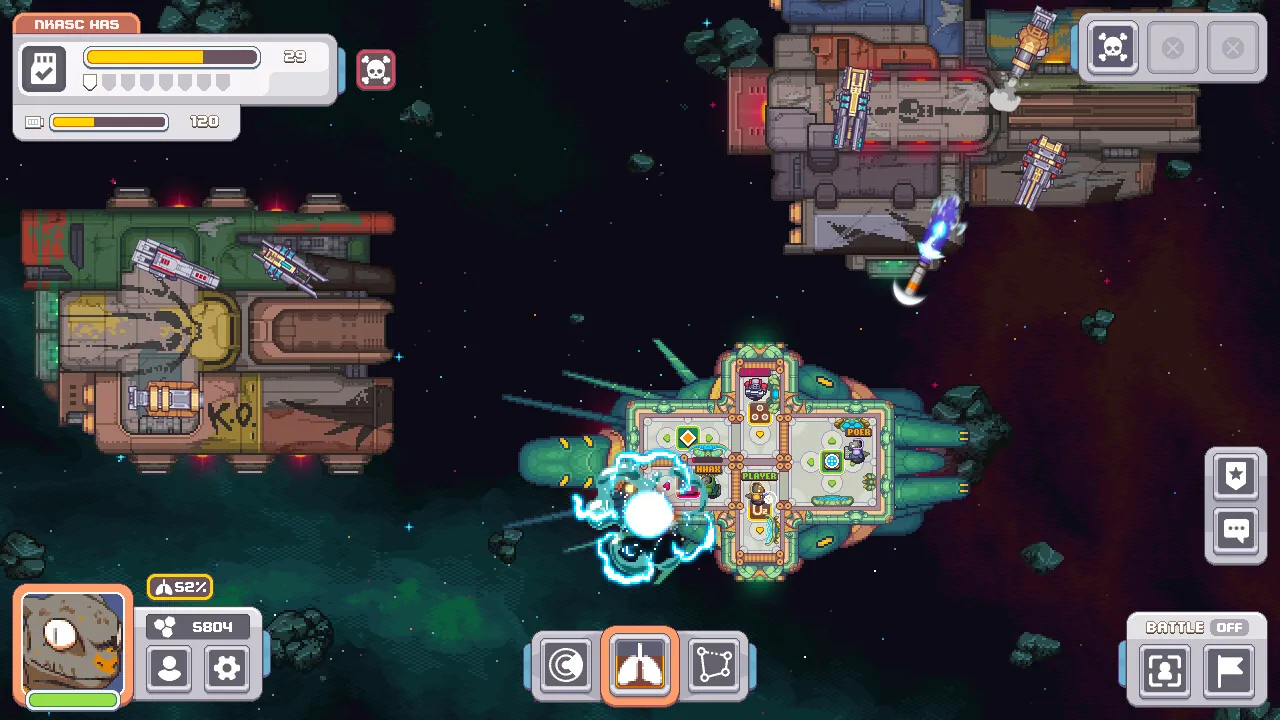
Tachyons is a small, standalone multiplayer space game by the solo developer Spektor, built on its own engine. You crew a ship with friends, route power, man weapons, fight fires, board other ships and strip their systems. It is often compared to FTL, but it is its own game and does not need FTL. Be aware going in: this is a niche game, and the Community Edition's latest release, v1.0.2, came out in April 2021. What it offers is a persistent galaxy your crew can keep coming back to, and that still works well.
What you need
| Item | Details |
|---|---|
| Server | TachyonsCEServer.jar from the Tachyons CE releases |
| Java | Java 11 works. The Windows .exe launchers include a JRE |
| Port | 30303 by default, TCP and UDP |
| Config | config.cfg, plus hazards.cfg, npc_races.cfg and player_races.cfg |
| Saves | The DataBase folder next to the jar |
| Memory | 1 GB for one crew, 2 GB for several crews |
The CE release zip contains a client folder, a server folder and a bundled JRE. Everyone who plays needs the client from the same release as the server. The server checks the version on login and refuses mismatches.
Step 1: Download and unpack
- Open the Tachyons CE releases page and download
TachyonsCE.zipfrom the release your crew will use (v1.0.2 is the newest). - Unzip it.
- Copy the
serverfolder to wherever the server will live. On a Linux box you do not need theclientorJREfolders.
Step 2: Start it once
On Windows, double click TachyonsCE_Server.exe, or StartServerConsole.bat to see the log. On Linux:
sudo apt install openjdk-11-jre-headless
cd ~/tachyons/server
java -jar TachyonsCEServer.jar
When you see:
[Server] Network server started on port: 30303
[Server] SERVER STARTED.
the universe has been generated and saved under DataBase. Stop it cleanly with /exit, which saves the game data first. Do not just close the window or kill the process, or you can lose everything since the last autosave.
Step 3: Set config.cfg
config.cfg is a plain text file of KEY=value lines with -- comments. The port line comes first:
-- Server port
SERVER_PORT=30303
The rest shapes the game: universe size, hyperspace travel time, oxygen and fire, sensors, cargo holds and more. The ones most groups touch first:
| Key | Default | What it does |
|---|---|---|
UNIVERSE_WIDTH, UNIVERSE_HEIGHT |
100, 100 | Size of the galaxy in sectors |
HYPERSPACE_TIME |
6 | Seconds spent in hyperspace per sector traveled |
AUTOSAVE_TIME |
300 | Seconds between autosaves |
RESPAWN_TIME |
20 | Seconds a player waits to respawn |
ALLOW_SERVER_RESET |
1 | Lets players reset the server from the in game menu |
Change ALLOW_SERVER_RESET to 0 on any server with people you do not know well. With 1, a player can wipe the galaxy from the in game menu. Universe size and starting positions only apply when a new universe is generated. Every setting is explained in Tachyons config.cfg explained.
Restart the server after editing. Settings load at start.
Step 4: Open the port
Tachyons uses the KryoNet networking library, which connects over TCP and then registers a UDP channel. Both must get through, or players connect and then time out. Forward port 30303 (or your SERVER_PORT) for TCP and UDP on your router and allow both in the firewall:
sudo ufw allow 30303/tcp
sudo ufw allow 30303/udp
The router side is in how to port forward a game server.
Step 5: Players join
Each player:
- Downloads the same
TachyonsCE.ziprelease and runsTachyonsCE_Client.exefrom theclientfolder (Linux and macOS players runTachyonsCE.jarwith Java). - Enters the server address and port.
- Enters a login name and password. The first login creates the account on the server (the console logs
Registered new player), and the same name and password are needed every time after.
Tell players to pick a password they will remember. Their character, ship and progress hang off that account in DataBase/Players.
Step 6: Admin commands
Type these into the server console:
| Command | What it does |
|---|---|
/help |
Lists the commands |
/kick <playerName> |
Logs a player off |
/ban <playerName> |
Bans a player |
/unban <playerName> |
Lifts a ban |
/banip <ip> |
Bans an IP address |
/unbanip <ip> |
Lifts an IP ban |
/reset |
Starts the server reset procedure, which wipes the galaxy |
/exit |
Saves and shuts down |
Bans are stored in DataBase/BanList.dat.
Saves and starting over
Everything persistent lives in DataBase: the universe, ships, NPCs, players and global variables. Back that folder up before changing release or big config values. To start a fresh galaxy, stop the server and delete the Universe, Ships, NPCs and Players folders and Vars.dat inside DataBase (the release's cleandb.bat does exactly this on Windows), then start it again.
The easy option
A GamezServers Tachyons server installs the Tachyons CE server for you, with a Version setting to pick which CE release it runs so it matches your crew's client. The port is set for you, config.cfg and the DataBase folder are in the file manager, and the live console takes /kick, /ban and the rest. One click backups cover the whole galaxy, and it stays online without anyone's PC, on 1 to 2 GB. If someone cannot get in, see Tachyons can't connect to server.
FAQ
Is Tachyons the same as FTL?
No. Tachyons is a separate game with its own engine, often compared to FTL because you crew a ship together. You do not need FTL to play or host it.
What port does a Tachyons server use?
30303 by default, set with SERVER_PORT in config.cfg. It needs both TCP and UDP open.
Can itch.io Tachyons players join a CE server?
No. The server checks client and server versions on login, and only the CE client from the same release matches a CE server.
How do I stop players resetting my Tachyons server?
Set ALLOW_SERVER_RESET=0 in config.cfg and restart. Otherwise players can trigger a reset from the in game menu.
Where does a Tachyons server save the galaxy?
In the DataBase folder next to TachyonsCEServer.jar, with subfolders for the universe, ships, NPCs and players.
Skip the setup. Your own Tachyons server.
Then $2.99/mo. Just trying it? $0.75 for 3 days
 Minecraft