

 Solace Crafting
How to Host a Solace Crafting Dedicated Server (2026 Guide)
Host a Solace Crafting dedicated server: SteamCMD app 1086950, servercfg.dat, ports 27015 and 27016, the MultiplayerWorld save and how friends join.
Updated Oct 7, 2026 · 4 min read
On this page
To host a Solace Crafting dedicated server, download the server with SteamCMD (app ID 1086950), start it once so it creates its folders, then set the name, ports, player cap and privacy in servercfg.dat, a JSON file in the game's user data folder. The defaults are game port 27015 and Steam query port 27016, both of which need to be reachable. Players join from Multiplayer in the game by selecting the server and clicking Join Server, and everyone must run the same game version as the server.
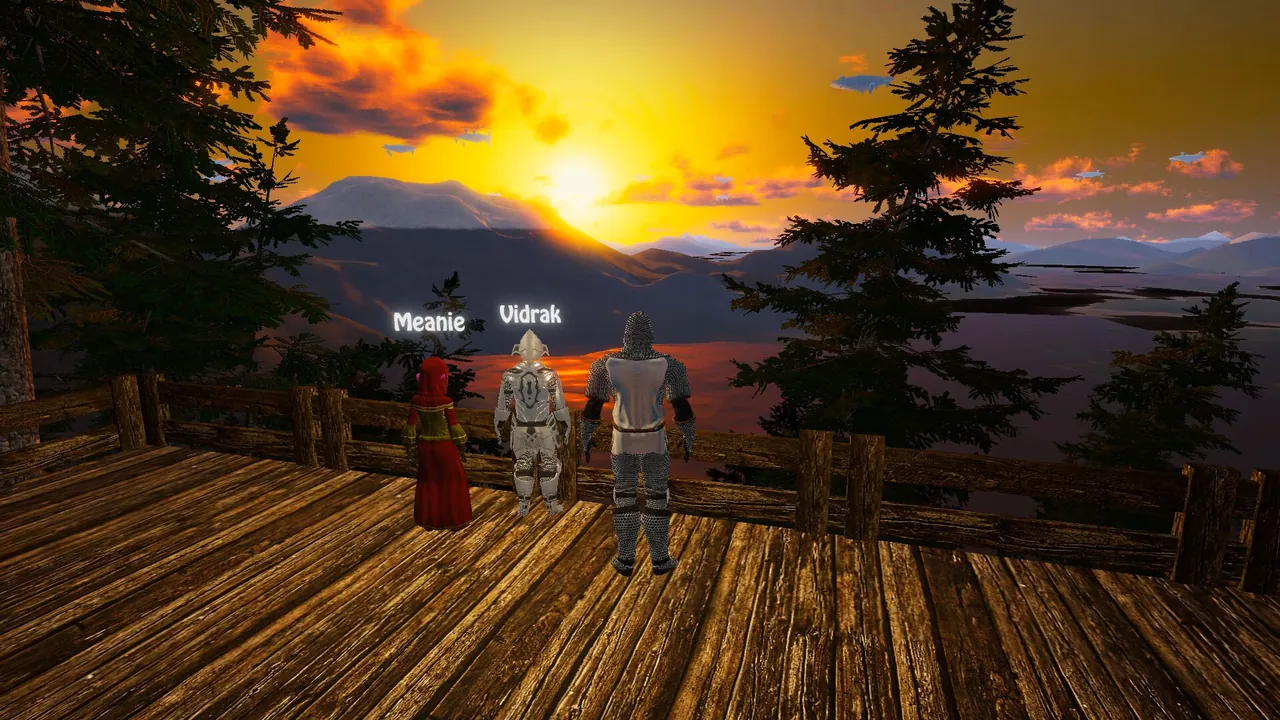
Solace Crafting is a fantasy survival RPG from Big Kitty Games, a small studio that is still patching it in 2026, including several dedicated server fixes in the v1.2 updates. The developer recommends dedicated servers over player hosting for multiplayer, and the borderless world, where danger rises with distance, suits a group that spreads out.
What you need
- SteamCMD to download the server. The dedicated server is its own Steam app, 1086950, and downloads with anonymous login.
- A 64 bit machine that stays on, Windows or Linux. A group of up to four fits in about 4 GB of RAM. A full 12 player server with people spread across the map is safer on 8 GB.
- Two ports: 27015 (game) and 27016 (Steam query), or whatever you set in the config.
- A separate machine if you can. Running the server and your own game client on one PC has caused routing and audio confusion for players in the past.
Step 1: Download the server
steamcmd +force_install_dir C:\servers\solace +login anonymous +app_update 1086950 validate +quit
On Linux, use ./steamcmd.sh and a Linux path. The Linux server binary is Solace Crafting.x86_64. Rerun the same command to update after every game patch. A server even one patch behind the clients will refuse or fail joins.
Step 2: Start it once
Start the server and let it finish loading, then stop it. The first run creates its user data folder. That is where the config and the worlds live, not in the install folder:
| System | Config and worlds folder |
|---|---|
| Windows | C:\Users\<you>\AppData\LocalLow\Big Kitty Games\Solace Crafting\ |
| Linux | ~/.config/unity3d/Big Kitty Games/Solace Crafting/ |
Inside it you will find servercfg.dat (create it if it is missing), a Worlds folder and the server log.
Step 3: Edit servercfg.dat
Despite the .dat name, the file is plain JSON. A current server config looks like this:
{
    "name": "Frontier Friends",
    "description": "Co-op, be kind, share the portals",
    "port": 27015,
    "steamQueryPort": 27016,
    "isPrivate": false,
    "password": "",
    "requireSteamID": true,
    "maxPlayers": 12,
    "allowAdmin": false,
    "adminPassword": "password",
    "allowModerator": false,
    "moderatorPassword": "password",
    "worldSaveToUse": "MultiplayerWorld",
    "autoRestart": 0
}
The keys that matter most are name, maxPlayers, the two ports, and isPrivate with password. Every key is explained in our servercfg.dat settings guide.
Two rules: stop the server before editing, because it reads the file on start and can overwrite changes made while it runs, and keep it valid JSON, with double quotes and commas between lines.
Step 4: Pick or move the world
The server loads the world folder named in worldSaveToUse, MultiplayerWorld by default, from the Worlds folder. To start fresh, leave it and the server generates one. To bring a world you already played, copy its folder into Worlds and either rename it MultiplayerWorld or change worldSaveToUse to its folder name. Back up the original first.
Step 5: Open the ports
Forward 27015 and 27016 on your router to the server machine and allow both through the firewall. Big Kitty's original server guide lists the game port as TCP and the query port as UDP. Opening both protocols on both ports avoids guessing after engine changes. If you change the ports in servercfg.dat, forward the new numbers. Our port forwarding guide covers the router side.
Step 6: Join
- Launch Solace Crafting and open Multiplayer.
- Find the server by name in the server list and select it.
- Click Join Server at the lower left.
- Enter the password if the server is private.
If the server is missing or joins fail, check the server log first, then our Solace Crafting join fix guide.
Back up before patches
The game still gets big updates, and the patch notes in 2026 include multiplayer fixes. That is good news, but it means a patch can change how a world loads. Copy the Worlds folder before you update the server. Our backup guide covers a simple routine.
A hosted alternative
The dedicated server is light enough to run at home, but your group's towns and fast travel network only exist while the PC is on. A GamezServers Solace Crafting server installs app 1086950 for you, writes a starting servercfg.dat, and keeps Auto Update on so the server follows game patches. The config sits in .config/unity3d/Big Kitty Games/Solace Crafting/ in the file manager or over SFTP. Set port there to the port shown in your panel. One click backups before each patch, and friends can split the bill.
FAQ
What is the Solace Crafting dedicated server app ID?
- It downloads through SteamCMD with anonymous login.
Where is servercfg.dat?
In the game's user data folder: AppData\LocalLow\Big Kitty Games\Solace Crafting on Windows, ~/.config/unity3d/Big Kitty Games/Solace Crafting on Linux.
What ports does a Solace Crafting server use?
27015 for the game and 27016 for the Steam query by default. Both are set in servercfg.dat.
How many players can join?
The config defaults to 12 with maxPlayers. More players spread across the map means more memory.
Can I use my single player world on the server?
Copy its folder into Worlds and point worldSaveToUse at it, or rename it MultiplayerWorld. Keep a backup of the original.
Skip the setup. Your own Solace Crafting server.
Then $9.99/mo. Just trying it? $2.50 for 3 days
 Minecraft