

 Rage.MP
How to Host a RAGE MP Server for GTA V (2026 Setup Guide)
Set up a RAGE Multiplayer server for GTA V: get the server files, edit conf.json, open UDP 22005 and TCP 22006, add packages and client_packages, and connect.
Updated Oct 7, 2026 · 5 min read
On this page
To host a RAGE Multiplayer server, download the RAGE MP server files (on Linux the linux_x64 package from the RAGE MP CDN, on Windows through the RAGE MP client's server channel), set your name, port and gamemode in conf.json, and start ragemp-server. Open UDP 22005 for the game and TCP 22006 for client file downloads. Server code goes in packages, client scripts in client_packages. Players need their own PC copy of GTA V plus the free RAGE MP client.
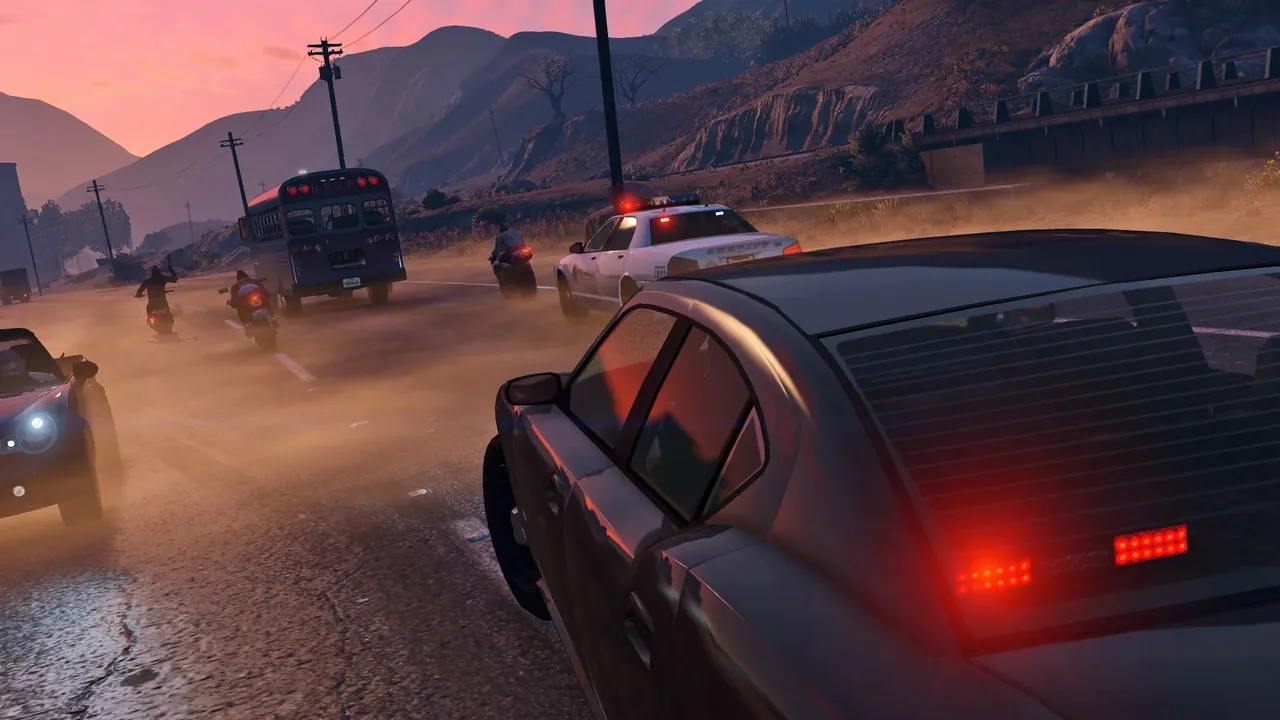
What RAGE MP is, and what it is not
RAGE Multiplayer is a third party multiplayer platform for Grand Theft Auto V on PC, made by an independent team. It has no affiliation with Rockstar Games or Take-Two Interactive, and it is separate from GTA Online. Players launch GTA V through the RAGE MP launcher and join community servers that run their own scripts: roleplay cities, racing, drifting, freeroam and deathmatch.
Every player needs a legal PC copy of GTA V. RAGE MP supports both the Legacy and Enhanced editions, and players on either can share a server.
A RAGE MP server on its own does very little. What players experience comes entirely from the gamemode you install: the scripts, database and interfaces. Treat this guide as getting the engine running; installing a gamemode on RAGE MP is the next step.
If you are still choosing a platform, our comparison of GTA multiplayer mods to host a server puts RAGE MP next to the alternatives.
What you need
| Server | RAM |
|---|---|
| Freeroam or development server | 4 GB |
| Roleplay server with a steady crowd | 8 GB |
| Heavy C# gamemode near 100 players | 12 GB |
The server binary itself is light. Your gamemode, database and synced entities are what use memory. The server runs on Windows or 64 bit Linux.
Step 1: Get the server files
Linux. Download and unpack the server package:
curl -sSL -o linux_x64.tar.gz https://cdn.rage.mp/updater/prerelease/server-files/linux_x64.tar.gz
tar -xzf linux_x64.tar.gz
cd ragemp-srv
chmod +x ragemp-server
Windows. Install the RAGE MP client from rage.mp. The server files are delivered by the client's updater when it is switched to the server channel in its config.xml, after which a server-files folder appears in the RAGE MP install folder. Follow the current instructions on the RAGE MP wiki, since the channel names have changed over the years.
You end up with the server executable, a conf.json, a packages folder and a client_packages folder, plus a dotnet folder for C# support.
Step 2: Edit conf.json
conf.json is the server's main config. A clean starting point:
{
  "name": "Los Santos Late Shift",
  "gamemode": "freeroam",
  "maxplayers": 50,
  "bind": "0.0.0.0",
  "port": 22005,
  "announce": false,
  "stream-distance": 500,
  "csharp": "disabled"
}
| Key | What it does |
|---|---|
name |
Server name in the master list |
gamemode |
Label for the gamemode shown in the browser |
maxplayers |
Player slots |
bind |
IP to listen on, 0.0.0.0 for all |
port |
Game port, 22005 by default. The next port up is used for file downloads |
announce |
true lists the server publicly, false keeps it unlisted |
stream-distance |
How far away entities stream in for players |
csharp |
enabled turns on the C# runtime for C# resources |
JSON is strict: no trailing commas and every text value in double quotes. A broken conf.json stops the server at start, and the console says so.
Step 3: Open the ports
RAGE MP uses two ports:
| Port | Protocol | Purpose |
|---|---|---|
| 22005 | UDP | Game traffic |
| 22006 | TCP | HTTP server that sends client_packages to players |
The download port is always the game port plus one. If you move the game to 22015, downloads move to 22016. Forward both on a home connection, and allow both through the firewall. Our port forwarding guide covers routers. Forgetting the TCP port is the classic cause of players getting stuck while downloading on join.
Step 4: Start and connect
Start ragemp-server (or ragemp-server.exe). The console lists the packages it loads and any errors from your scripts.
To join:
- Install the RAGE MP client from rage.mp and point it at your GTA V folder the first time.
- Open the launcher. If the server is announced, search for its name.
- Otherwise use Direct Connect with the IP and port.
- Wait while the server's client packages download, then you spawn.
Where your code goes
| Folder | Contents |
|---|---|
packages/<name>/ |
Server side JavaScript, each package with an index.js |
client_packages/ |
Client side scripts and interfaces, starting from client_packages/index.js |
dotnet/resources/ |
C# resources, used when csharp is enabled |
Client packages are downloaded by every player on join, so keep them lean. Large images and sounds belong compressed, or on a CDN your interface loads.
Public or private
With "announce": true, the server appears in the RAGE MP launcher for everyone. While you are building a gamemode, leave it false and share the address with your testers, then flip it on launch day. Pick a server name you are happy to keep; communities get known by it.
Hosting it without your PC
A roleplay city needs to be online all evening, every evening, with a sensible way to push updates. A GamezServers RAGE MP server installs the server for you, sets the server name in the control panel and writes it into conf.json on start, and gives you the file manager and SFTP for packages and client_packages. The live console shows your gamemode's errors as it boots, the C# bridge is installed for you, and one click backups protect the database before each big deploy. Slots start at 50.
FAQ
Is RAGE MP made by Rockstar?
No. RAGE Multiplayer is an independent project with no connection to Rockstar Games or Take-Two.
Do players need GTA V to join a RAGE MP server?
Yes, a legal PC copy (Legacy or Enhanced) plus the free RAGE MP client.
What ports does a RAGE MP server use?
UDP 22005 for the game and TCP 22006 for client package downloads, or your chosen port and the one above it.
Why is my RAGE MP server not in the server list?
announce is false in conf.json, or the server is not reachable on its ports. Set it to true and restart.
Can I write a RAGE MP gamemode in C#?
Yes. Set "csharp": "enabled" in conf.json and put C# resources in dotnet/resources. JavaScript on Node.js works without extra setup.
Skip the setup. Your own Rage.MP server.
Then $9.99/mo. Just trying it? $2.50 for 3 days
 Minecraft