

 Hurtworld
How to Host a Hurtworld Server (Dedicated Server Guide)
Host a Hurtworld dedicated server: SteamCMD app 405100, the -exec startup line, autoexec.cfg, ports 12871 and 12881, owner admin by SteamID64 and uMod plugins.
Updated Oct 7, 2026 · 5 min read
On this page
To host a Hurtworld server, download the free dedicated server with SteamCMD (app ID 405100), start Hurtworld.exe with -batchmode -nographics and an -exec string that sets the port, query port, player cap, name and your admin SteamID64, then forward port 12871 for the game and 12881 for the server browser query. Settings you want applied on every boot go in autoexec.cfg. Plugins come from uMod (the framework once called Oxide), which still supports Hurtworld.
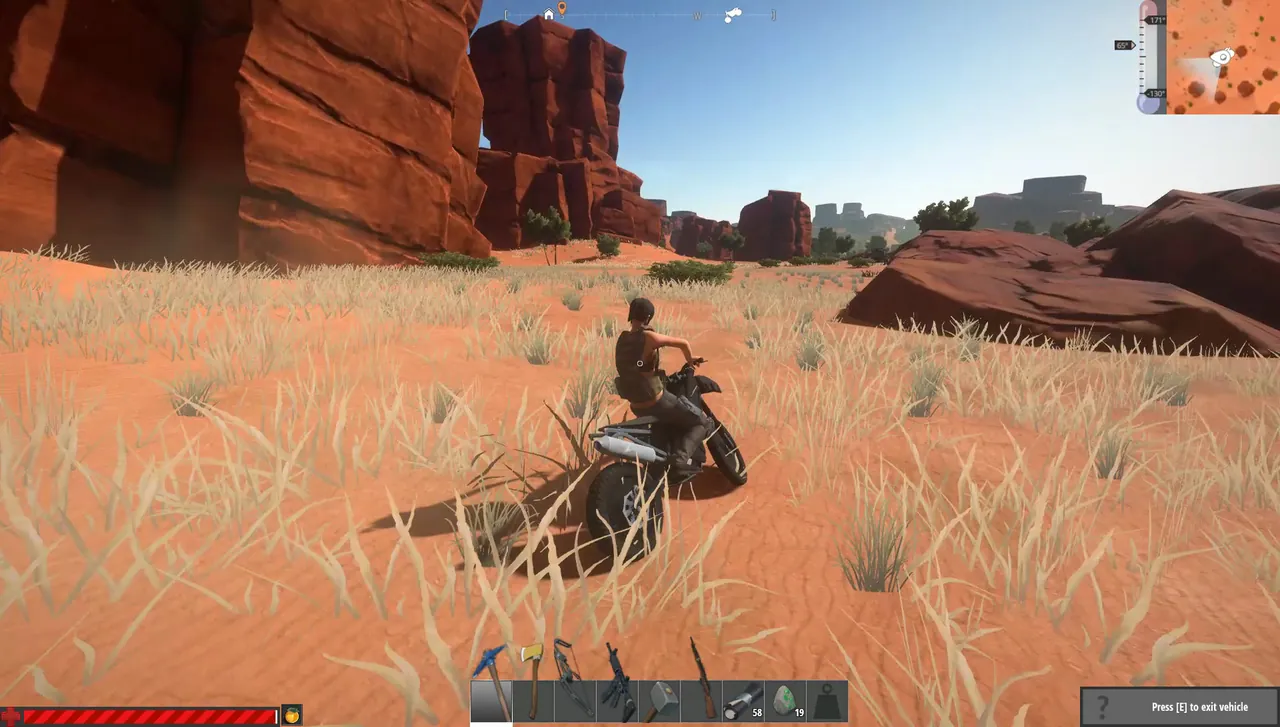
Be clear eyed about the game first. Hurtworld left Early Access in December 2019 and has had few updates since, and public servers are thin. That is the best argument for running your own: a private world for a clan or friend group, on your wipe schedule, that does not vanish when a public host gives up.
What you need
- SteamCMD from Valve, to download the server. The server is free, and you do not need to own the game on the account that downloads it.
- A machine that stays on. Hurtworld is a Unity game and not greedy: a private server for friends runs comfortably in 4 GB of RAM, a busy one near 60 players wants around 8 GB.
- Two ports: 12871 for game traffic and 12881 for the Steam query that puts you in the server browser.
- Your SteamID64, the 17 digit number, for admin rights. Paste your profile link into a SteamID lookup site to get it.
Step 1: Download the server with SteamCMD
On Windows, make a folder like C:\servers\hurtworld and run:
steamcmd.exe +force_install_dir C:\servers\hurtworld +login anonymous +app_update 405100 validate +quit
On Linux it is the same with ./steamcmd.sh and a Linux path. The Linux build runs Hurtworld.x86_64 instead of Hurtworld.exe. Run the same line again later to update.
Step 2: Write the startup line
Hurtworld takes its settings as console commands, chained with semicolons inside -exec. Create start.bat in the server folder:
Hurtworld.exe -batchmode -nographics -exec "host 12871;queryport 12881;maxplayers 20;servername My Clan Server;addadmin 76561198000000000" -logfile "gamelog.txt"
What each part does:
| Command | Meaning |
|---|---|
host 12871 |
Opens the game on port 12871 and starts the world |
queryport 12881 |
Port the Steam server browser queries |
maxplayers 20 |
Player cap |
servername ... |
Name in the server browser |
addadmin <SteamID64> |
Gives that player admin rights |
creativemode 1 |
Optional. Free building with no resource cost |
Separate commands with semicolons and do not put extra quotes inside the -exec string, which already sits in quotes.
Step 3: Use autoexec.cfg for the rest
A fresh install has autoexec_default.cfg. Rename it to autoexec.cfg and the server runs every line in it at startup. It is a cleaner place for admins and save settings than a long -exec string:
addadmin 76561198000000000
addadmin 76561198000000001
autobackupinterval 600
autobackupinterval is the save interval in seconds. Ten to fifteen minutes is a sensible balance between losing progress in a crash and writing to disk constantly.
Step 4: Open the ports
Forward 12871 (UDP and TCP) and 12881 (UDP) to the server machine, and allow Hurtworld.exe through Windows Defender Firewall. If friends can join with connect but nobody sees you in the browser, the query port is the one that is closed. Our Hurtworld server list fix guide goes through every cause, and the general port forwarding guide covers routers.
Step 5: Start it and join
Run start.bat. The console in gamelog.txt shows the world loading. Then in the game:
- Open the server browser and search for your server name, or
- Press F1 to open the console and type
connect 203.0.113.10:12871.
Once you are in as admin, F1 also accepts admin commands such as serverstatus, which lists connected players with their Steam IDs, and rcon followed by a server command to run it on the server.
Wipes and backups
Hurtworld communities live by the wipe. To start fresh: stop the server, copy the save files somewhere safe, delete them from the server folder, and start again. The next boot generates a new world. Always take the copy first, because a wipe you regret two days later is only fixable from a backup. Our backup guide covers good habits.
Adding plugins with uMod
Teleport commands, kits, bigger stacks and vehicle rules all come from uMod plugins. The framework is a zip you extract over the server files, and plugins are .cs files dropped into oxide/plugins. Our guide to installing uMod on a Hurtworld server covers the install, permissions and what breaks after updates.
Skipping the home setup
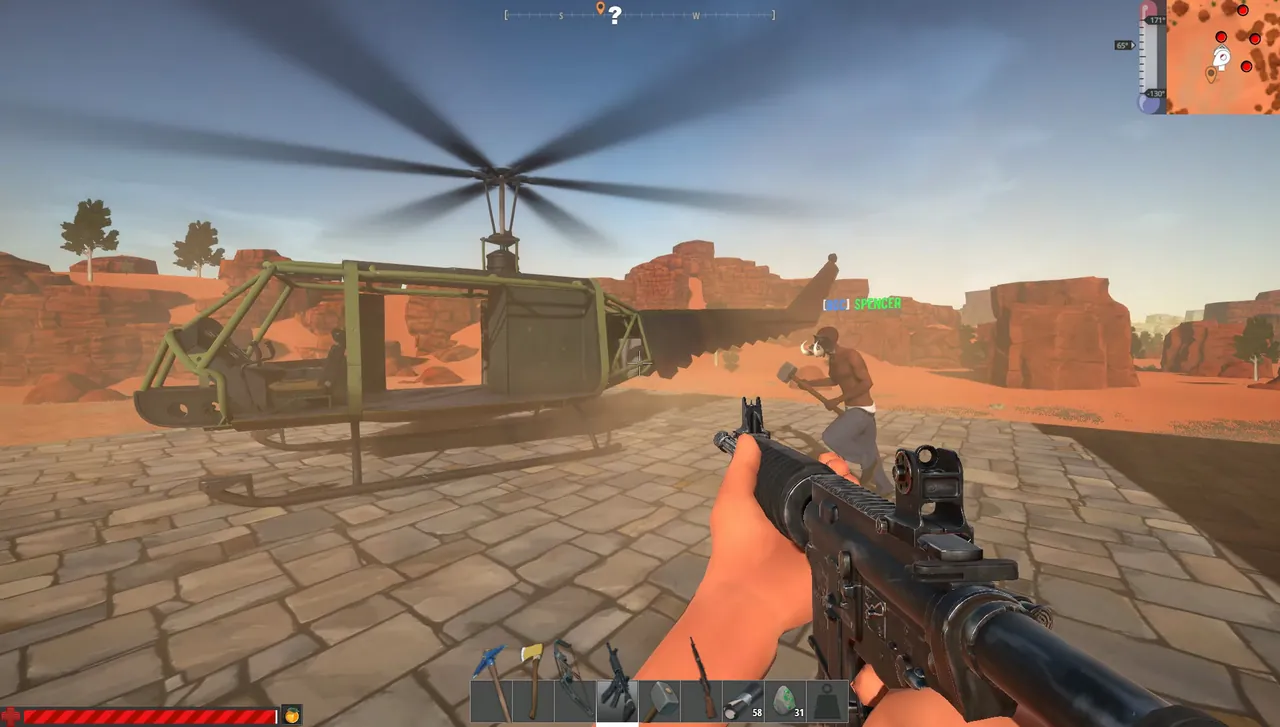
A home server means your PC runs all day, your router keeps its forwarding rules, and your home IP stays in everyone's favorites. A GamezServers Hurtworld server is live in about a minute with a fixed address and the ports already open. The panel has fields for server name, max players up to 60, a Server Owner Guid where your SteamID64 goes, a Creative Mode switch and auto update. autoexec.cfg, saves and the oxide folder are in the file manager and over SFTP, and a one click backup before each wipe means you can always undo it. The clan can split the bill too.
FAQ
What is the Hurtworld dedicated server app ID?
- Download it with SteamCMD using
+login anonymous.
What ports does a Hurtworld server use?
12871 for the game (UDP and TCP) and 12881 for the Steam query. Both must be open for the server to be joinable and listed.
How do I make myself admin on a Hurtworld server?
Add addadmin with your 17 digit SteamID64 to the -exec line or to autoexec.cfg, then restart.
How many players can a Hurtworld server hold?
You set it with maxplayers. Our hosted template allows up to 60, which is plenty for the current player base.
Is Hurtworld still worth hosting?
For a group that still enjoys it, yes. The game works, uMod still supports it, and a private server is the most reliable way to keep playing.
Skip the setup. Your own Hurtworld server.
Then $9.99/mo. Just trying it? $2.50 for 3 days
 Minecraft