

 Foundry
How to Host a FOUNDRY Dedicated Server (2026 Guide)
Host a FOUNDRY dedicated server: SteamCMD app 2915550, every App.cfg key, UDP ports 3724 and 27015, world folders, mods and how friends join.
Updated Oct 3, 2026 · 7 min read
On this page
- Why run a dedicated FOUNDRY server?
- What do you need to run a FOUNDRY server?
- How do I install the FOUNDRY dedicated server?
- What goes in App.cfg?
- Where does the server keep the world?
- What ports does a FOUNDRY server use?
- How do players join a FOUNDRY server?
- How do mods work on a dedicated server?
- Moving an existing world onto it
- Common problems
- The easy option: host it with GamezServers
- FAQ
To host a FOUNDRY server, install FOUNDRY: Dedicated Server (SteamCMD app 2915550, Windows), put an App.cfg file next to FoundryDedicatedServer.exe and set server_name, server_password, server_world_name and server_max_players. Open UDP 3724 for the game and UDP 27015 for the Steam browser, then start FoundryDedicatedServerLauncher.bat. Friends join with Multiplayer > IP Direct Connect. The world name is also the save folder name, so keep it the same forever.
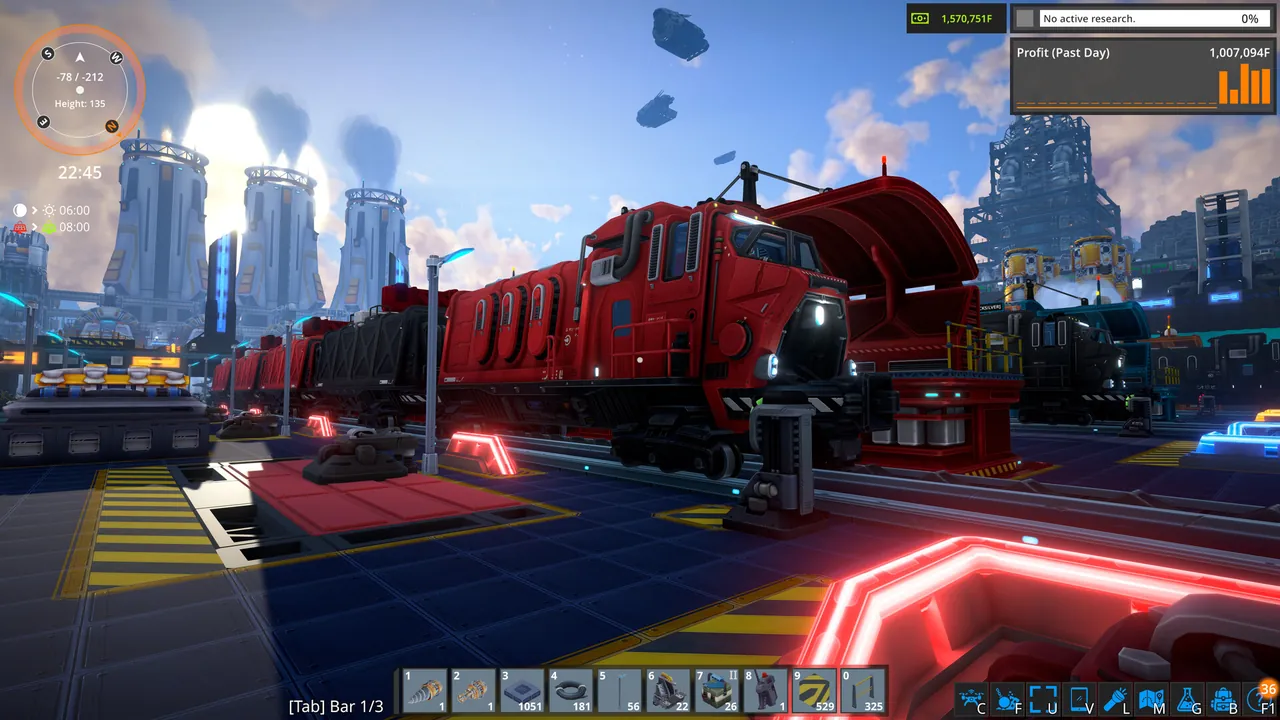
Why run a dedicated FOUNDRY server?
In a hosted co-op game, the factory only exists while the host plays. A dedicated server keeps the world available to everyone, research is shared by everyone on it, and one person's PC no longer simulates every conveyor and train for the group. The developers designed multiplayer mostly for 2 to 4 players, with no hard limit, according to the Paradox FAQ, so most servers are small crews.
What do you need to run a FOUNDRY server?
The server is a 64 bit Windows program. On Linux it runs under Wine, which is how most hosts run it. Memory grows with the size of the factory and how much voxel terrain players have dug out.
| Group and world | RAM | Notes |
|---|---|---|
| Small co-op group on a fresh map | 8 GB | Early game, a few production lines |
| Mid game factory with outposts and trains | 12 GB | The usual size after a few weeks |
| Big group, sprawling late game factory | 16 GB | Long running worlds with mods |
A fast CPU core matters as much as RAM once the factory gets big, because the server simulates every machine and belt.
How do I install the FOUNDRY dedicated server?
- Install it from Steam: in your Library, tick Tools in the filter and install FOUNDRY: Dedicated Server. Or use SteamCMD:
steamcmd +@sSteamCmdForcePlatformType windows +force_install_dir C:\FoundryServer +login anonymous +app_update 2915550 validate +quit
- Create
App.cfgin the same folder asFoundryDedicatedServer.exe. The developers host an example App.cfg you can start from. - Run
FoundryDedicatedServerLauncher.bat, or start the server from your Steam Library. - Leave it running. Stop it with Ctrl+C in the console so it saves cleanly.
Keep the server on the same game version as your players. When FOUNDRY updates on Steam, update the server too, or nobody can connect.
What goes in App.cfg?
App.cfg is plain key=value lines, one per line. A typical friends server:
server_name=Iron Belt Co-op
server_password=conveyor42
server_world_name=IronBelt
server_max_players=8
server_is_public=false
pause_server_when_empty=true
autosave_interval=300
server_port=3724
server_query_port=27015
mapseed=42938743982
Every key from the official dedicated server page:
| Key | What it does | Good value |
|---|---|---|
server_name |
Name in the Steam server browser | Something your group can search |
server_password |
Join password | Set one unless the server is public |
server_world_name |
The world, and the folder its saves are stored in | Short, no spaces, never change it |
server_max_players |
Player cap (the example uses 32) | Your group size plus one or two |
server_is_public |
List in the Steam browser | false for friends only |
pause_server_when_empty |
Freeze the world when nobody is on | true, so nothing jams overnight |
autosave_interval |
Seconds between autosaves | 300 |
server_port |
Game port, default 3724 | 3724 |
server_query_port |
Steam browser port, default 27015, only used when public | 27015 |
mapseed |
Seed used to generate a new world | Any number, before the first start |
server_persistent_data_override_folder |
Absolute folder for saves and logs | Leave unset on a home PC |
Two things catch people out:
- The seed key is
mapseed, with no underscore. A line likemap_seed=is not in the official list, so the server ignores it and you get the default seed. The seed only matters before the world exists. server_world_namepicks the save folder. Change it and the server starts a brand new world in a new folder. Your old factory is still on disk, just not loaded.
Where does the server keep the world?
By default, saves go to:
C:\Users\<you>\AppData\LocalLow\Channel 3 Entertainment\FoundryDedicatedServer\save\<server_world_name>\
If you set server_persistent_data_override_folder, saves and logs go there instead, which is how hosts run several servers on one machine. Back up the whole world folder before game updates and before installing or removing mods.
What ports does a FOUNDRY server use?
| Port | Protocol | Purpose |
|---|---|---|
| 3724 | UDP | Game traffic (server_port) |
| 27015 | UDP | Steam server browser query (server_query_port), only when public |
Forward both on your router and allow them through Windows Firewall. If you run a second server, give it a new pair in its own App.cfg. Our port forwarding guide covers the router side.
How do players join a FOUNDRY server?
- Launch FOUNDRY and click Multiplayer.
- Choose IP Direct Connect.
- Enter the server's IP and port, for example
203.0.113.10:3724, and the password.
A public server also shows in the Steam server browser, but only with server_is_public=true and the query port open. Direct connect always works, so use it for the first join.
How do mods work on a dedicated server?
FOUNDRY has Steam Workshop support, and most mods are built on the Unfoundry framework. Popular ones include Duplicationer (blueprints), Tweakificator and PlanIt.
- Put the server copies in the server's
Modsfolder and restart. - Install Unfoundry on the server first if a mod depends on it.
- Mods do not sync when players join. Make a Steam Workshop collection with the server's exact mod list and have everyone subscribe.
- Some mods are client only. Check each mod page for dedicated server support before adding it.
Back up the world before adding a mod that adds blocks or machines, since removing it later can leave a world that will not load.
Moving an existing world onto it
You can keep playing the world you started in single player or hosted co-op. In the game, open Load Game and click Open SaveGame Folder to find it. Stop the server, copy the world folder into the server's save folder, and set server_world_name to the folder's exact name, or rename the folder to match. Start the server and check the console. Step by step: how to move a FOUNDRY world to a dedicated server.
Common problems
- Server makes a fresh world:
server_world_namedoes not match the folder name insave, letter for letter. - Not in the server browser:
server_is_publicis false or UDP 27015 is closed. Use IP Direct Connect. - Friends time out: UDP 3724 is not forwarded, or it is forwarded as TCP.
- "Version mismatch" or cannot join after a patch: update the server to the same build as the game.
- A mod fails to load: Unfoundry is missing on the server, or the mod is client only.
The easy option: host it with GamezServers
Our FOUNDRY server hosting runs the dedicated server for you. On our servers the Settings page writes the name, password, world name, max players, public listing, pause when empty and autosave interval into App.cfg every time the server starts, so change those in Settings rather than in the file, or your edit is replaced on the next start. Saves sit in serverfiles/save/, and SFTP or the file manager handles uploading a world and the Mods folder.
| Plan | RAM | Price a month |
|---|---|---|
| Starter | 8 GB | 19.99 USD |
| Standard | 12 GB | 29.99 USD |
| Pro | 16 GB | 39.99 USD |
New customers get 50% off the first month on monthly plans, friends can split the bill with each paying their own share, and you can move up a plan as the factory grows without losing the world.
FAQ
What ports does a FOUNDRY dedicated server need?
UDP 3724 for the game and UDP 27015 for the Steam server browser. The query port is only used when the server is public.
Where are FOUNDRY dedicated server saves stored?
In AppData\LocalLow\Channel 3 Entertainment\FoundryDedicatedServer\save\ under a folder named after server_world_name, unless you set a data override folder.
How many players can join a FOUNDRY server?
You set the cap with server_max_players. The game is designed mostly for 2 to 4 players per server, but there is no hard limit.
Why did my server start a new world?
The world name changed or does not match the save folder. Set server_world_name back to the old folder's exact name and restart.
Do players need the same mods as the server?
Yes. Mods do not download on join, so share a Workshop collection with the server's mod list.
Skip the setup. Your own Foundry server.
Then $19.99/mo. Just trying it? $5.00 for 3 days