
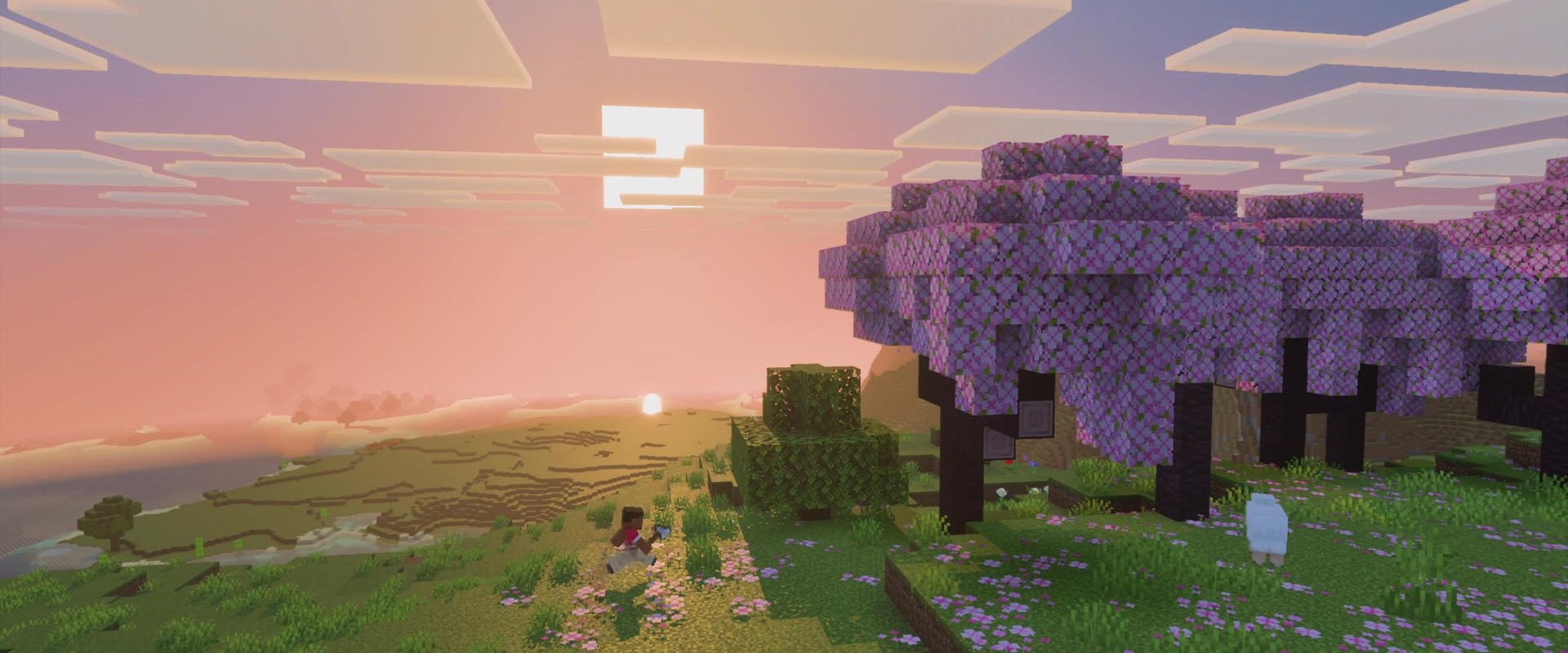

Minecraft: Java Edition server hosting
Your world, online in under a minute.
Vanilla, Paper, Fabric or Forge. Pick a plan, copy your address into Minecraft and start building with friends.
- DDoS protected
- 24/7 support
- Live the moment you pay
Minecraft: Java Edition
From $2.49 first monthPick a size
2 GB
10 players
4 GB
25 players
8 GB
60 players
Standard plan, 4 GB
$4.99first monthSetting up your Minecraft server
- Server reserved
- Minecraft installed
- Address ready
Nothing for you to do here. Really.
You are live
OnlinePaste this into Minecraft and play.
Server address
203.0.113.24:25565
3 friends joined
- DDoS protectionAlways on, every plan
- 24/7 supportReal people, any hour
- Low pingFast game hardware
- Live in 60 secondsNo setup, no waiting
- Cancel any timeNo contracts, ever
Pricing
Pick your Minecraft plan
Every plan is live the moment you pay. Upgrade or cancel from your dashboard any time.
Starter
2 GBThen $4.99/mo.
Splitting with 3 friends? $2.27 each/mo
- 2 GB RAM
- 2 vCPU cores
- Up to 10 players
- DDoS protection included
- 24/7 support
Standard
4 GBThen $9.99/mo.
Splitting with 3 friends? $3.52 each/mo
- 4 GB RAM
- 2 vCPU cores
- Up to 25 players
- DDoS protection included
- 24/7 support
Pro
8 GBThen $19.99/mo.
Splitting with 3 friends? $6.02 each/mo
- 8 GB RAM
- 2 vCPU cores
- Up to 60 players
- DDoS protection included
- 24/7 support
Elite
12 GBThen $29.99/mo.
Splitting with 3 friends? $8.52 each/mo
- 12 GB RAM
- 3 vCPU cores
- Up to 120 players
- DDoS protection included
- 24/7 support
Made for Minecraft
Everything a great Minecraft server needs
Any version, any loader
Switch between Vanilla, Paper, Fabric and Forge without touching a file.
Friends list in one click
Whitelist and op players straight from the panel.
Never lose a build
One click backups before every big change.
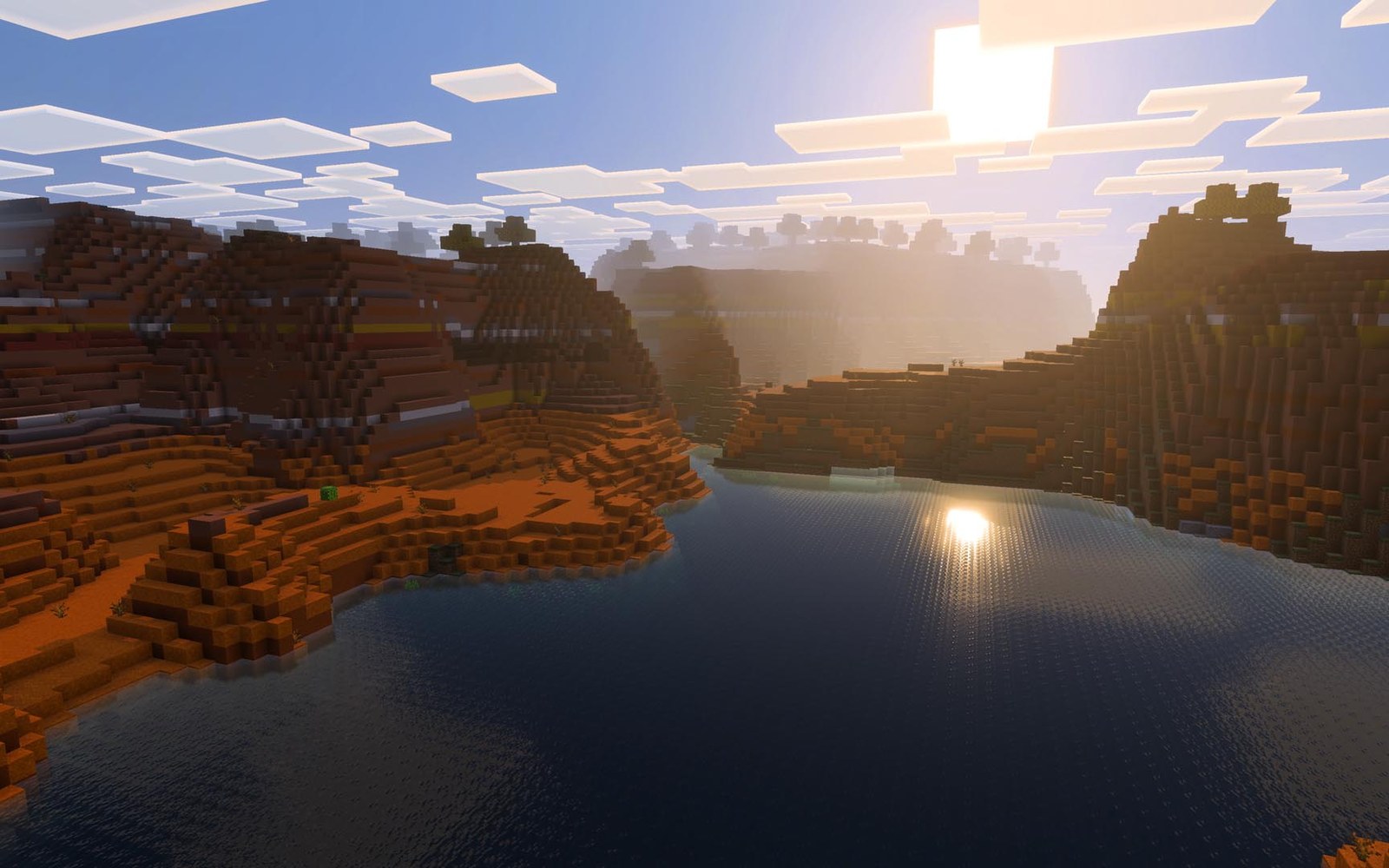
In game
A look inside Minecraft
Real screenshots from the game. Click any of them to see it full size.
Requirements
How much RAM does a Minecraft server need?
Find the row that sounds like your group and we will point you at the right plan.
| Your server | RAM | Plan |
|---|---|---|
| Vanilla or Paper, up to 5 friends | 2 GB | Starter$4.99/mo |
| Paper with plugins, 10 to 25 players | 4 GB | Standard$9.99/mo |
| Light modpack or Fabric mods, up to 10 players | 6 GB | Pro$19.99/mo |
| Big modpack like All the Mods, up to 15 players | 8 GB | Pro$19.99/mo |
| Public server or heavy modpack with a big crowd | 12 GB | Elite$29.99/mo |
Your control panel
Every button you need. Try it.
This is the Minecraft panel you get. Click any button, or type a command.
Minecraft Server
203.0.113.24:25565
[12:00:00] Starting Minecraft: Java Edition server
[12:00:03] Loading world
[12:00:06] Server started on port 25565
[12:00:09] Ready for players. Try a button.
Power
Minecraft actions
Connecting
How to join your Minecraft server
- 1
Open Minecraft: Java Edition on the same version as your server.
- 2
Click Multiplayer, then Add Server.
- 3
Paste the server address, including the port, and click Done.
- 4
Double click the server in your list to join. Send the same address to your friends.
Common problems
Include the port
Paste the whole address, including the colon and the number after it. Without the port Minecraft looks in the wrong place and says it cannot connect.
"Outdated client" or "Outdated server"
Your game and the server are on different versions. Ask the owner which version the server runs, then in the Minecraft Launcher open Installations, click New installation, pick that version and play it.
Playing on phone, console or Bedrock?
Only Minecraft: Java Edition on PC and Mac can join a Java server. Bedrock players need the owner to install Geyser first.
Commands say you do not have permission
Commands like /gamemode only work for operators. The owner can make you one with Make operator in the dashboard.
Server not responding
Make sure the server is online. Servers sleep after 90 minutes with nobody playing, and anyone with access can start them again from the dashboard in one click.
Use the server address
Do not use localhost, 127.0.0.1 or your own IP from a home hosting guide. Copy the exact address of the server.
No port forwarding or firewall changes
Opening ports on your router is only for hosting a server at home, so there is nothing to change to join this one. If Windows asks whether to let the game through the firewall, choose Allow.
Mods and plugins
Modding your Minecraft server
Pick a server type from the panel and the right files are installed for you. Plugins suit survival servers with friends, mods and modpacks change the game itself, and Geyser lets Bedrock players on console and phone join your Java world.
About
Minecraft: Java Edition server hosting, explained
A Minecraft server is a Java program that keeps your world running and lets players connect over the internet. Running one at home means leaving a PC on around the clock, opening ports on your router and handing your home IP address to everyone who joins. Hosting it with us moves all of that into a data center: your world stays online when you log off, friends connect to our address instead of yours, and nobody has to understand port forwarding.
Most private servers run Paper, a faster drop in replacement for the official server that keeps vanilla gameplay while supporting plugins such as EssentialsX, LuckPerms and GriefPrevention. If you want new blocks, mobs or dimensions you need a mod loader instead, usually Fabric for lighter performance mods or Forge and NeoForge for the big content packs.
RAM is the setting that matters most. Vanilla and Paper stay light, but every mod, loaded chunk and player adds memory, which is why modpacks need 6 to 10 GB. If your server starts to lag, upgrade from the dashboard and your world comes with you.
Guides
Minecraft server guides
How to Host a Minecraft Server (Step by Step, 2026)
How to host a Minecraft server with friends in 2026: pick a plan, get your address in 60 seconds, then set up whitelist, ops, plugins, mods and backups.
ReadHow to Install Mods on a Minecraft Server (Fabric, Forge, NeoForge)
How to install mods on a Minecraft server in 2026: pick a loader, set up the server, add mods, match them on every client and fix the usual crashes.
ReadHow to Make a Minecraft Server (Java Edition, 2026 Guide)
Set up your own Minecraft Java server step by step. Java, the server jar, the EULA, RAM flags, port forwarding and how friends connect.
ReadHow to Op Someone on a Minecraft Server (and Yourself)
How to op someone on a Minecraft server from the console or in game, what each op permission level allows, how to deop, and ops.json explained.
ReadHow to Upload a World to a Minecraft Server (Singleplayer to Server)
How to upload a world to a Minecraft server: find your save, upload it over SFTP, set level-name, and fix missing Nether, wrong spawn and version issues.
ReadHow to Whitelist on a Minecraft Server (2026 Commands)
How to whitelist players on a Minecraft server: turn it on, add and remove friends, enforce-whitelist, whitelist.json and the 26.3 default change.
ReadNo surprises
Included on every plan
- Always on DDoS protection
- 24/7 support from real people
- Low ping game hardware
- Live the moment you pay
- Your own address and port
- Live console with full access
- One click game actions
- One click backups
- Upgrade or cancel any time
FAQ
Questions, answered
Can I run mods and modpacks?
Yes. Choose Fabric or Forge and add your mods. Bigger modpacks run best on 8 GB or more.
Does Bedrock work?
This plan runs Java Edition. Bedrock players can join through Geyser if you add it.
Can I upload my existing world?
Yes. Upload your world folder and it loads on the next start.
Which Minecraft versions can I run?
Any release, from old favourites to the latest update. Pick the version in the panel and switch whenever you like, just back up first when going back to an older version.
How many players can join?
There is no hard cap. RAM and CPU decide it: a 4 GB Paper server comfortably handles around 25 players, while modded servers need more memory per player.
Do my friends need to own Minecraft?
Yes. Everyone needs their own copy of Minecraft: Java Edition, or Bedrock if you install Geyser. Online mode keeps cracked accounts out.
Are your servers protected from DDoS attacks?
Yes. Every server on every plan sits behind always on DDoS protection at no extra cost, so attacks and booters do not knock your group offline.
When can I get help?
Any time. Support is 24/7, and the people answering run game servers every day. Email support@gamezservers.com whenever you need us.
Will my server lag?
Our servers run on fast game hardware on low latency networks for smooth, low ping play. If your group grows or adds heavy mods, upgrade in one click and keep your world.
How fast is setup, really?
Your server starts building the moment Stripe confirms payment. Most are online in under a minute, and the address and login appear on your dashboard automatically.




Your Minecraft server is a minute away
Your world, online in under a minute.
Deploy Minecraft nowLive in 60 seconds · Cancel any time
NOT AN OFFICIAL MINECRAFT SERVICE. NOT APPROVED BY OR ASSOCIATED WITH MOJANG OR MICROSOFT. GamezServers is solely responsible for this service. Contact support@gamezservers.com.
Minecraft
From $2.49 first month